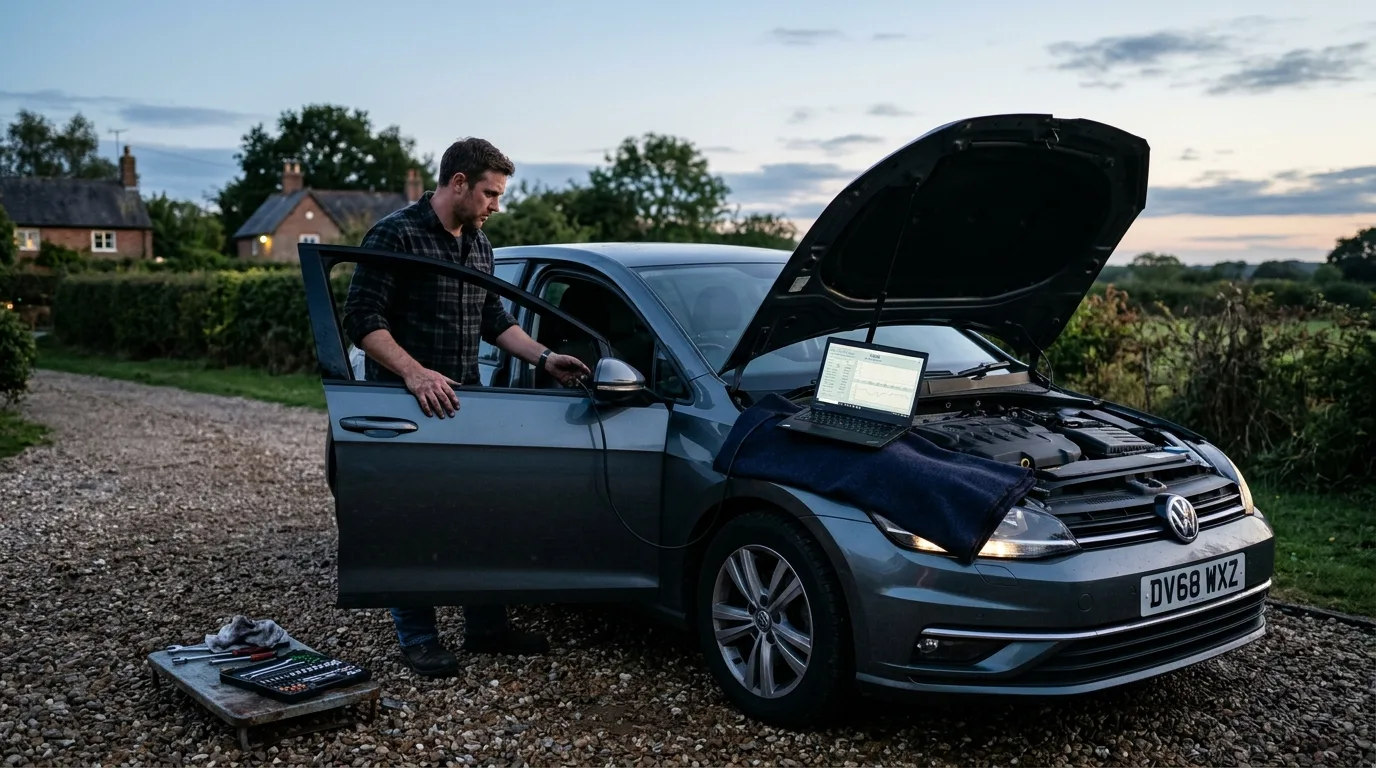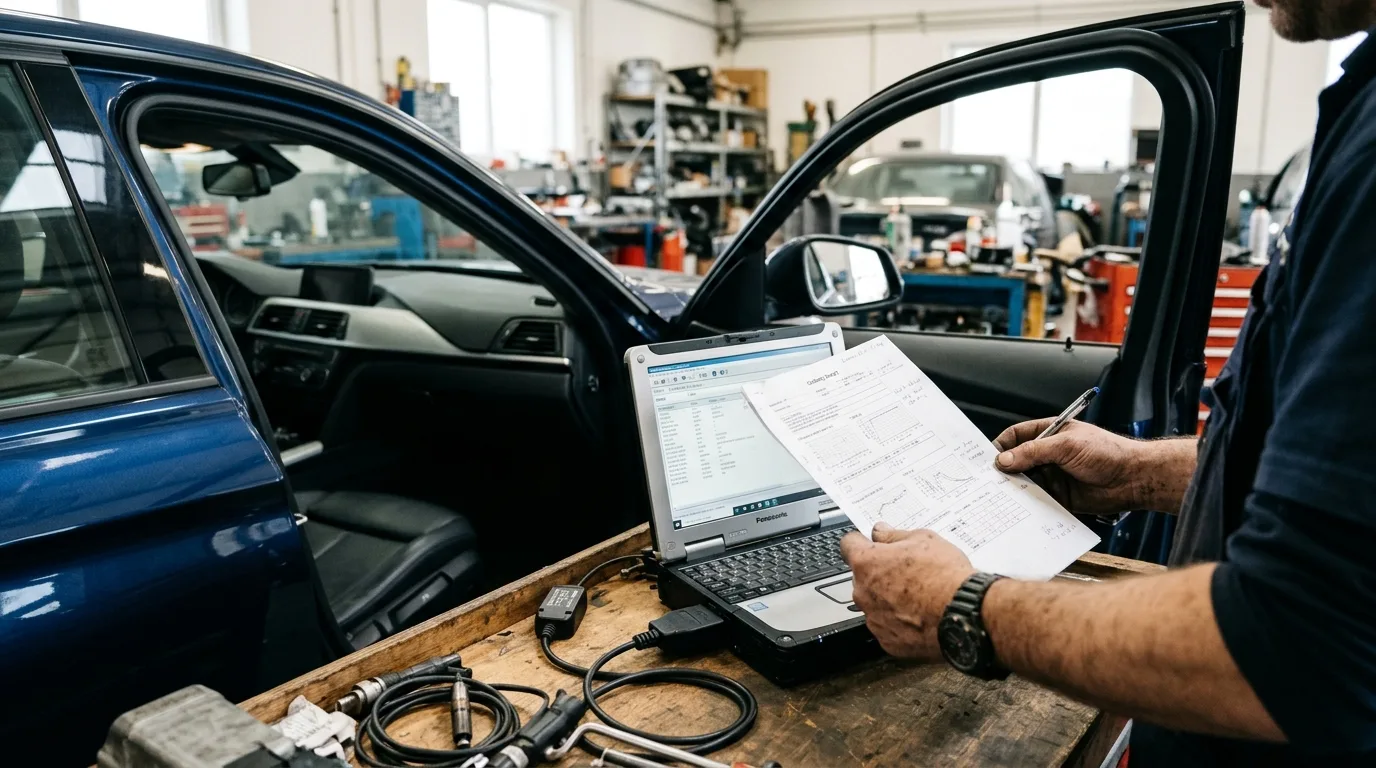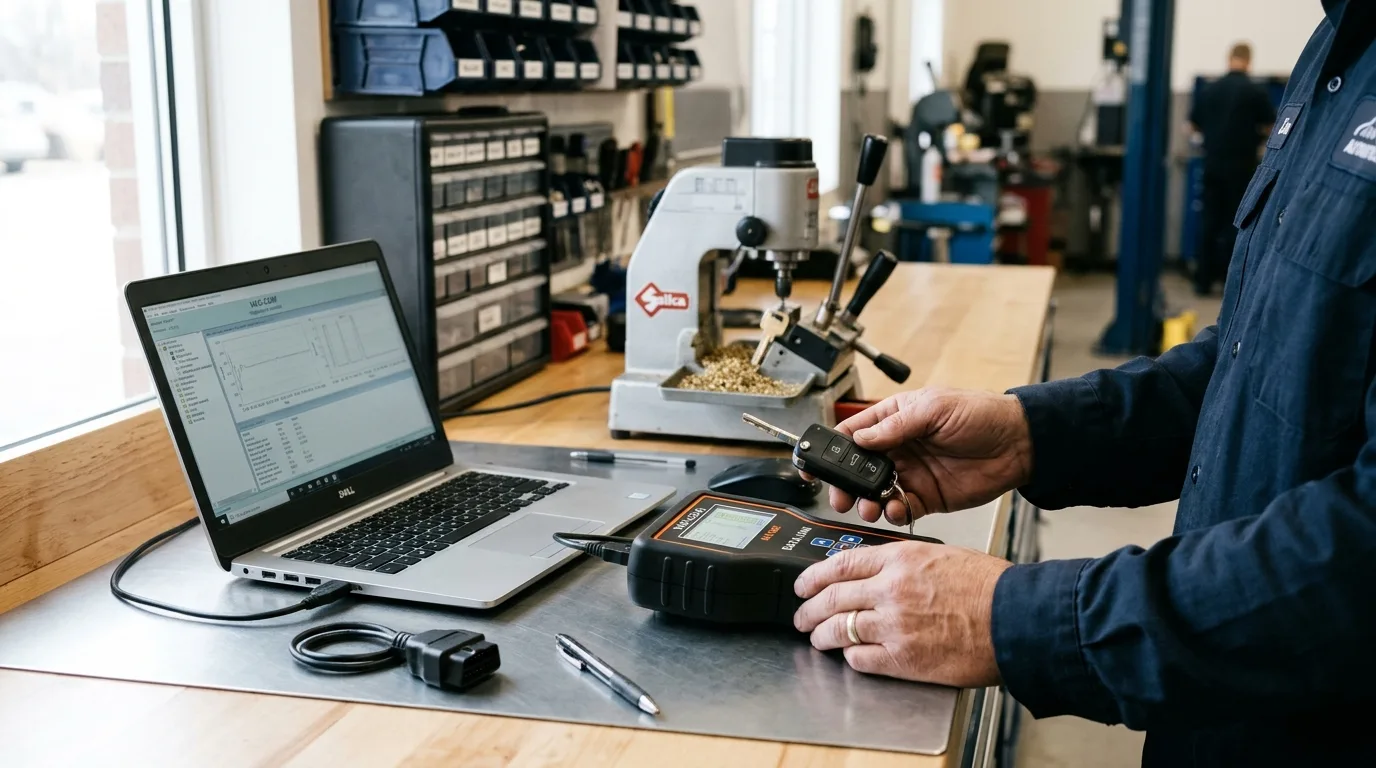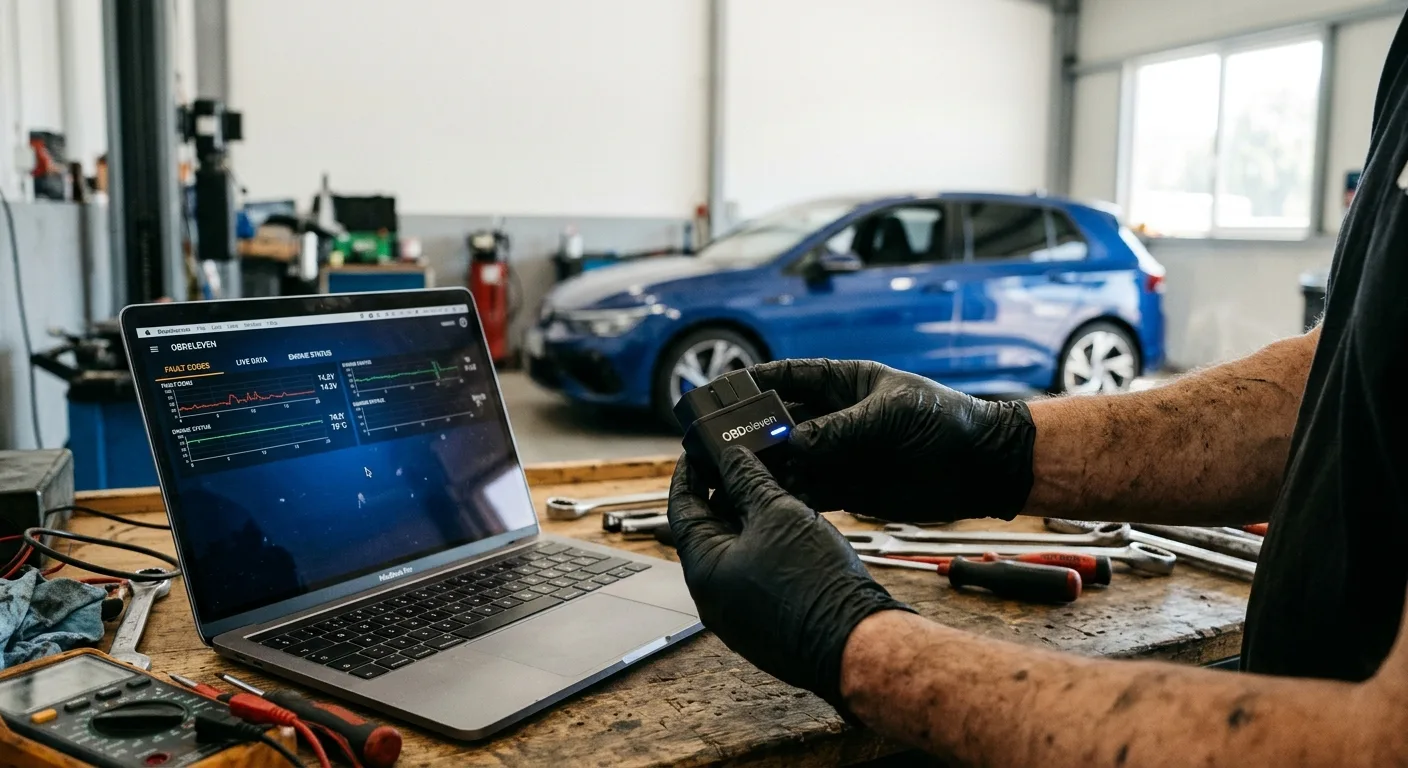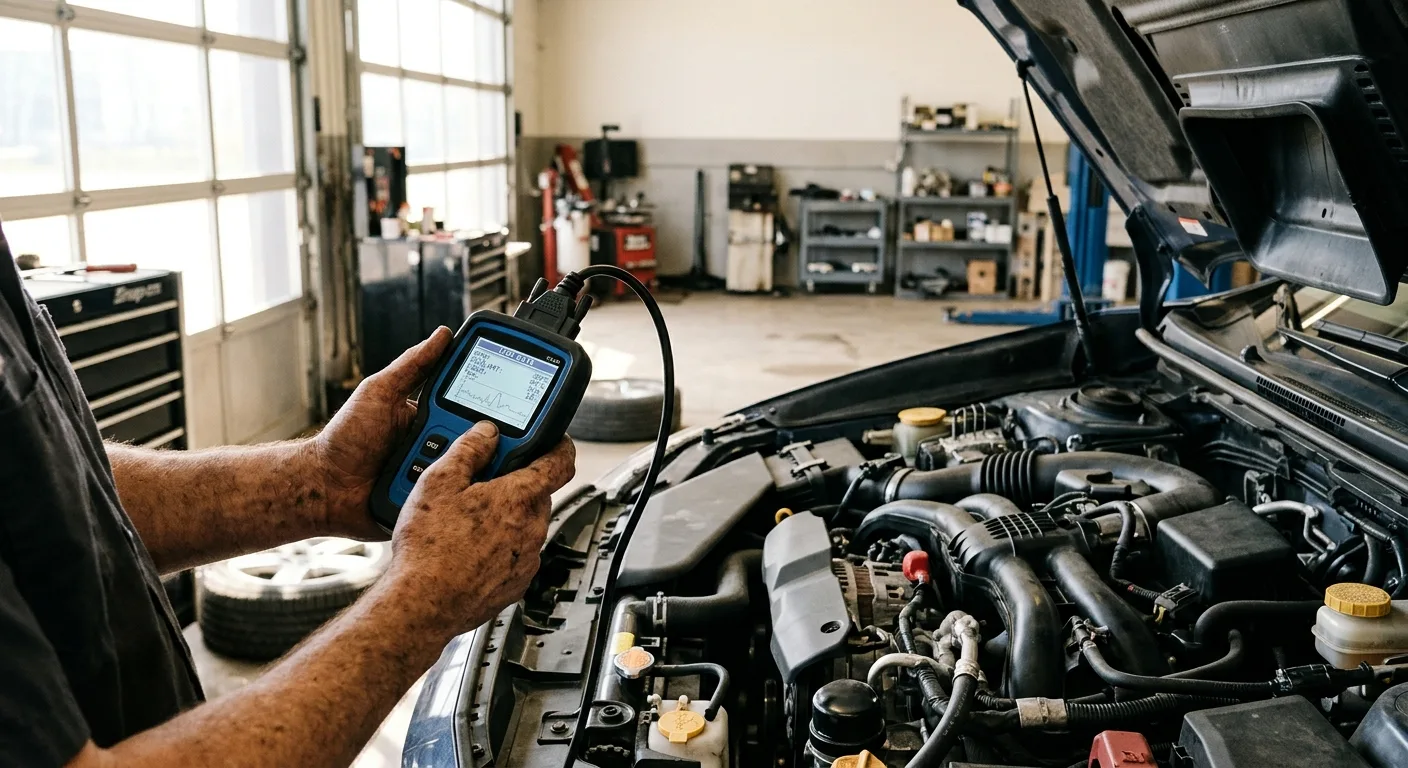
A failing crankshaft position sensor can stall an engine, cause a no-start, or throw a crank sensor code that sends you chasing the wrong part. By the end of this guide you will know how to confirm a bad CKP sensor with live data instead of guessing, using a scan tool that shows RPM and sensor PIDs in real time. Budget about 45 to 90 minutes for a careful diagnosis, and have the vehicle's service information on hand.
What you need before you start
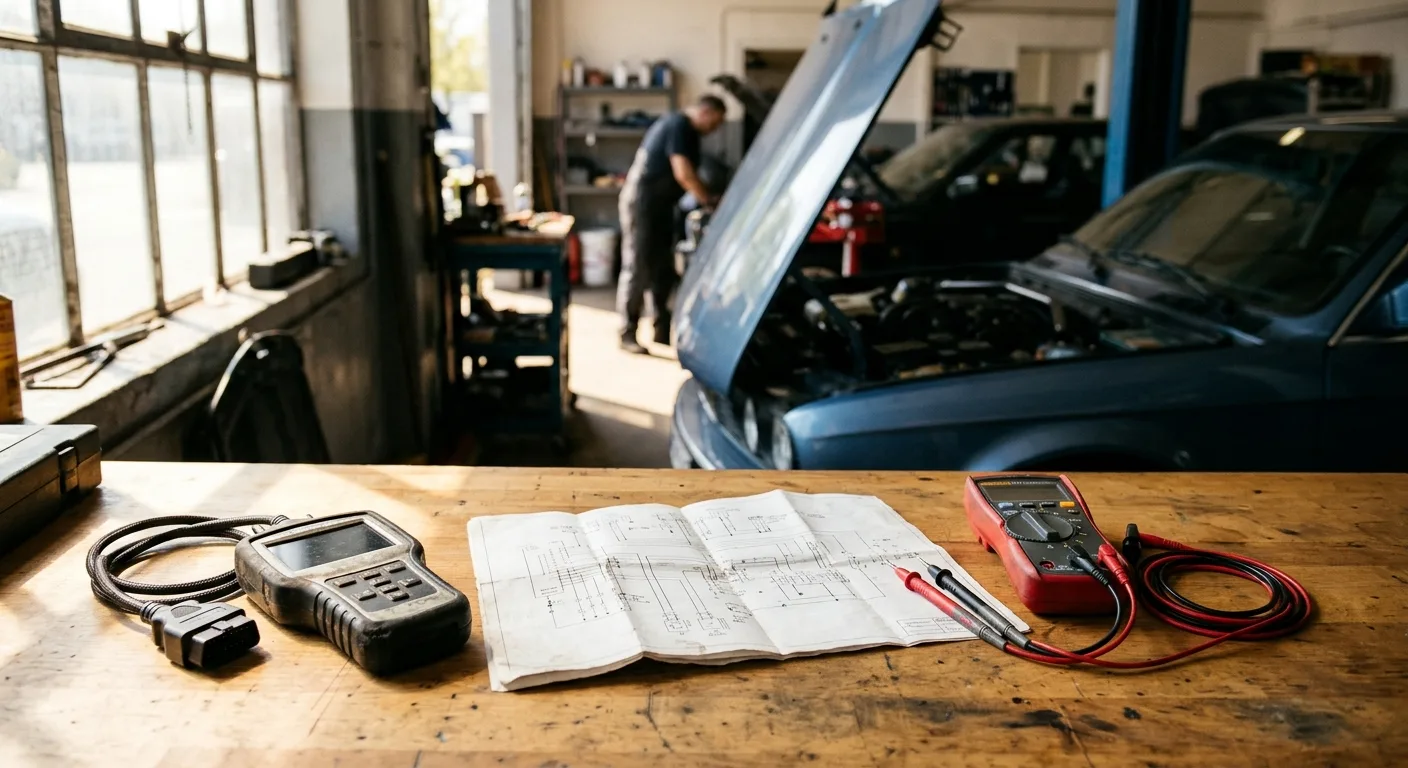
- A scan tool or app that displays live data, including engine RPM and crankshaft/camshaft position PIDs. A basic code reader that only shows stored codes is not enough here.
- A wiring diagram and connector pinout for your specific vehicle. This is not optional. CKP circuits vary a lot between makes and models.
- A digital multimeter with a min/max or peak-capture function if it has one.
- A test light or logic probe, plus back-probe pins or a breakout lead.
- Basic hand tools, safety glasses, and a flashlight or work light.
- The owner's manual or factory service info for any resistance, gap, or torque specs.
Step 1: Read the codes first, then write them down
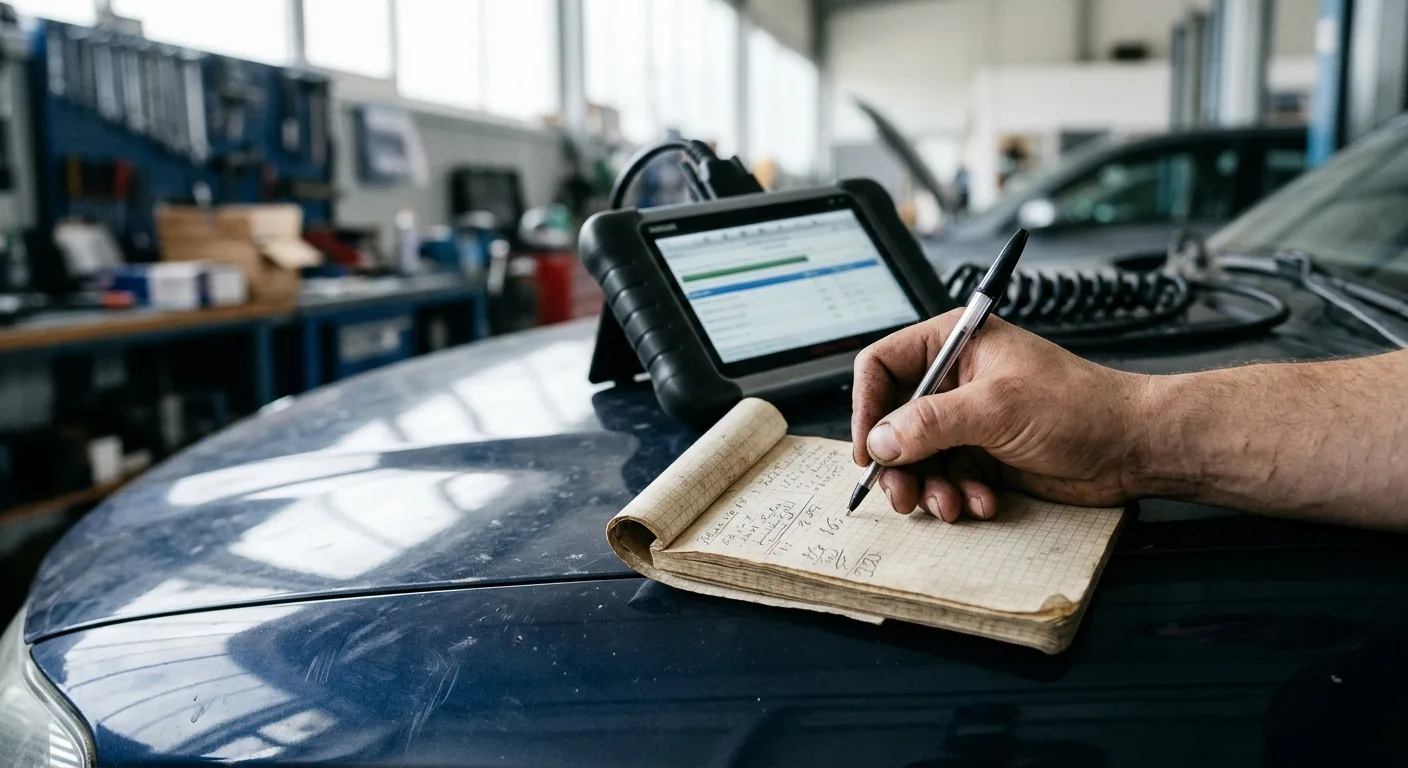
Pull stored and pending codes before you touch anything. A crankshaft position sensor often sets a dedicated code, but it can also trigger misfire or cam correlation codes that look unrelated. Write down every code, freeze-frame data, and the conditions when it set (cold, hot, at speed, after a bump).
Why it matters: the code tells you which circuit the computer is unhappy with, and freeze-frame tells you whether the fault shows up hot or cold. That single detail shapes the entire test.
Tip: If you are unsure what a code means, run it through the free OBD code lookup before you open the hood. It saves you from chasing a symptom that belongs to a different system.
Step 2: Confirm the symptom is real and repeatable
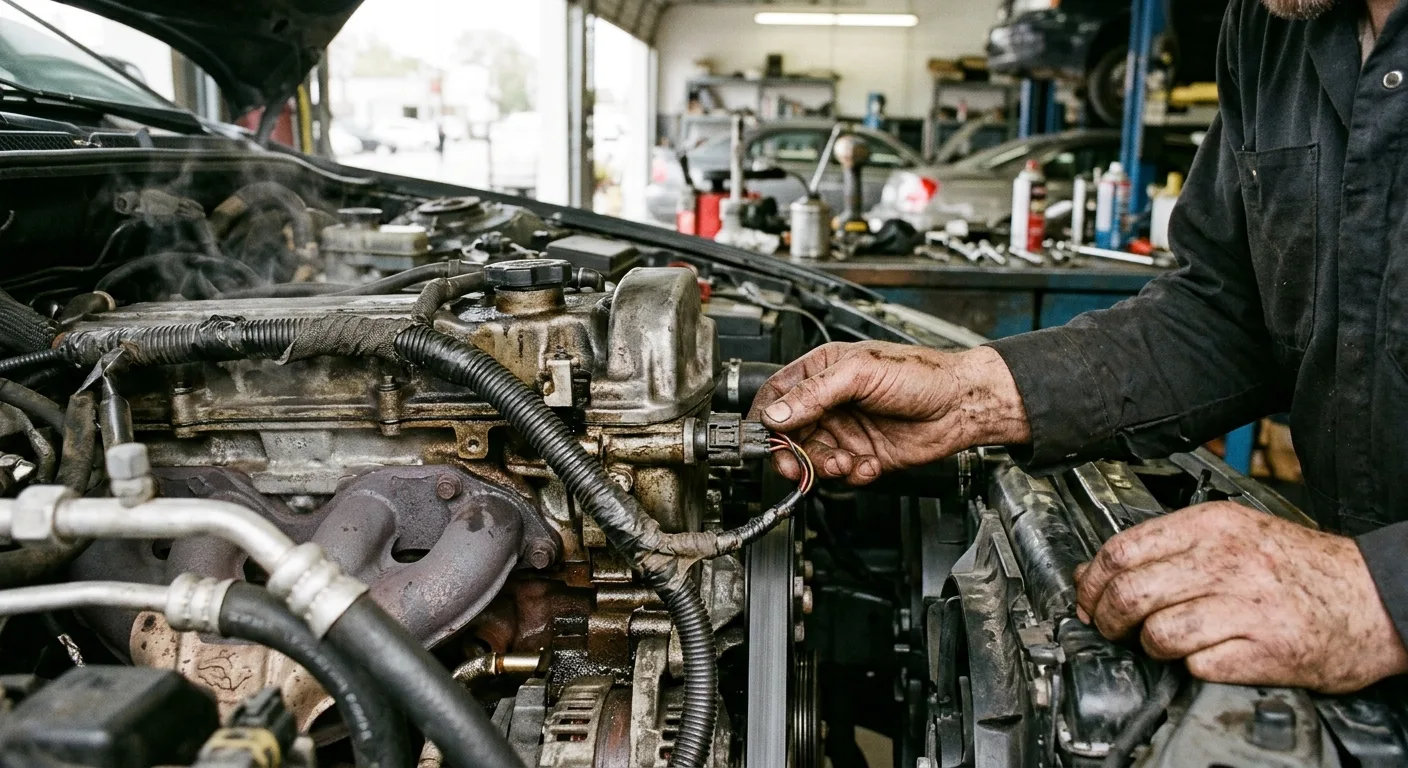
Start the engine and note whether it cranks but will not fire, idles rough, or dies when hot. If it runs, let it reach operating temperature, then gently wiggle the CKP harness and connector while watching for a stumble. If the engine quits the moment you move the wiring, you have found a likely culprit in the circuit, not the sensor body.
Safety first: keep hands, sleeves, and tools clear of the belts, fans, and exhaust. A hot engine bay can burn you in seconds, and a spinning fan does not care who you are.
Tip: If the car will not start at all, you cannot use live data yet. Skip to the cranking RPM test in Step 4.
Step 3: Watch cranking RPM on live data
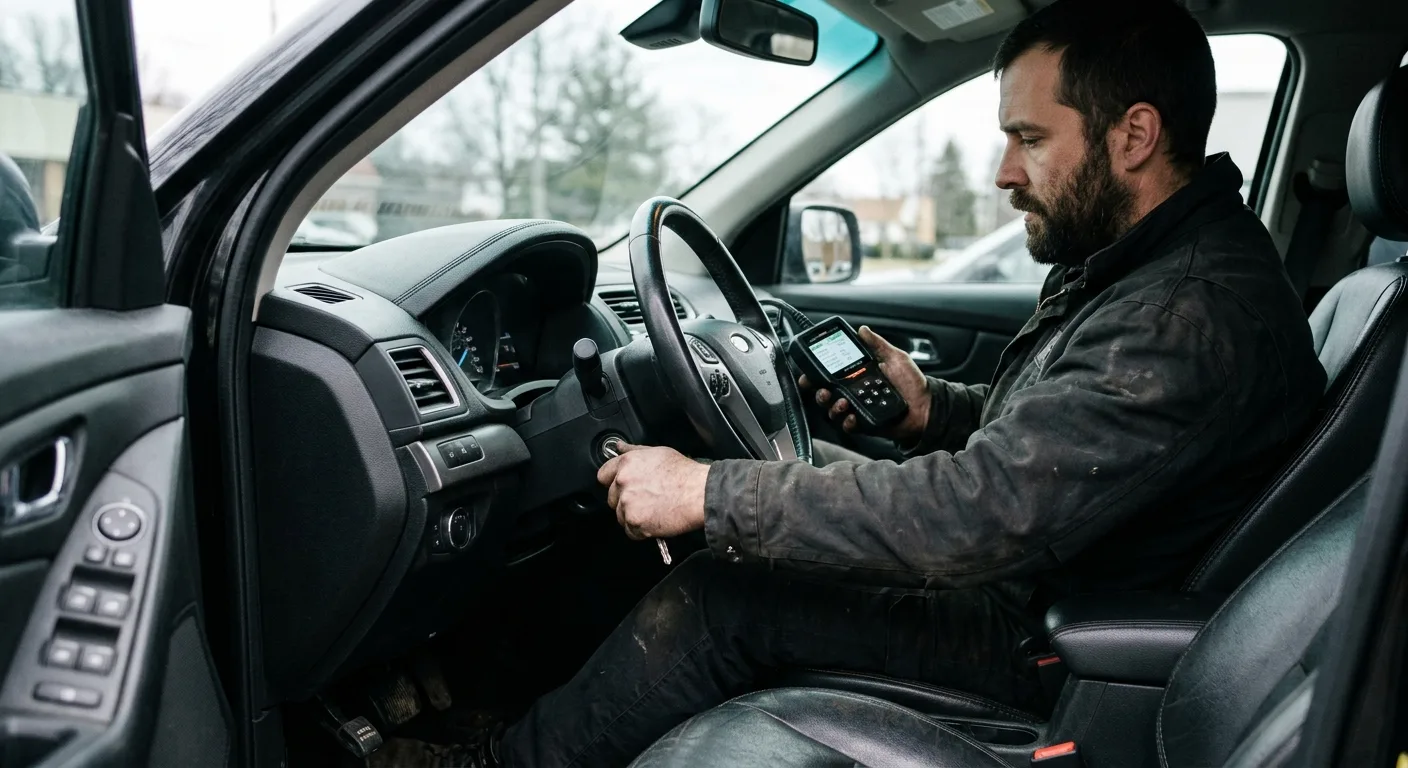
Get into the live data or data-stream screen and select engine RPM. Crank the engine for a few seconds. A healthy CKP produces a steady RPM reading while cranking, usually in the low hundreds depending on the engine. If RPM stays at zero or jumps erratically while the starter is clearly spinning the engine, the computer is not seeing a clean crank signal.
Why it matters: this is the fastest confirmation that the CKP signal is missing or dirty. No RPM during crank points straight at the sensor, its wiring, or the trigger wheel.
Tip: Use a tool that graphs the PID rather than showing a single number. A steady value with occasional dropouts is easier to spot on a graph. The OBD live-data tool is built for exactly this kind of real-time watching.
Step 4: Compare crank and cam signals
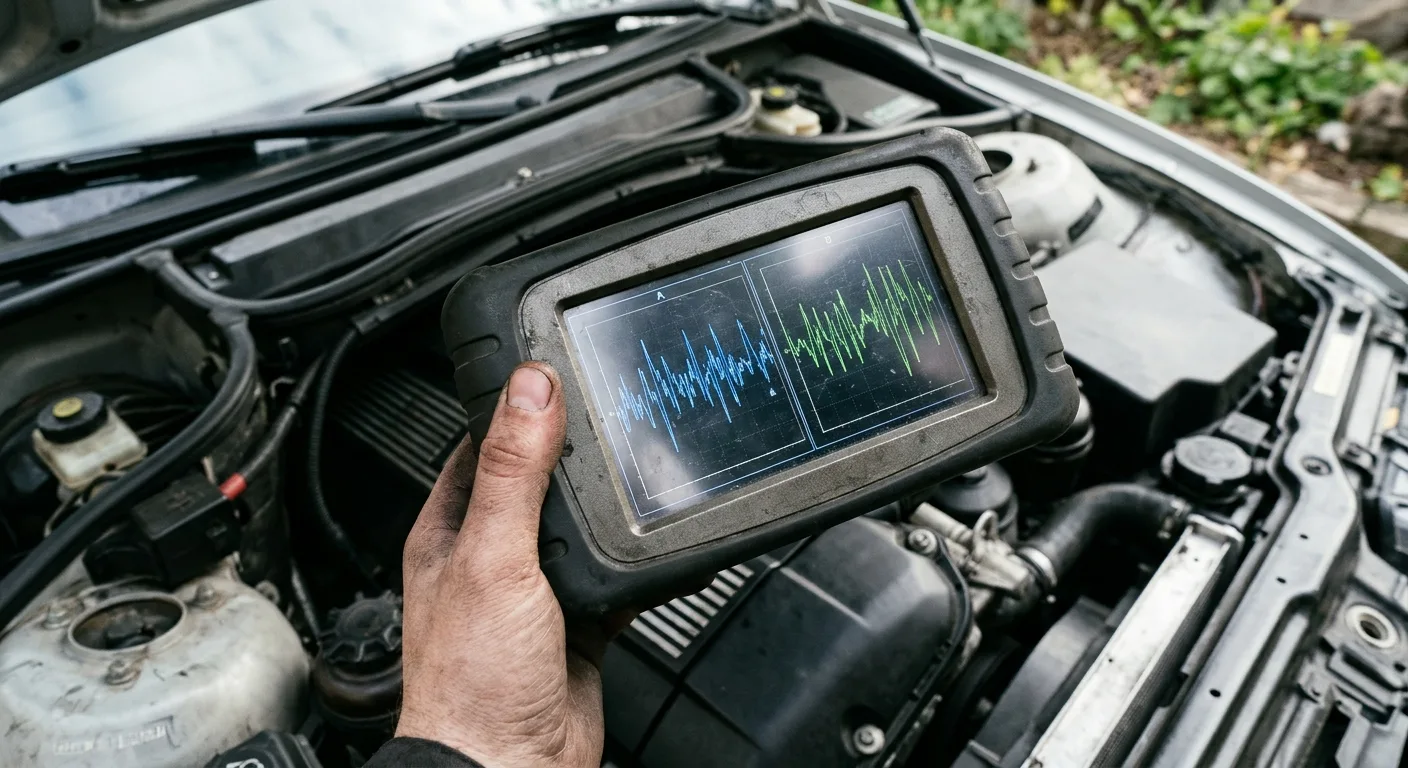
Bring up both crankshaft and camshaft position PIDs if your tool supports them. Many engines will not run without a valid crank signal, but a failing sensor can still produce a rough, inconsistent signal while the cam stays clean. Watch for the crank signal dropping out, glitching, or losing sync with the cam.
Why it matters: comparing the two signals tells you which sensor is actually misbehaving, so you do not replace a good CKP because of a cam sensor fault.
Tip: If your scan tool lacks cam PIDs, an oscilloscope on the crank signal wire is the next best move. That is a technician-level step, but it settles the question quickly.
Step 5: Check the wiring and connector under load
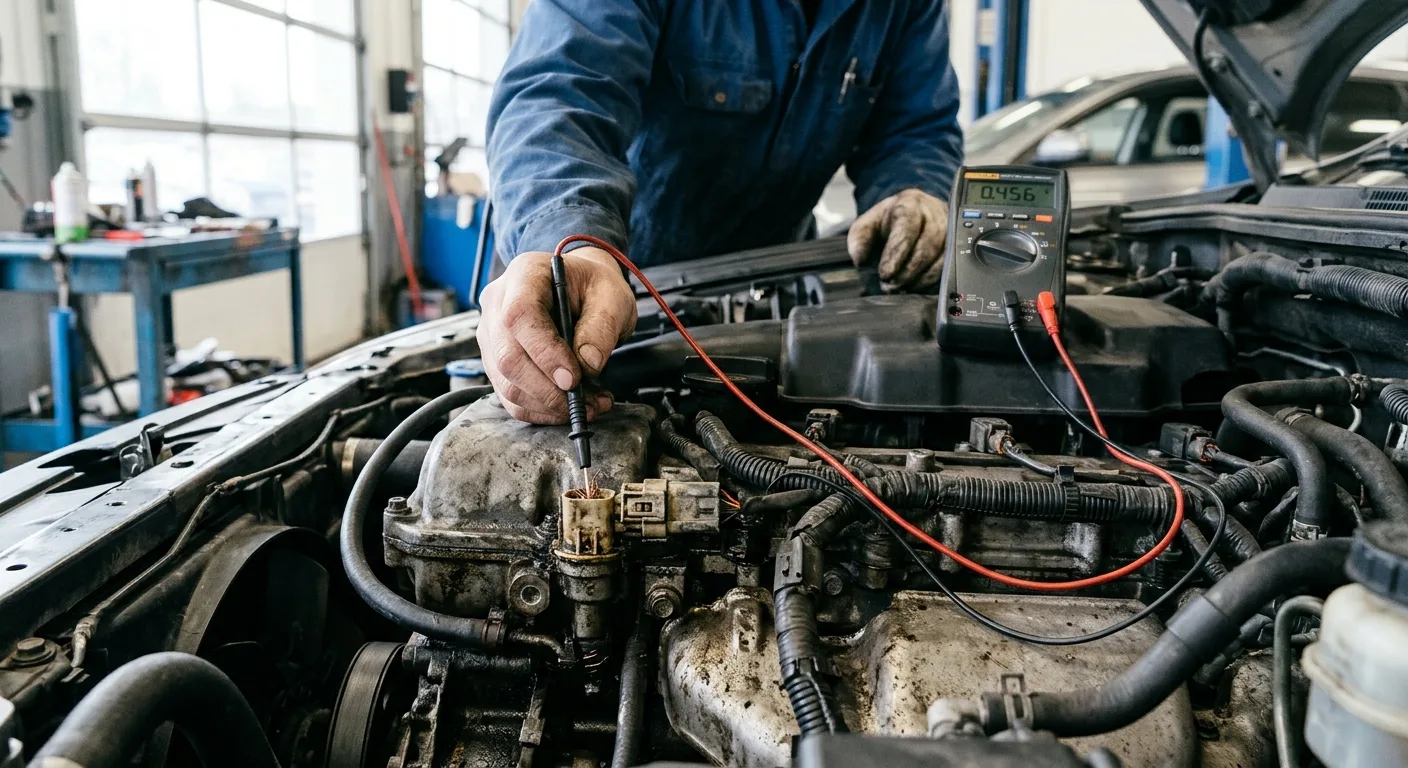
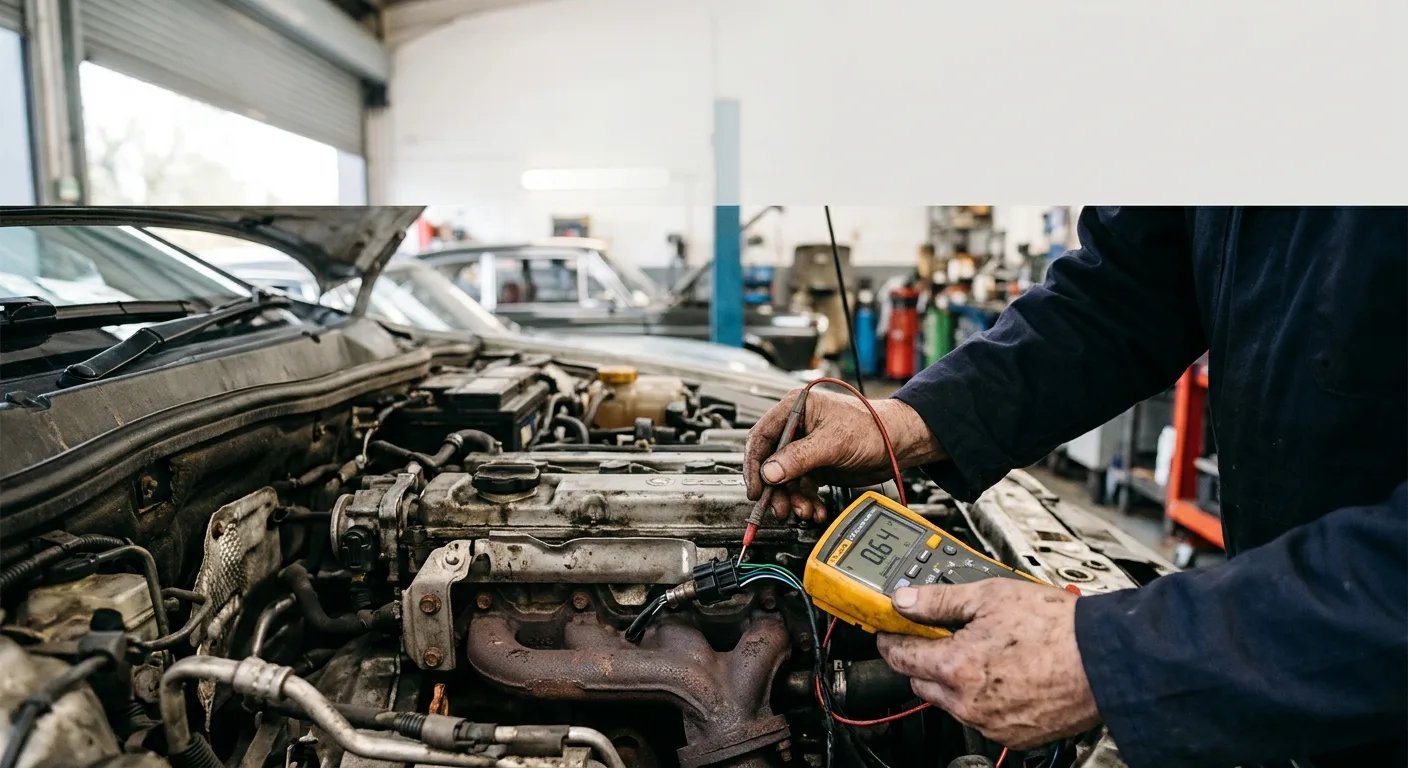
Back-probe the CKP signal and ground wires at the sensor connector and at the PCM, and compare readings. Wiggle the harness, flex the connector, and watch the live data for dropouts. Look for corrosion, pushed-back pins, chafed insulation near hot or moving parts, and oil-soaked connectors.
Why it matters: a large share of "bad crank sensor" diagnoses turn out to be a broken wire or a corroded pin. Replacing the sensor fixes nothing in those cases.
Safety note: turn the ignition off before unplugging connectors, and never probe a circuit by stabbing through insulation unless you plan to repair it properly afterward.
Tip: A wiring diagram from a service site such as the mechanical encyclopedia or your factory manual will save you from probing the wrong wire.
Step 6: Inspect the sensor and trigger wheel
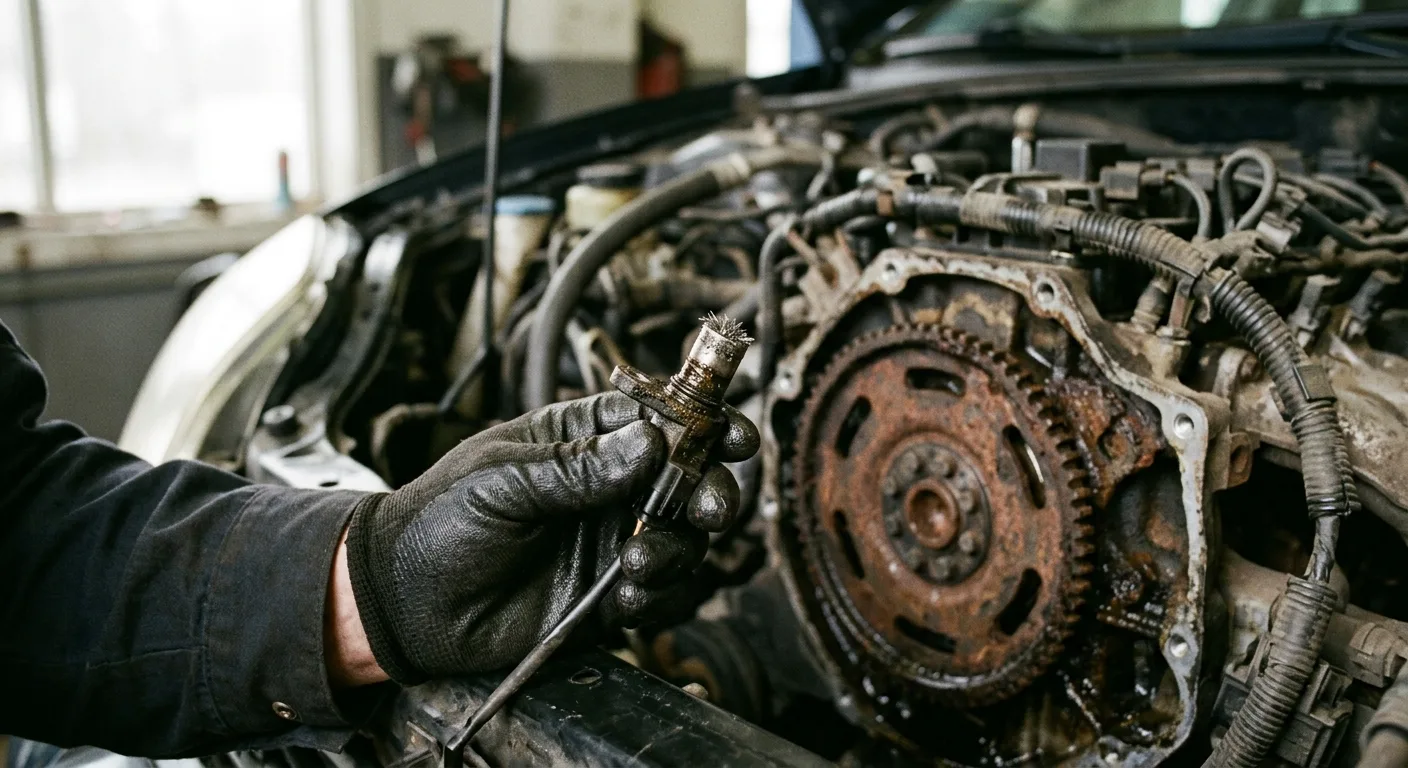
With the engine off and cool, remove the sensor if the service info says it is accessible. Check the tip for metal shavings, cracks, or a swollen face. Look at the reluctor wheel or tone ring for missing teeth, cracks, or heavy rust. Confirm the air gap if the manual specifies one.
Why it matters: debris stuck to a magnetic sensor tip can weaken or distort the signal. A damaged trigger wheel mimics a bad sensor perfectly.
Tip: Clean the tip gently and reinstall to specification, then repeat the live-data crank test before condemning the part. Rough estimate: a replacement sensor is often modestly priced, but labor varies widely, so confirm the quote against your shop.
Step 7: Make the call and verify the repair
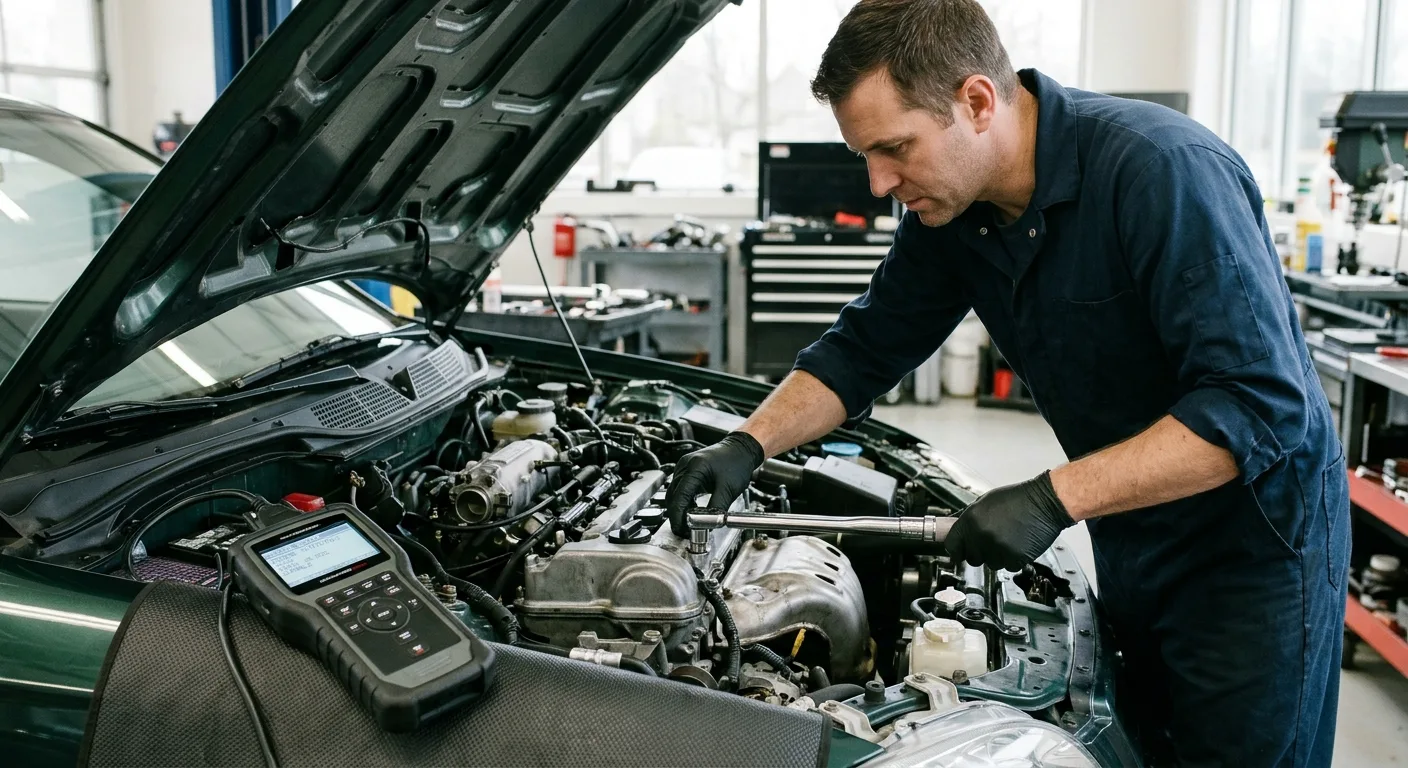
If the live data shows no RPM during crank, the wiring checks out, and the sensor or trigger wheel shows damage, replace the sensor. Clear the codes, then recheck live data at idle and during a test drive. Confirm the RPM reading is steady, the codes stay clear, and the stall or no-start is gone.
Why it matters: verification is what separates a real fix from a lucky guess. If the fault returns, you go back to the wiring with fresh eyes.
Tip: If the diagnosis is not adding up, describe your live-data readings to the AI mechanic assistant for a second opinion on what to check next.
Pro tips
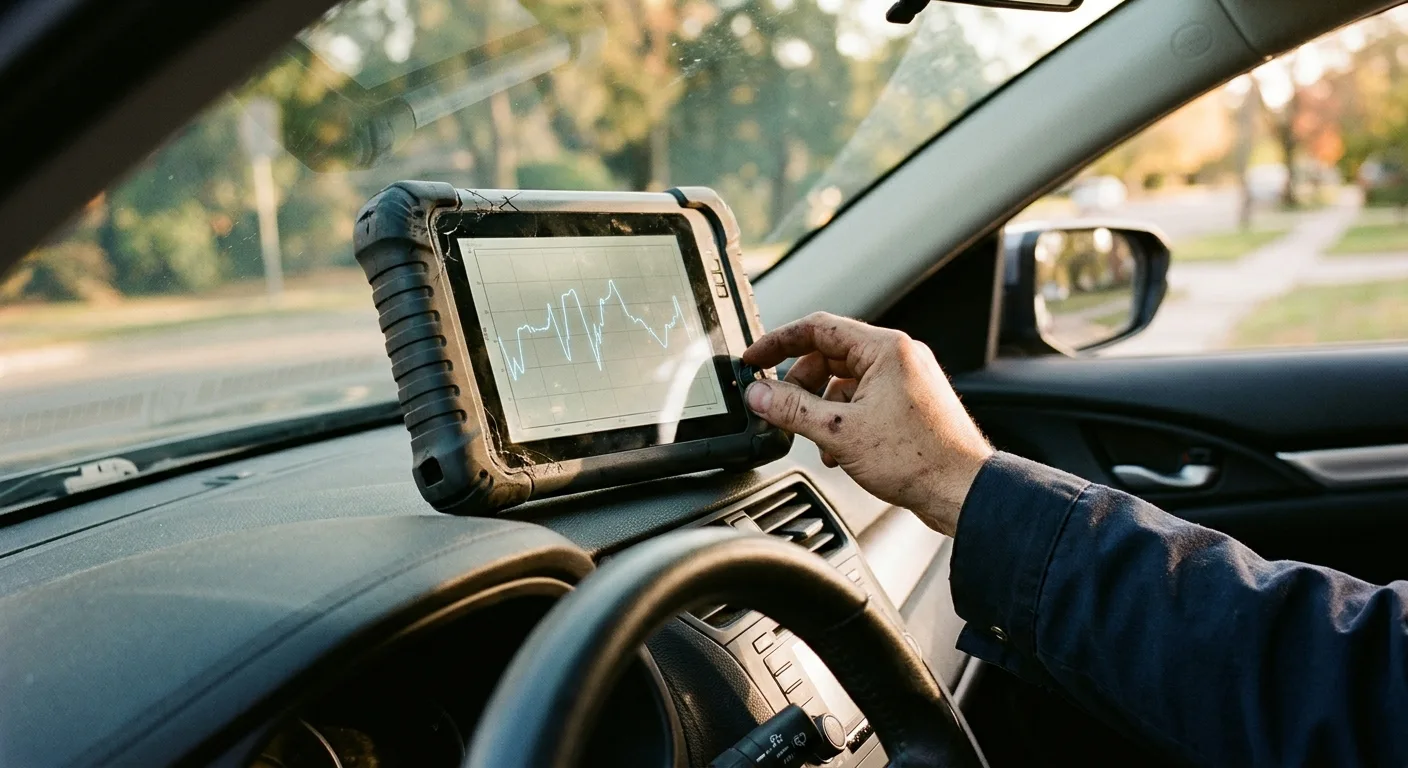
- Graph the RPM PID over a minute rather than reading a single snapshot. Intermittent dropouts hide in the flat numbers.
- Heat is a common trigger. Test cold, then again after a full warm-up, because some sensors fail only when hot.
- Do the wiggle test on the harness before and after the repair. It catches the wiring fault you almost missed.
- Keep a known-good CKP reading from a similar engine as a baseline if you do this often. Comparison speeds up every future job.
- If you are still learning, the mechanic quiz is a low-pressure way to sharpen your live-data reading skills.
Common pitfalls
- Replacing the sensor first. Confirm the signal is actually missing at the PCM before buying parts.
- Trusting a code reader that only shows codes. You need live data to see RPM behavior. A plain reader tells you the symptom, not the cause.
- Ignoring the trigger wheel. A cracked or rusty reluctor wheel fools everyone. Inspect it.
- Skipping the wiggle test. Intermittent wiring faults are the most common false diagnosis in this job.
- Not verifying after the repair. Clear codes, recheck live data, and test drive. Otherwise you never know if the fix held.
Useful resources
- Your vehicle's factory service information or owner's manual for specs and procedures.
- The step-by-step car guides for related diagnostics and repairs.
- The free car tools for quick reference utilities.
- The AutoTools blog for more diagnostic write-ups.
- Expert car tips for practical shop shortcuts.
FAQ
Can a bad crankshaft position sensor throw a code but still let the car run? Yes. A failing CKP can set a code while the engine still starts, then stall or misfire when hot. Live data will show the dropouts.
How do I know it is the CKP and not the cam sensor? Compare crank and cam PIDs on live data. Whichever signal drops out or loses sync is the one to chase, and confirm with a wiring check.
Do I need an oscilloscope? Not always. A scan tool with graphing live data catches most faults. An oscilloscope is the next step for intermittent or borderline signals.
Why does the RPM read zero while cranking? The computer is not receiving a clean crank signal. Check the sensor, connector, wiring, and trigger wheel before replacing parts.
Can I diagnose this with a basic code reader? No. You need live data or a scope to see what the crank signal is actually doing.
You do not need a fancy shop to nail this diagnosis. Slow down, watch the live data, and let the signal tell you the truth before you reach for your wallet.