The rain-sensing wipers quit on me in the middle of a downpour on I-5, and the car in front threw a sheet of water that I never saw coming. I made it to the shoulder, sat there with the hazards ticking, and thought: this is a 2019 Golf that came loaded. Why is the wiper logic this dumb?
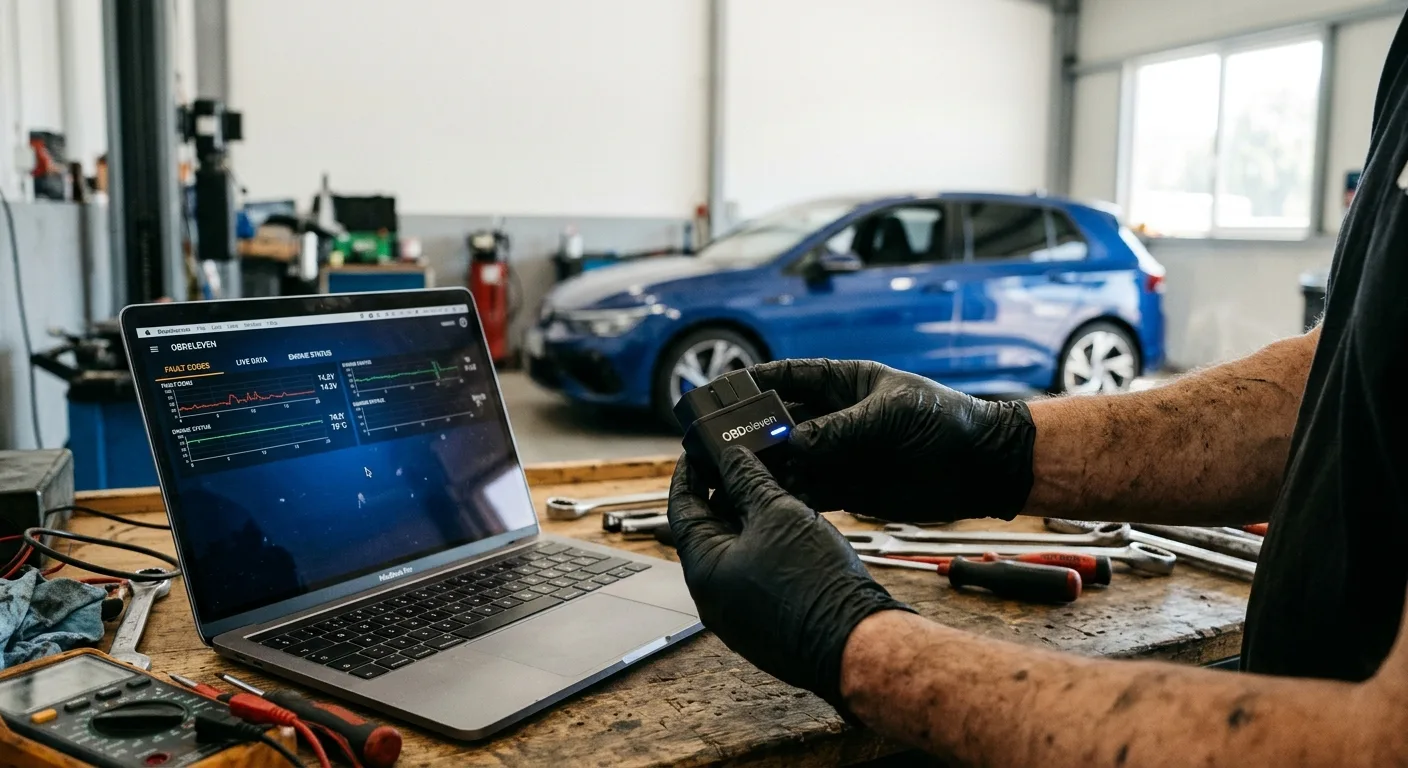
That question sent me down a rabbit hole I did not expect. Six months later I have a cheap laptop, a clone cable, a folder full of backups, and a car that does a dozen small things it did not do from the factory. Some of it was genuinely useful. Some of it was me breaking things and learning to put them back.
The backstory
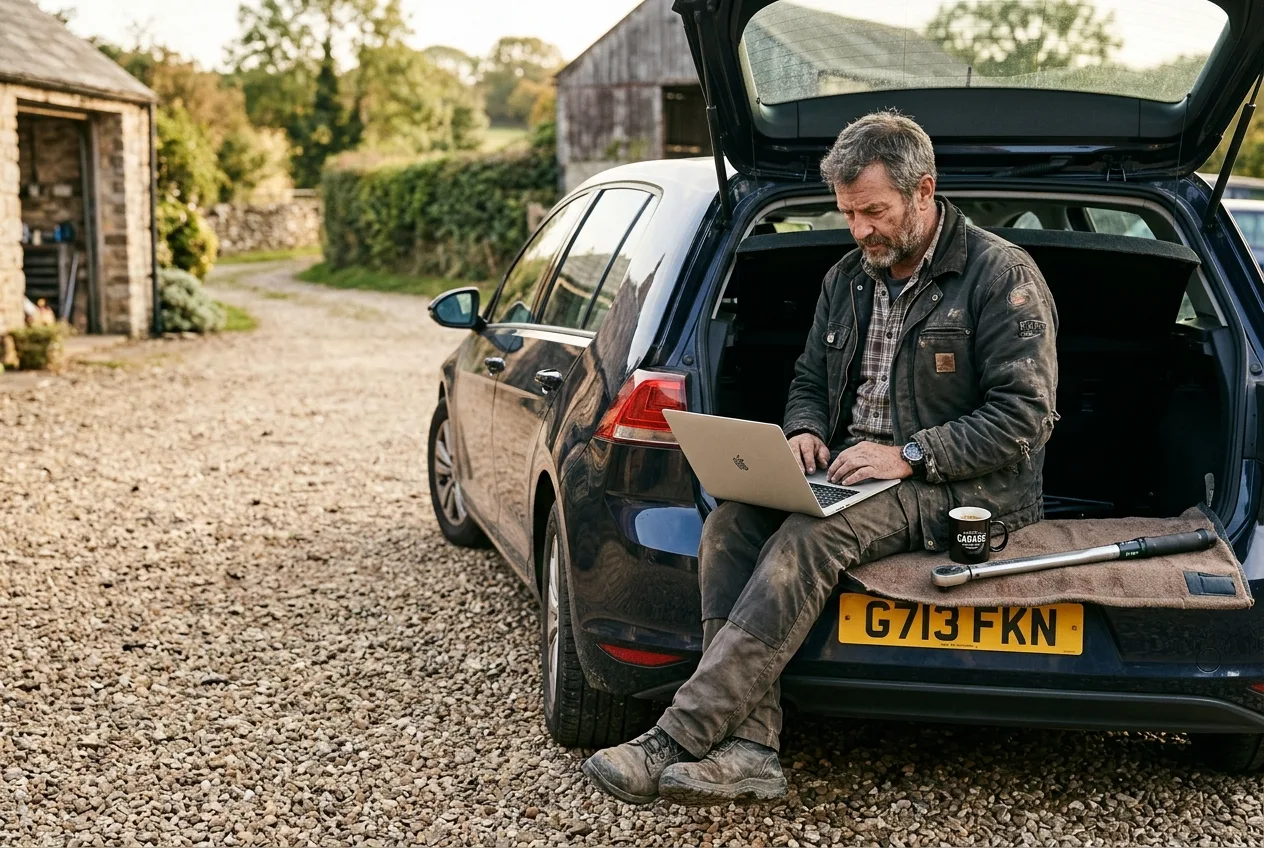
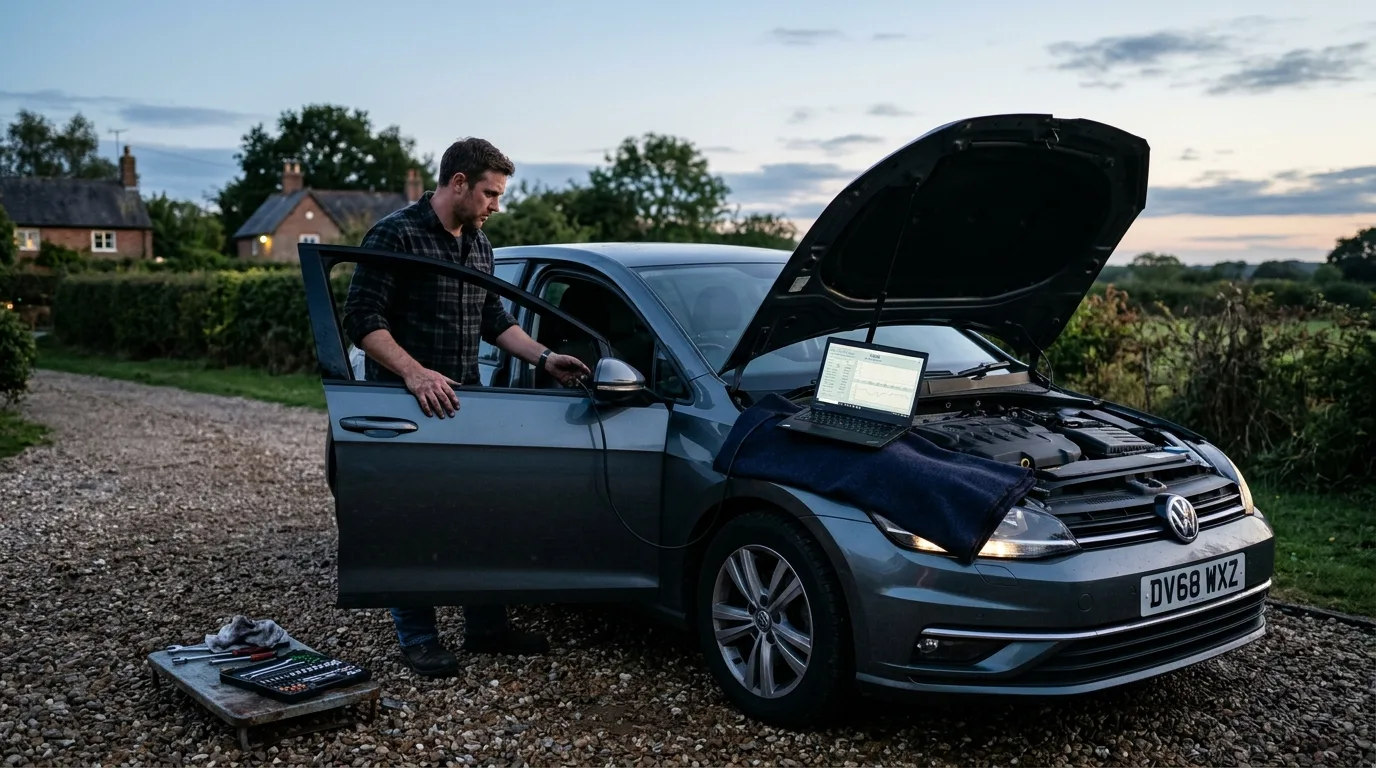
I am not a coder. I am a guy with a torque wrench, a gravel driveway, and a bad habit of reading forums at 11pm. My daily is a 2019 VW Golf, and I had heard people talk about "coding" it for years, usually in threads full of screenshots I did not understand.
What finally pushed me was a winter of small annoyances: the wipers, the way the car beeped at me constantly, and the fact that my headlights seemed to be aimed at the dirt two feet in front of the bumper. None of these were broken. They were just set the way VW decided was fine for everyone, and I was not everyone.
So I bought a cable. Roughly $30 to $40 for the cheap clone on a marketplace site, which is what most of us start with. The software people use for VW Group cars is basically a long menu of long coding strings and adaptation channels, and the first time you see it, it looks like a wall of hexadecimal. It is less scary than it looks once you understand the pattern.
The night I bricked the radio (almost)
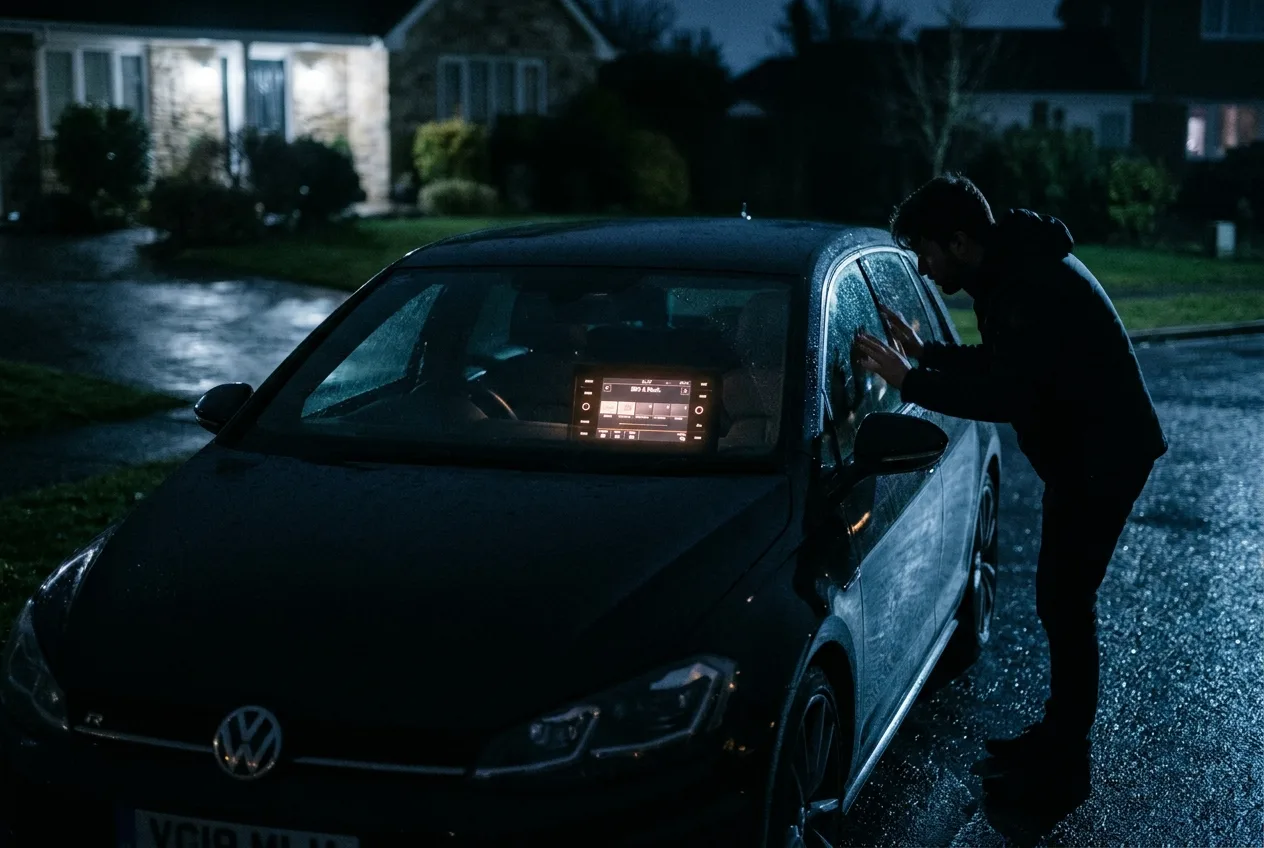
My first session was a disaster. I opened the central electronics module, changed something I did not fully understand, and suddenly the radio would not turn off with the ignition. The screen stayed lit in my dark driveway like a small accusatory lamp.
I had no backup. That is the mistake almost everyone makes exactly once.
The fix was not dramatic. I found the original coding value written down in a forum thread for my exact model year, typed it back in, and the radio behaved. But I sat there for an hour with my stomach in my throat, and I learned the rule that matters more than any single tweak: log every original value before you touch it. Photograph the screen. Paste it into a text file. Do both.
After that, I started using the free tool pages to sanity-check what I was seeing. When a coding change threw a fault code, I popped it into the free OBD code lookup at /obd to figure out whether it was harmless or whether I had actually broken something. That alone saved me from a panic trip to the dealer twice.
What I actually changed, and what it felt like
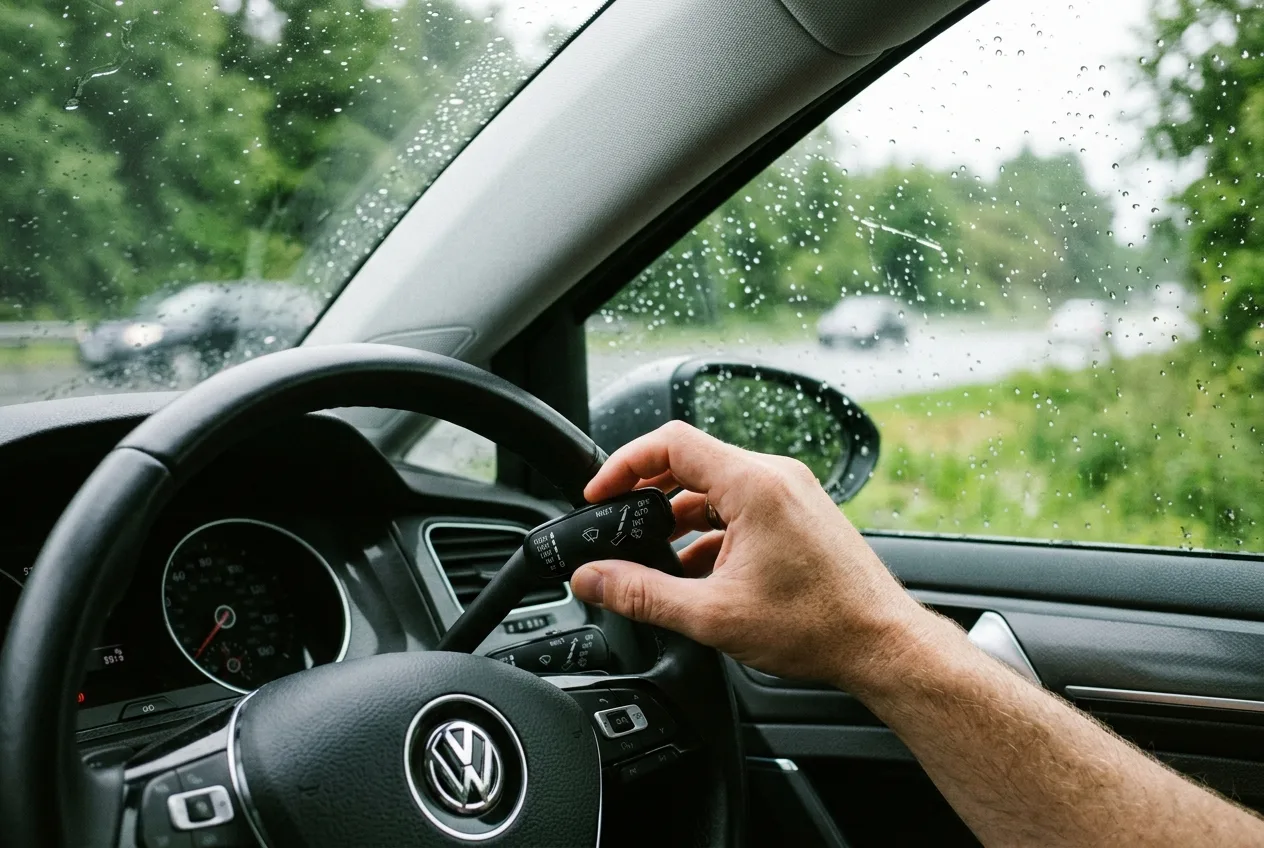
Here is the honest version of the 15 things I unlocked, grouped by what they are worth to me.
The wipers first, since that is where this started. I coded the rain sensor to be more aggressive and turned on a setting that lets the wipers do a final sweep to park cleanly. Before: the wipers stuttered and left a streak across my sightline. After: a single clean pass and the blades sit lower. It is a small thing until it is raining and you are doing 65.
Then the beeps. Every VW I have owned chirps when you lock it, unlock it, open a door with the ignition on. I turned off the lock/unlock chirp but kept the one that tells me a door is not latched. Before: a chorus of beeps every time I got out. After: the car is quiet except when it actually matters. That one change made the car feel like mine instead of a rental.
The headlights were the biggest surprise. There is an adaptation channel for the light range that I adjusted carefully after reading that getting it wrong can blind oncoming drivers. Before: I could barely see past the hood. After: a proper beam pattern, still within legal aim. I checked it against a wall at 25 feet and would tell anyone to do the same rather than trust a forum number.
The needle sweep on startup is pure vanity. The gauges do a full sweep when I turn the key. It does nothing for me. I love it. That is the whole justification.
The rest were a mix. Comfort turn signal from 3 blinks to 5. Disabled the seatbelt chime for the passenger seat when I have a bag on it (legal in my state, check yours). Enabled the digital speed readout in the cluster. Unlocked the fog lights as cornering lights. Turned on the "tear drop" rear wiper. Each one took a few minutes once I knew the menu.
Here is where compatibility bit me, and I want to be blunt about it. Some of these features only work if the hardware is there. My car has the rain sensor, so wiper tweaks worked. A friend's base-model Jetta does not, and the coding menu simply will not offer the same channels. The cornering-light function needs fog lights to exist. The digital speed readout needed a cluster that supports it. Before you get excited about a feature, confirm your car actually has the sensor or module that feature depends on. Coding opens doors. It does not build new rooms.
I also made the mistake of copying a coding string from a forum post for a different model year. Nothing broke, but the car ran a startup sequence it was not supposed to and threw a fault. I reverted it, then used the step-by-step car guides at /guides to find the exact procedure for my year, and that was the end of that problem. The lesson: year and trim matter, and a good guide is worth more than ten forum posts.
The time I went too far
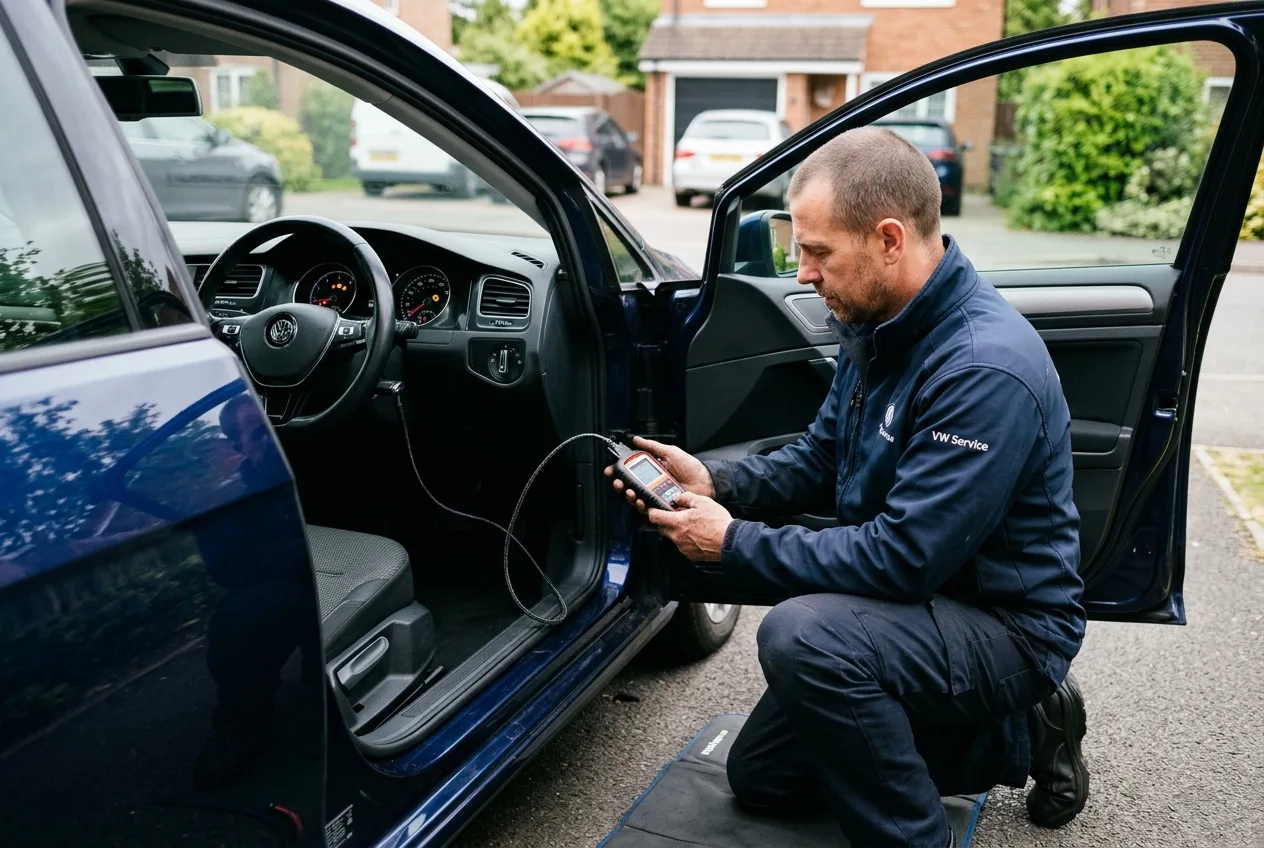
I got cocky and tried to enable a feature that required a module my car did not have. The coding accepted, the car threw a fault, and the dashboard lit up like a Christmas tree. I used the OBD live-data tool at /tools/obd-live-data to watch the fault in real time and confirm it was a coding artifact, not a hardware failure. Then I reverted the change and the lights went out.
That was the night I stopped treating coding as a party trick. It is a conversation with a computer that will do exactly what you tell it, including the wrong thing.
Honest pros and cons

The pros are real. My car is quieter, my wipers work, my headlights actually light the road, and it all cost less than one dealer visit. The satisfaction of understanding a system that most owners never touch is its own reward.
The cons are just as real. You can break things. The cheap clone cable is not a factory tool, and some modules refuse to talk to it. You need to read more than you want to. And every change is a small risk that you will forget what you did and spend a Saturday chasing a fault you created. I keep a text file now, and I update it every single time.
What it actually cost
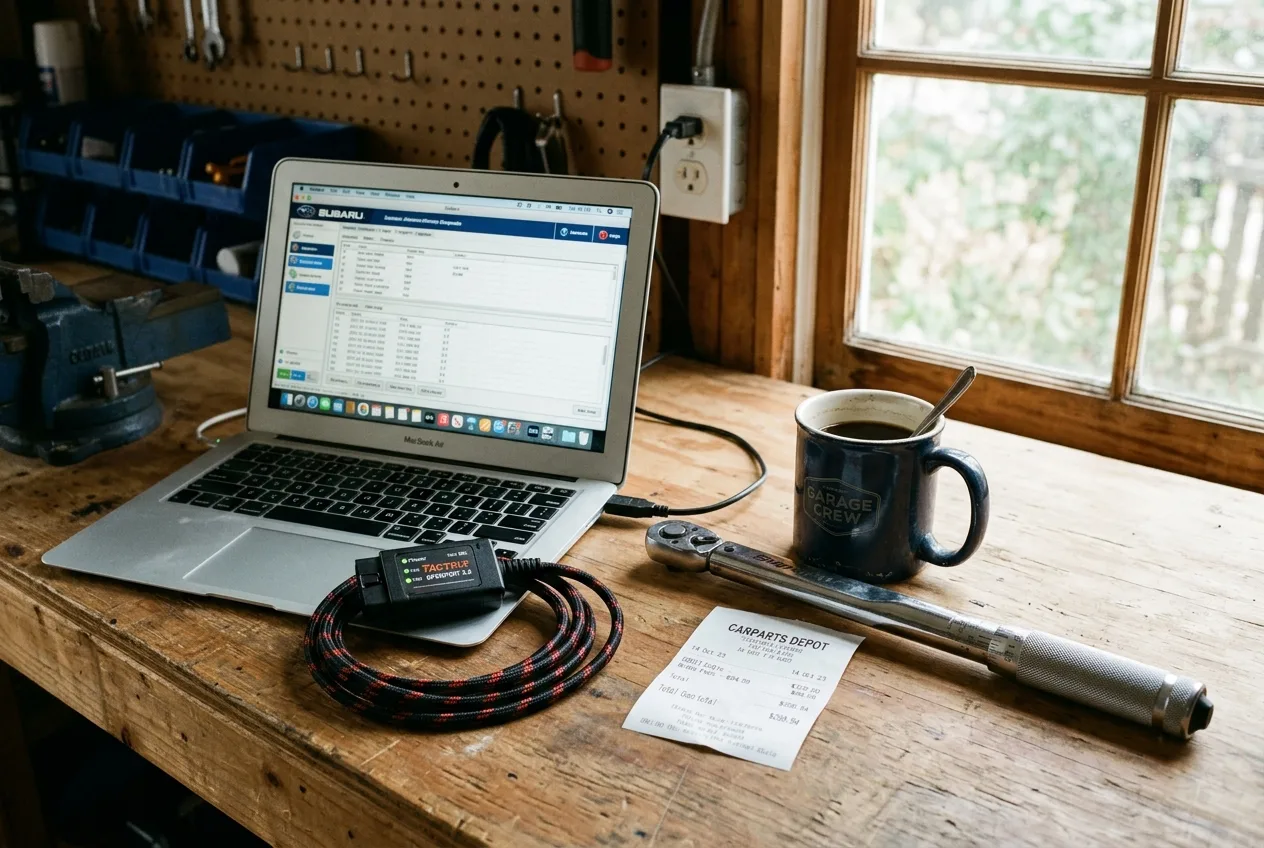
| Item | Rough cost |
|---|---|
| Clone diagnostic cable | $30 to $40 |
| Proper interface (VCDS-style) | $200 to $400, depends on model coverage |
| Laptop I already owned | $0 |
| Backup text file and photos | $0 |
| Dealer visit I avoided | $100 to $150 saved |
| Tow I almost needed when I panicked | $0, thankfully |
Expect around $50 to get started if you already have a laptop, and budget more if you want a real interface instead of a clone. The software for VW Group cars is free in many versions, but check what your specific model needs before you buy anything.
What I would do differently
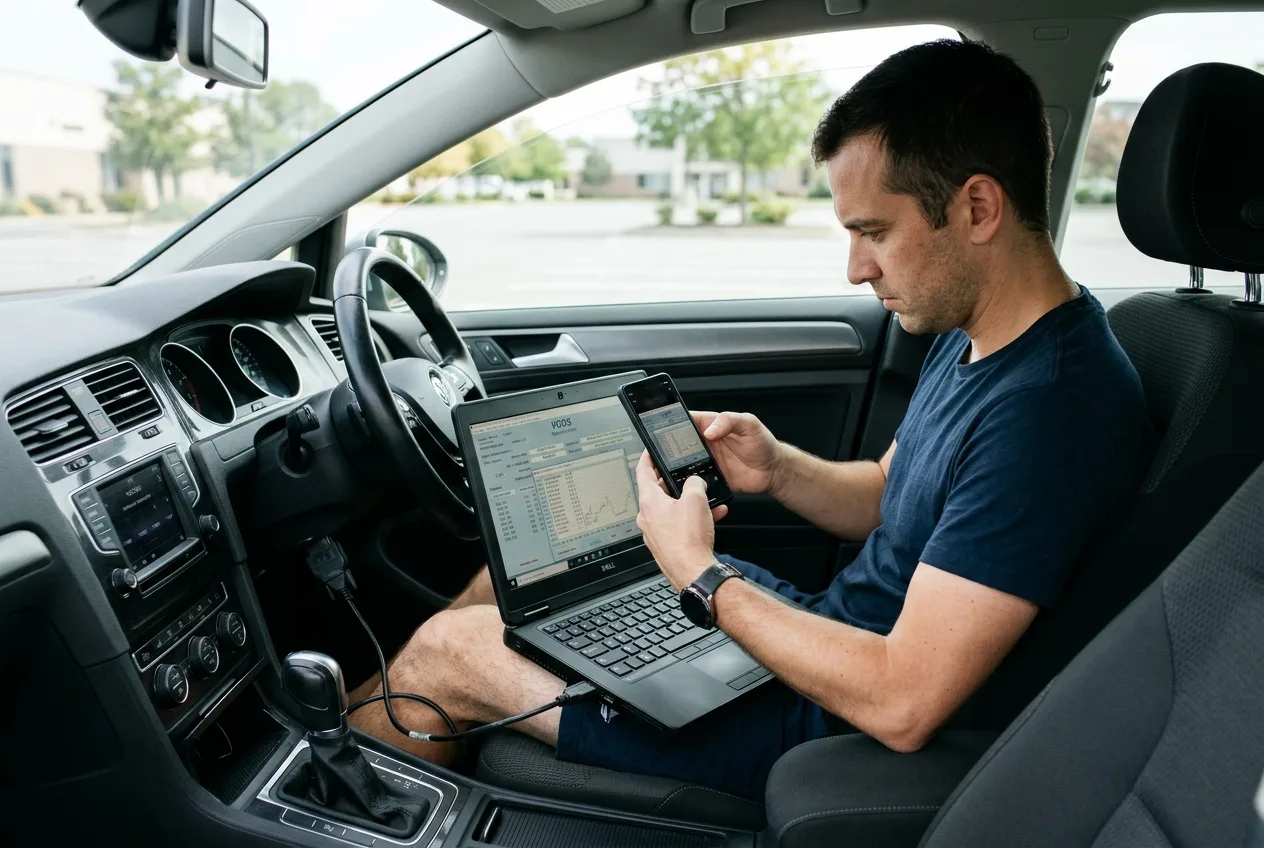
First, back up everything before the first click. Not after. I learned this the hard way with the radio.
Second, change one thing at a time and test it before moving on. I tried to do five tweaks in one session and could not tell which one caused the fault.
Third, confirm the hardware exists before chasing a feature. A rain sensor, fog lights, and a compatible cluster are not universal.
Fourth, check local laws. Some coding changes, like disabling a chime or altering light behavior, are restricted in some places. I checked mine, and you should check yours.
Fifth, keep a written log. Mine is a mess of dates and hex strings, but it has saved me three times.
Quick practical tips
- Photograph every original coding screen before you change it.
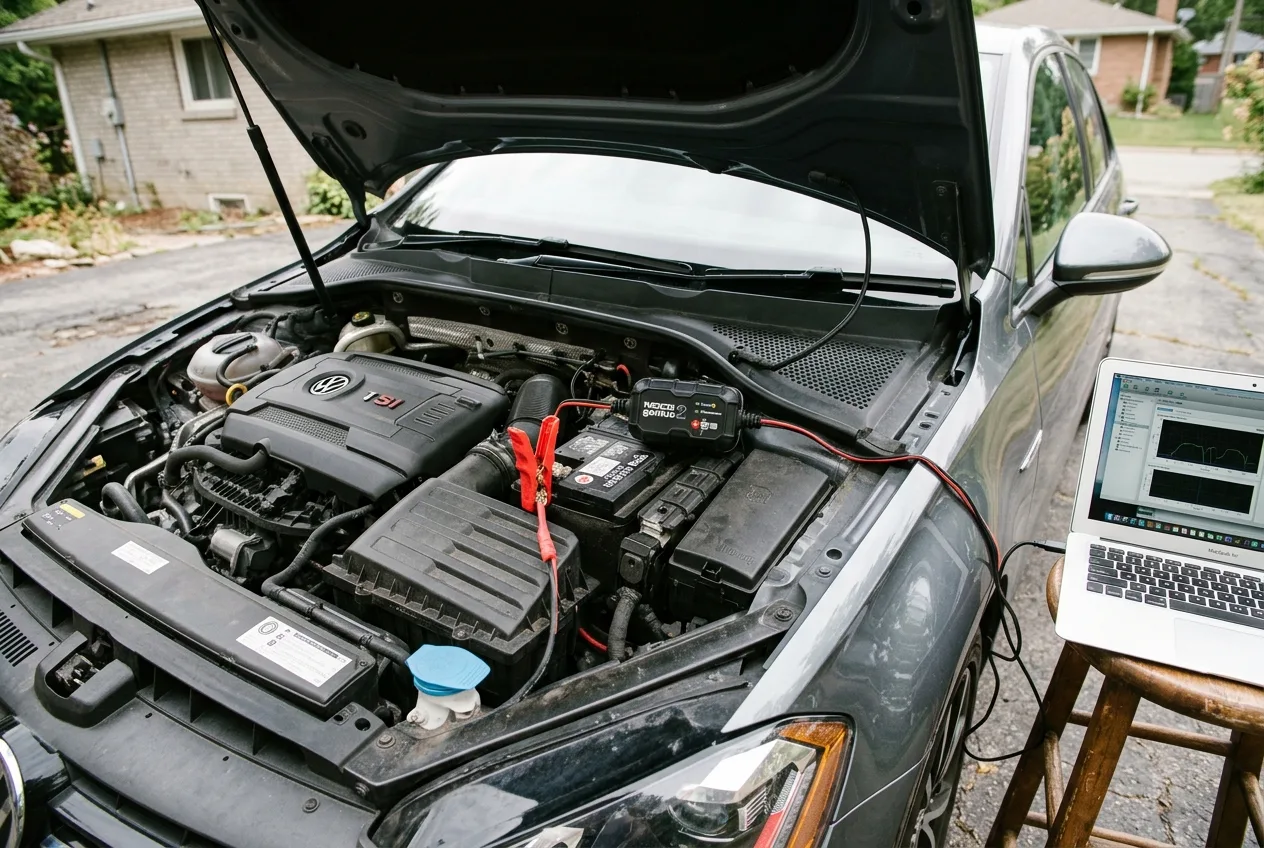
- Use a good battery maintainer if your car is older. Coding sessions drain the battery.
- Verify your cable supports your model year. Many clones do not.
- When a fault appears, look it up before you panic. The free OBD code lookup at /obd is the first place I go.
- If a feature needs a sensor you do not have, stop. Coding will not add hardware.
FAQ
Is coding the same as flashing a tune? No. Coding changes settings the car already has. A tune rewrites the engine software. Coding is lower risk and reversible if you keep backups.
Can I do this on any car? No. VW Group cars are the most documented, but BMW, Ford, and others have their own tools. The method differs, and some brands lock you out entirely.
Will coding void my warranty? It can, if a dealer can show a modification caused a failure. Reverting before service helps, but ask yourself if the tweak is worth the risk.
Do I need a mechanic? Not for most of this. But if you are not comfortable reading fault codes, use the AI mechanic assistant at /tools/ai-assistant to talk through a change before you make it.
I still keep the cable in the glovebox, mostly out of habit. The car does not beep at me anymore, the wipers behave, and the needle sweep makes me smile every morning. That is about as good as a driveway project gets.
Ready to act on what you just read? Decode that warning light with the free OBD code lookup, run the matching car tools to check the numbers yourself, or browse more practical car articles for ideas.