You bought a used car and found a forum thread claiming you can make the doors lock themselves when you drive off. Or your new battery is in, but the car still thinks the old one is there. Someone tells you the fix is "coding." That word sounds like programming a computer from scratch, and it makes most owners close the tab.
It isn't that. Automotive coding is closer to flipping switches that were already built into your car but left off at the factory. Once you understand what it actually does, a lot of small frustrations stop being mysteries. This guide covers what car coding is, where it lives, what it can and can't do, and how to decide whether to try it yourself.
What automotive coding actually means
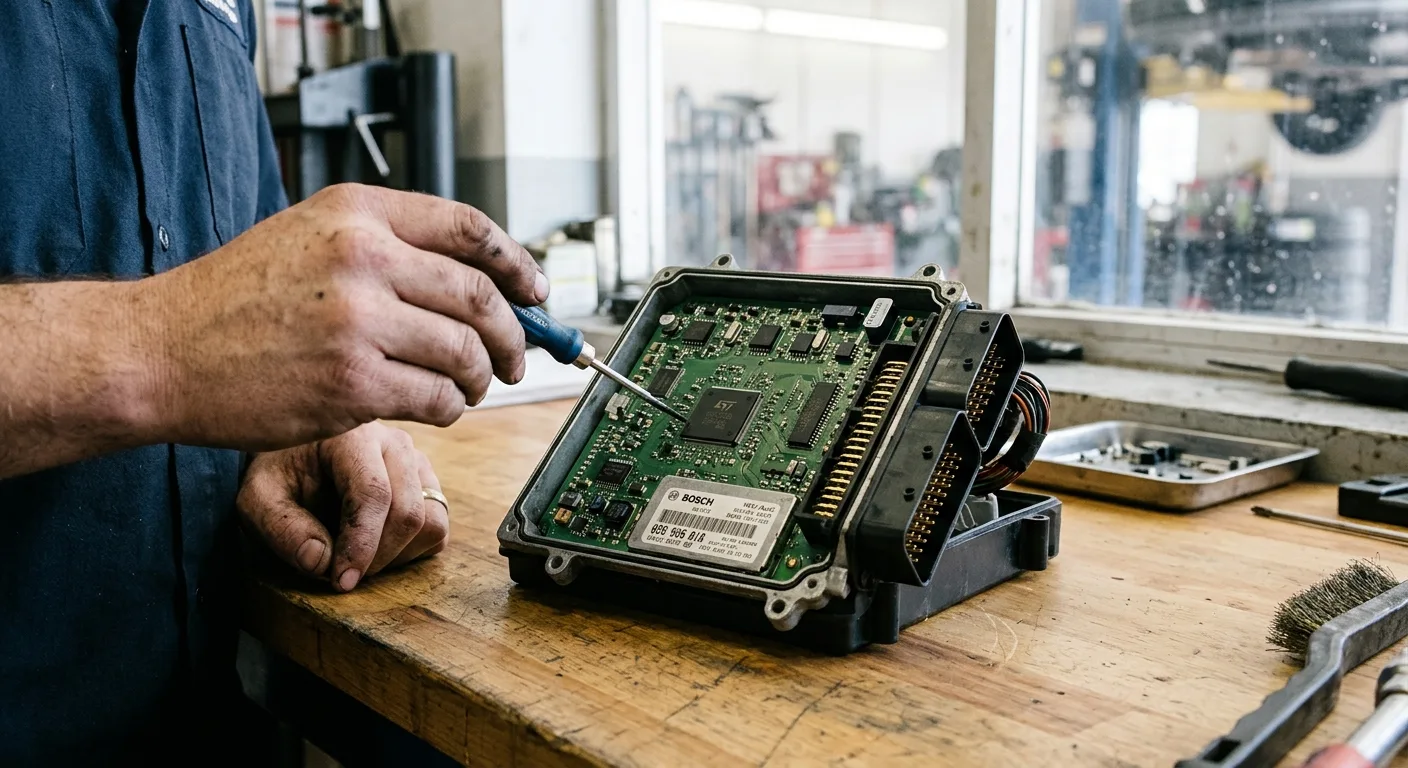
Every modern car runs on a network of control modules: one for the engine, one for the body electronics, one for the instrument cluster, and several more. Each module has firmware that contains options, and those options are set to specific values. Coding means changing those values.
Think of it as a settings menu hidden behind a service tool. The feature is already there. Someone just has to tell the module to use it.
That's why coding is sometimes called vehicle coding or car configuration. It's not writing software. It's selecting from choices the manufacturer already programmed in.
Coding vs. Programming vs. Adapting
These three get mixed up constantly.
Coding changes configuration values. Programming (sometimes called flashing) replaces the firmware itself. Adapting teaches a module a learned value, like a new battery's capacity or a steering angle sensor's center point. Only the first one is something a careful owner can usually attempt.
The problem: your car does less than it was built to do

Here's the scenario that sends most people down this road. The car works fine. But a feature you know exists on the same model in another market, or on a higher trim, doesn't work on yours. Auto-lock at speed. A digital speed readout. Mirrors that fold on lock. A different lighting behavior.
You ask the dealer and hear "that's not available on your vehicle." You ask a forum and hear a wall of acronyms.
The mistake most owners make is assuming "not available" means "not possible." Often it means "not enabled on this build." The other common mistake is the opposite: buying a cheap cable, changing twenty values at once, and then wondering why the dashboard lights up like a fairground.
Why it happens: one car, many builds

Manufacturers build cars for dozens of markets with different regulations, different trim levels, and different option packages. Rather than write separate software for every combination, they ship one codebase with the options toggled per build.
Your car left the factory with a specific set of toggles. Some were turned off because the feature wasn't part of the package you paid for. Some were turned off because local rules didn't allow it. Some were simply left at a default nobody bothered to change.
The module holding most of these body and comfort settings is usually the one that controls central locking, windows, lights, and similar conveniences. Engine and safety systems have their own modules, and those are far less forgiving.
A real example: turning on automatic door locking

I'll use the one most people start with, because I've done it.
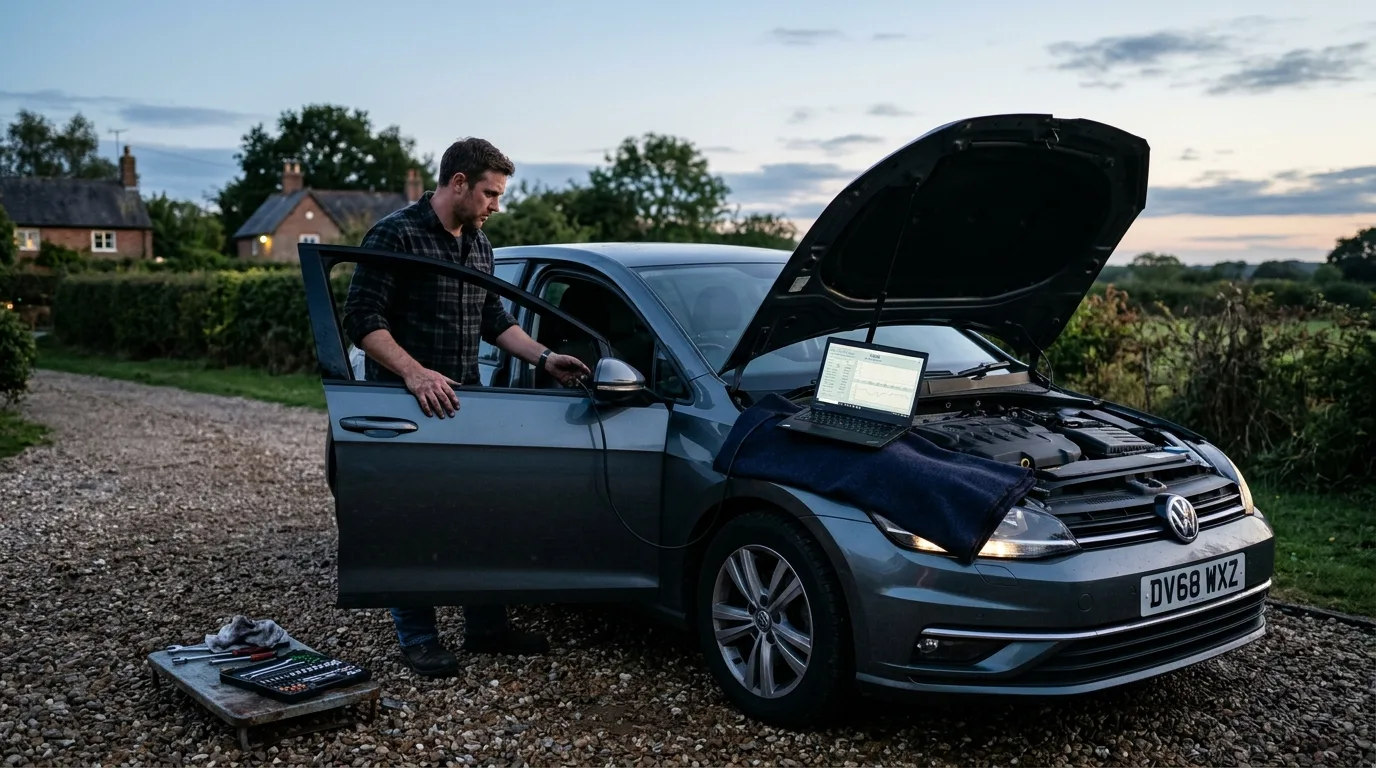
A friend's car, a European hatchback a few years old, didn't lock its doors when you drove away. The owner's manual showed the feature in a table, but the menu in the car didn't offer it. The central locking module had the option. It just wasn't switched on.
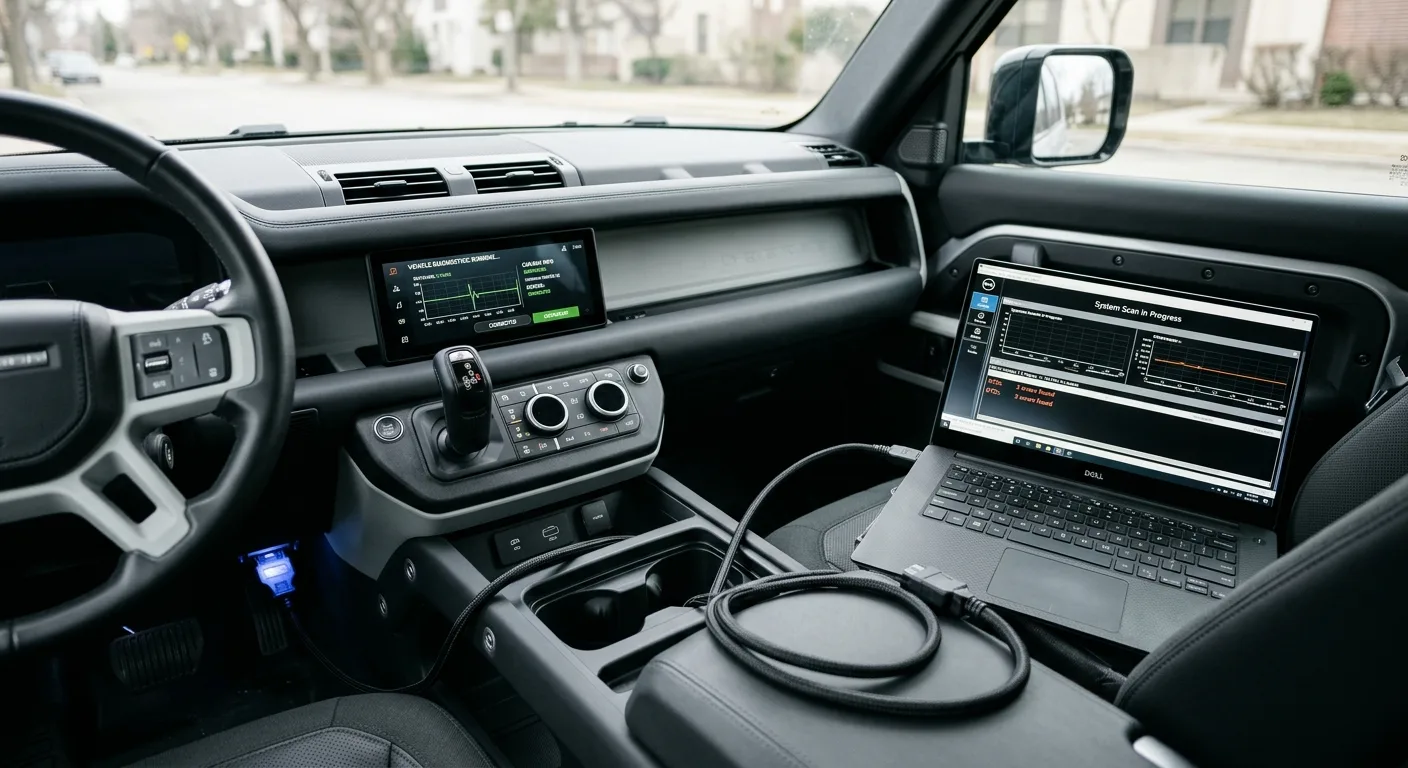
We used a laptop with a manufacturer-specific diagnostic program and a proper interface cable, not a generic code reader. After backing up the module's original configuration, we changed one value from "not active" to "active," wrote it, and cycled the ignition. The doors locked at roughly walking pace on the first drive.
Total time: about twenty minutes, most of it spent on the backup. Cost of the cable was around 30 to 60 dollars at the time, and the software license for that brand added a bit more. The dealer quoted a diagnostic fee just to look at it.
What didn't work: a ten-dollar Bluetooth dongle paired with a free phone app. It could read fault codes but couldn't touch configuration. That's a normal outcome, not a broken tool.
The options, honestly compared

1. Manufacturer or dealer tools
The official route. A dealer has the factory software and the training. It's the safest path and the most expensive, since you're paying labor for a diagnostic session. Best if the feature is safety-related or you don't want to touch anything yourself.
2. Enthusiast diagnostic software plus a cable
This is what most owners end up using. Programs written for a specific brand, paired with a compatible interface cable, can read and write coding values. Prices vary widely, roughly 30 to a few hundred dollars depending on the brand and whether you buy a license. It's powerful and it's also where people get into trouble, because nothing stops you from changing the wrong value.
3. Phone apps with a supported adapter
Some apps handle basic coding on certain brands using a recommended adapter. Cheap and convenient, but coverage is patchy. Works well for a handful of common tweaks, useless for deeper changes.
4. A local specialist
Independent shops that focus on one brand often do coding for a modest fee, sometimes less than a dealer's diagnostic charge. Ask specifically whether they do coding, not just diagnostics. Many don't.
5. Leave it alone
Genuinely an option. If the feature is minor and the car is under warranty, a dealer visit you didn't need can complicate a warranty conversation later.
Which route fits you?

If you're a cautious owner with one small tweak in mind, a specialist or the dealer is the sane choice. You pay once and you don't own the risk.
If you're comfortable with computers and plan to keep the car, the enthusiast software route pays for itself fast. I'd only recommend it to someone who will actually read the instructions and make a backup first.
If you're a busy commuter with no interest in laptops and cables, don't buy tools to save a ten-minute job. Pay someone.
And if you're a shop, invest in the proper interface and keep a written record of every change. Future you will be grateful.
Step-by-step action plan

- Confirm the feature exists for your model. Check the owner's manual, then check whether it's a coding option or a hardware difference. If the hardware isn't there, coding won't conjure it.
- Note your exact model year, trim, and module part numbers. Coding values differ between build years even on the same model.
- Read the fault codes before you change anything. A pre-existing fault can make a coding change behave strangely. A free OBD code lookup is a quick way to see what a stored code usually means.
- Use a battery maintainer. Modules can drop out mid-write on low voltage. This is the single most common cause of a bricked module, and it's entirely avoidable.
- Back up the original configuration. Every serious tool has an export function. Use it. Save the file somewhere you'll find it again.
- Change one value at a time. Write it, cycle the ignition, test the feature. If something goes wrong, you know exactly what caused it.
- Keep a log. Date, module, old value, new value. It takes thirty seconds and it's worth hours later.
- Re-check fault codes afterward. If new codes appear, restore the backup before doing anything else.
If you'd rather understand the symptom first, the car symptom finder is a good starting point before you open any software.
Common mistakes to avoid

Buying the cheapest cable. A clone interface can fail mid-write. Fix: buy a known-compatible cable for your brand, not the bargain one.
Coding with a weak battery. Voltage dips corrupt writes. Fix: connect a maintainer or charger before you start.
Changing several values at once. You lose track of cause and effect. Fix: one change, one test.
Assuming coding adds hardware. It can't enable a feature the car doesn't physically have. Fix: verify the hardware exists first.
Skipping the backup. The original values are your only undo button. Fix: export and save before writing.
Coding a car under warranty without thinking. Some dealers are fine with it, some aren't. Fix: ask, or wait.
Using a generic code reader and expecting coding. Most only read faults. Fix: check the tool's spec sheet for coding support.
Expert takeaway
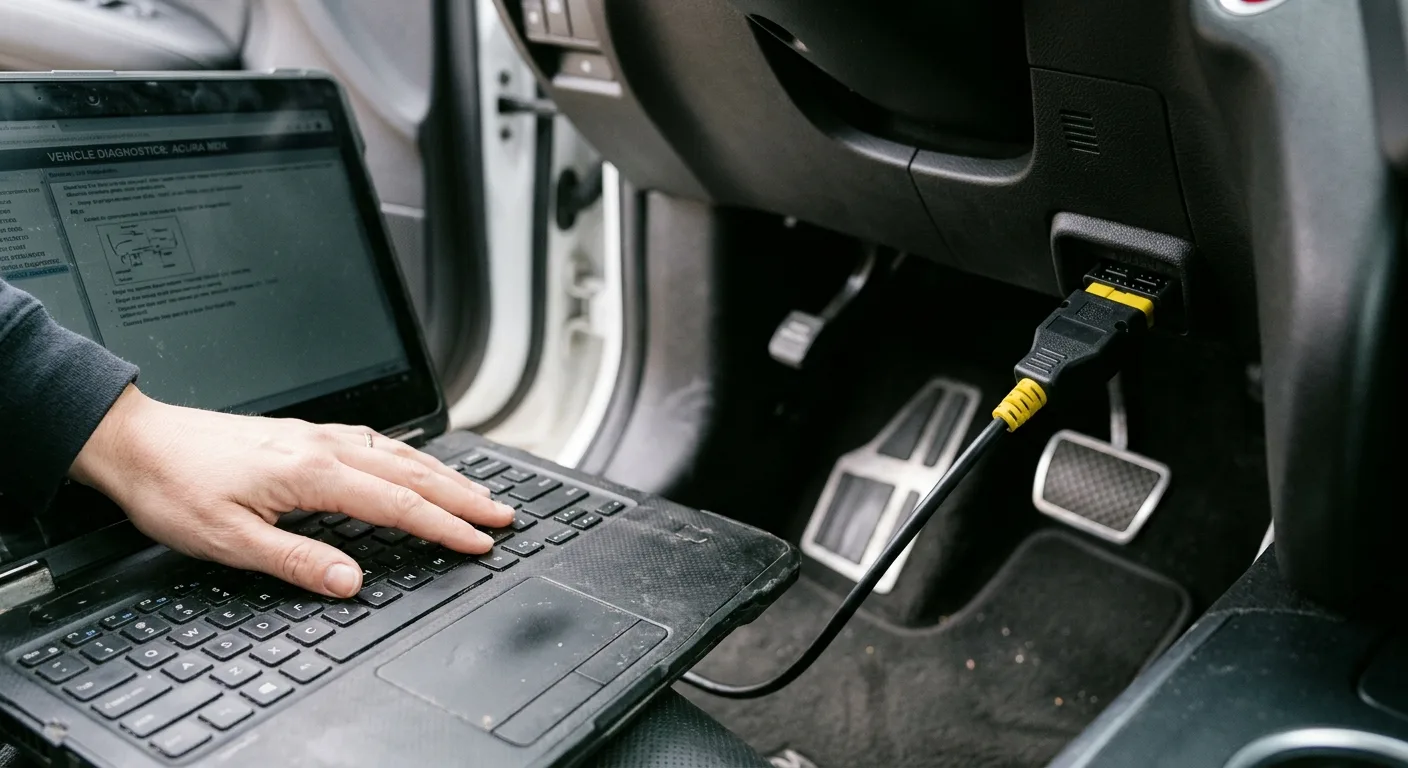
The most important lesson isn't about which cable to buy. It's that coding is a small, reversible change to settings that already exist, and the people who succeed at it are the ones who back up first and change one thing at a time. Treat it like editing a config file, not like reprogramming a car, and the fear mostly goes away.
If you want to go deeper on the diagnostics side before touching configuration, the step-by-step car guides cover the basics in plain language. And if a fault code shows up along the way, the AI mechanic assistant can help you interpret it without the forum noise.
FAQ

Is automotive coding safe?
For configuration changes on body and comfort modules, yes, if you back up first and keep the battery charged. Changes to engine or safety modules carry more risk and are better left to a professional.
Can I do car coding myself?
Often, yes, with brand-specific software and a compatible cable. It's not plug-and-play, and the learning curve is real, but it's manageable for a careful owner.
Does coding void my warranty?
It can complicate a warranty claim if a dealer links a fault to your change. Restoring the original values before a dealer visit is the usual precaution, but check your local rules rather than assuming.
What's the difference between coding and programming?
Coding changes option values. Programming replaces the module's firmware. Programming is a bigger job with more risk.
Why didn't my cheap OBD2 scanner enable the feature?
Most budget scanners only read and clear fault codes. They don't have write access to configuration. You need a tool that explicitly lists coding support for your model.