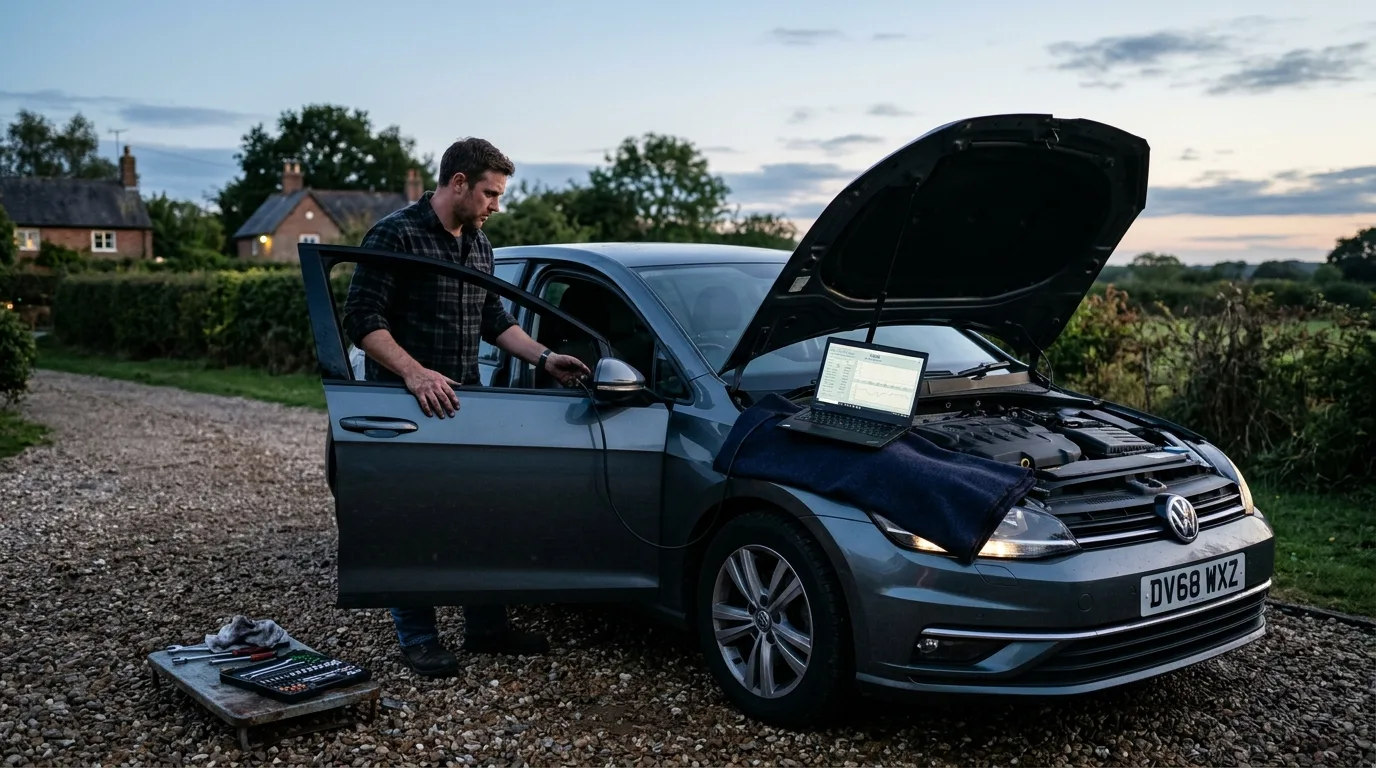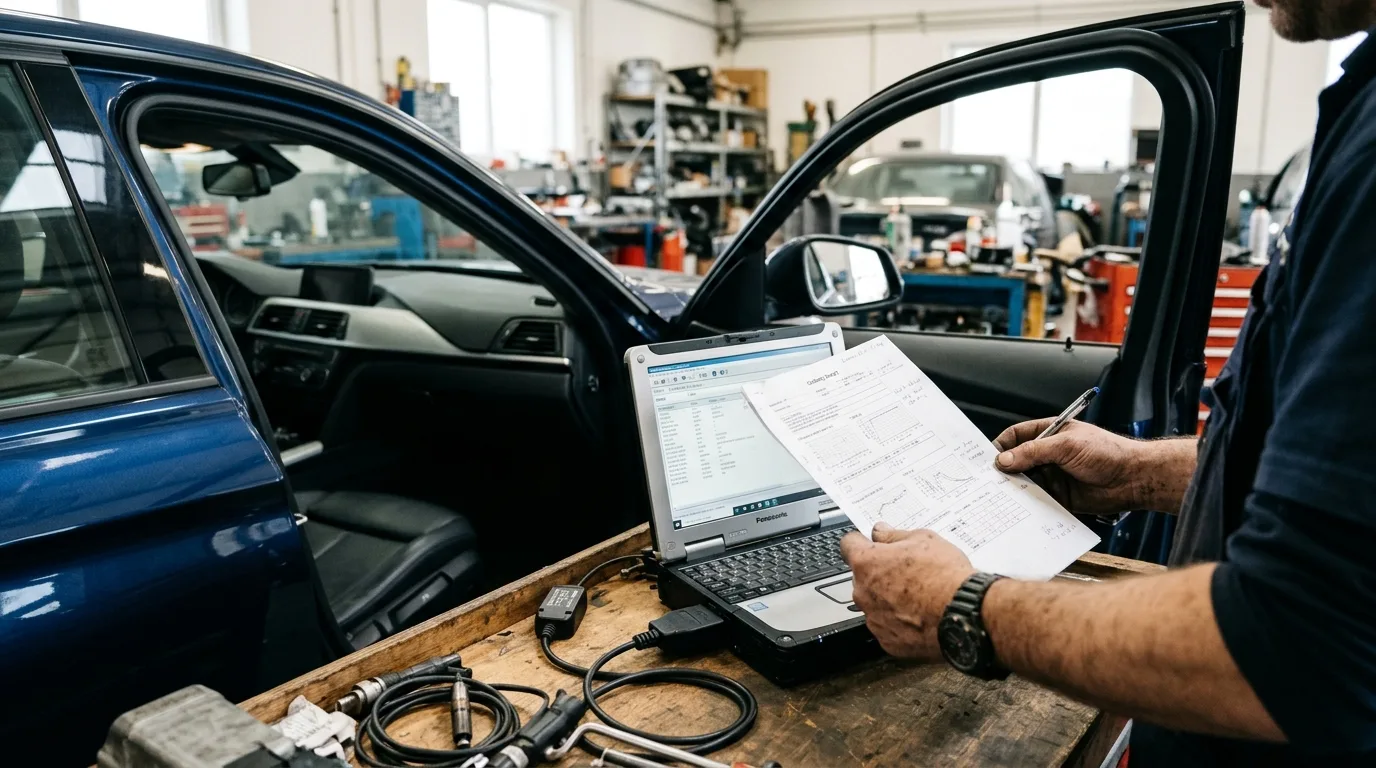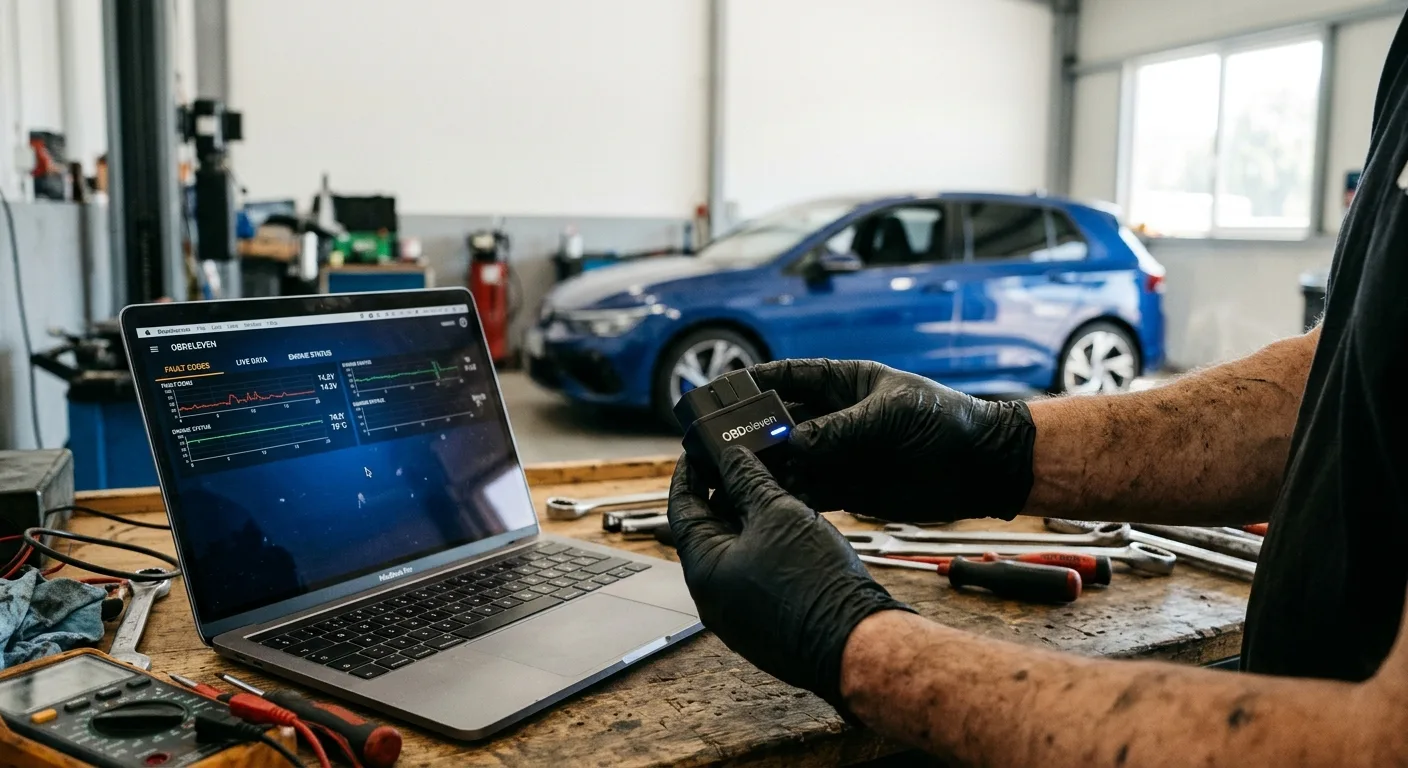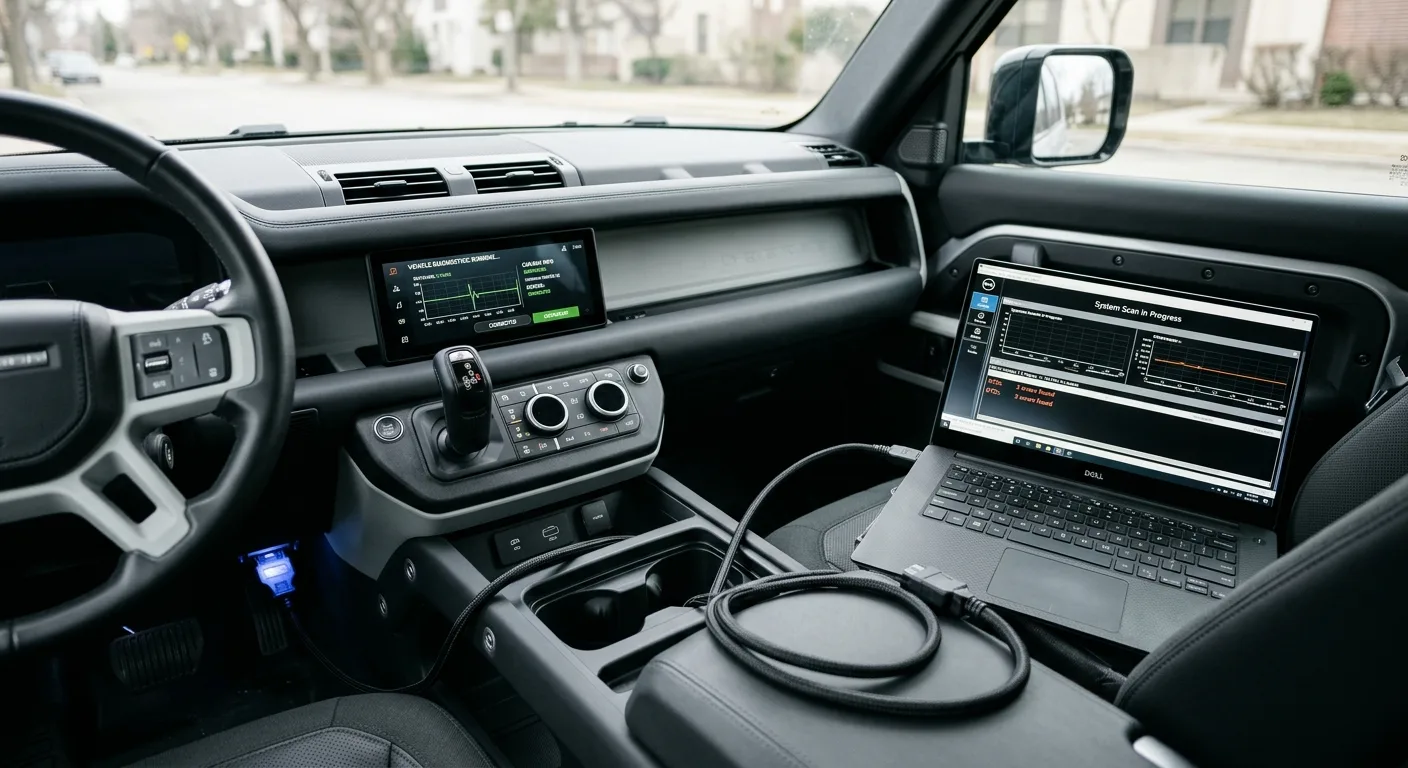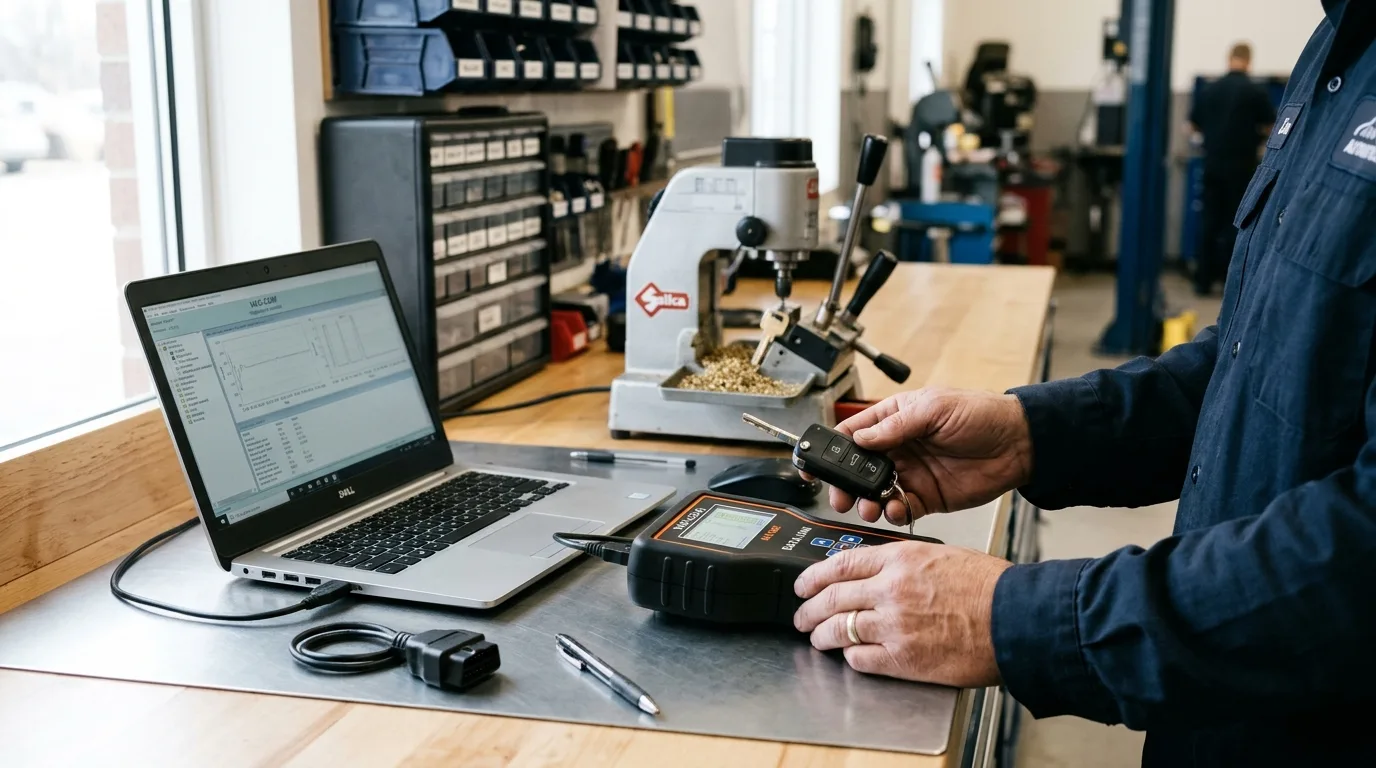
By the end of this guide you will know how to approach a car key programming job from first contact to keys-out-the-door: what to ask the customer, which tools cover which systems, how to sequence the work, and where jobs usually go wrong. A straightforward add-a-key on a supported vehicle can take 20 to 40 minutes. A full all-keys-lost job with a security access code, a cuts-by-code key and an immobilizer reset can eat half a day. Budget accordingly before you quote.
I wrote this from the locksmith's side of the bench, but it applies equally if you're a mechanic being handed a key job by a regular customer. The single biggest lesson from years of this work: the tool matters far less than knowing what the car is going to ask you for.
What you need before you start
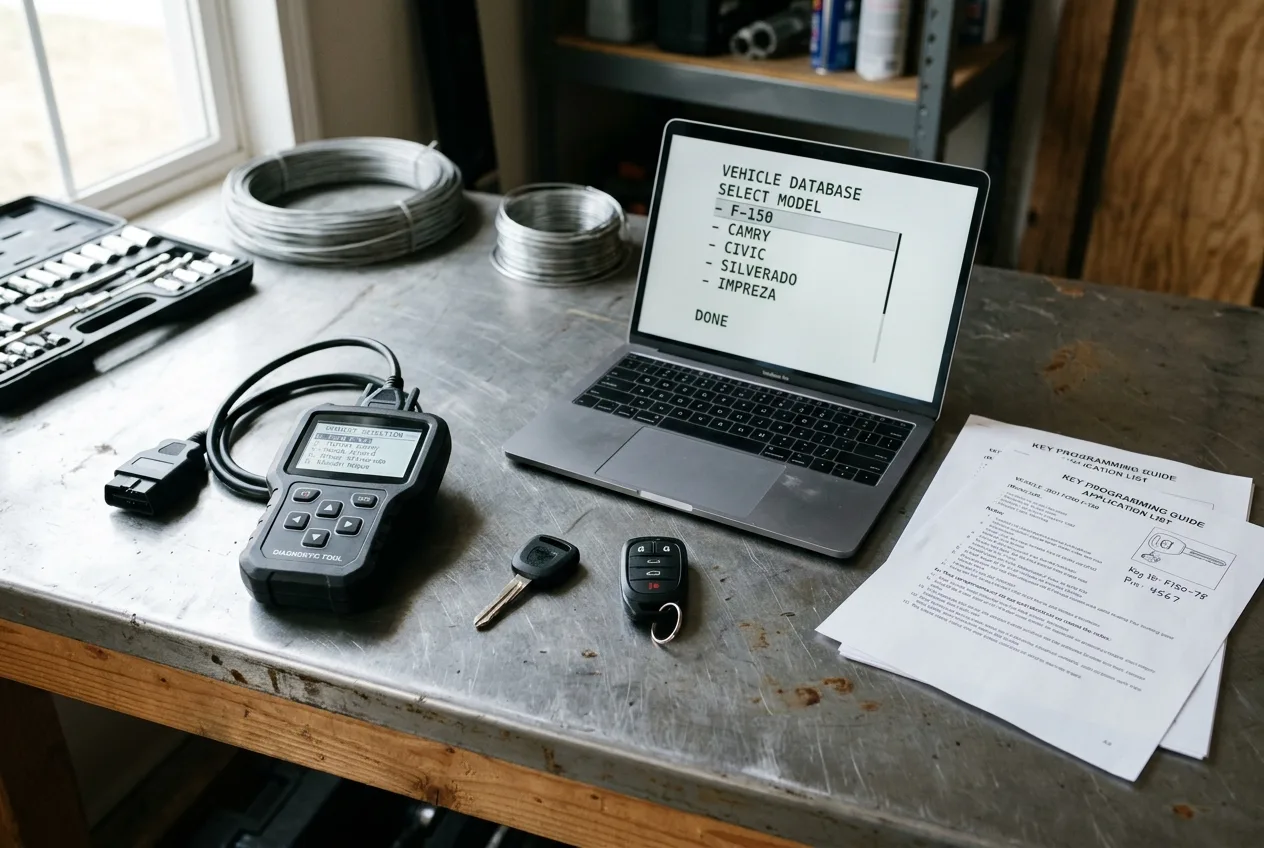
- A key programming tool or scan tool with immobilizer/key functions for that specific make and model year. Verify coverage against the tool's current vehicle list, not a 2019 PDF you found on a forum.
- The right key hardware: transponder type, remote type (fixed code or rolling code), and a blade that's either precut or cut on site. Match the FCC ID or the part number on the customer's existing key where possible.
- A key cutter, or a reliable local cutting partner if you don't cut blades yourself.
- A stable 12V supply. A battery maintainer or jump pack on the car, and a charged laptop or tablet if your tool needs one.
- The vehicle's PIN, security code, or online security access, if that model requires it. Have this sorted before the customer arrives, not while they wait.
- The owner's manual, or access to the procedure database your tool provides.
- A notebook or job sheet. Write down the VIN, the key count before and after, and the tool version. You will want this if the customer calls back in a month.
One more thing worth having in your head: the difference between key coding and key programming. Some people use them interchangeably. Strictly, coding is registering a transponder or remote to the car's immobilizer or body computer. Programming can also mean configuring remote functions, comfort settings or a new smart key profile. Ask the customer which functions they expect to work before you start.
Step 1: Identify the vehicle and the exact key system
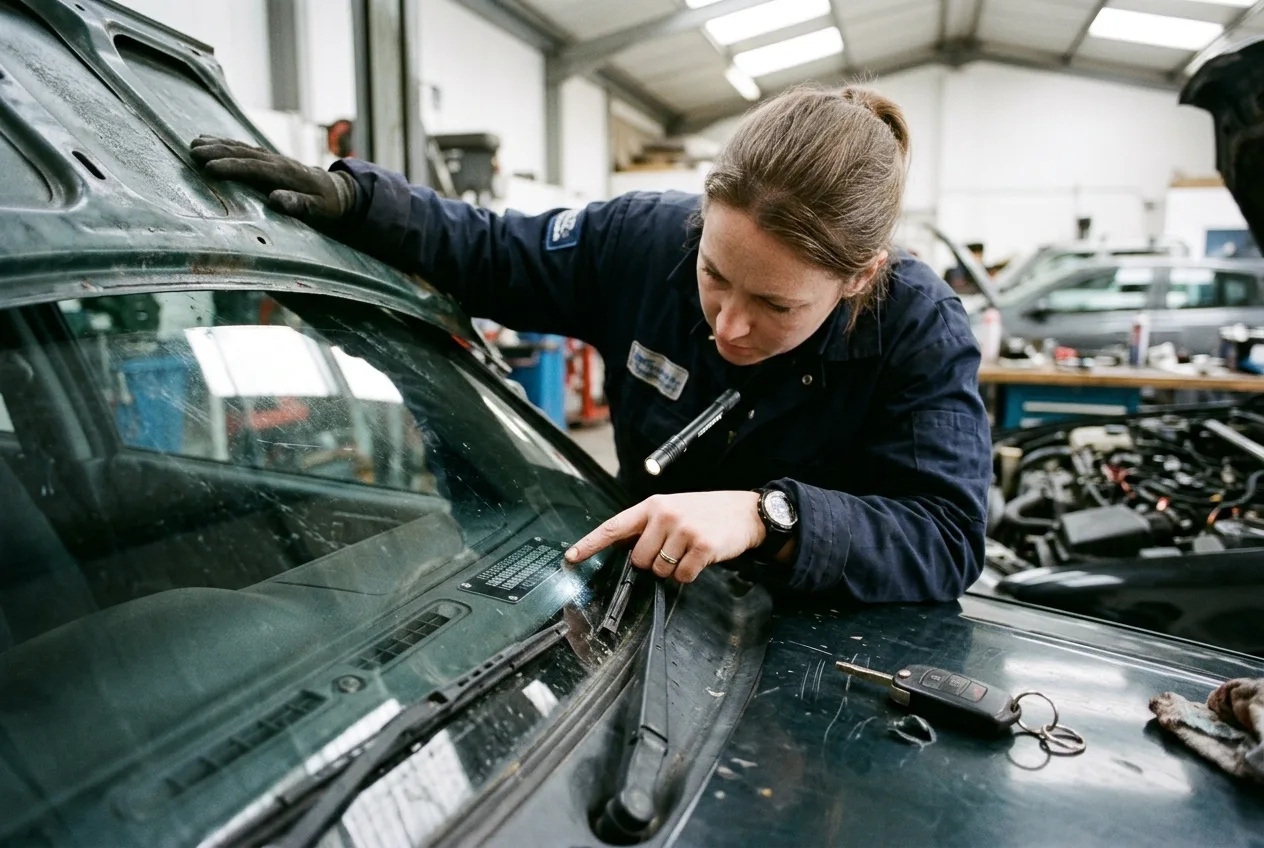
Get the VIN, the model year, the trim and, if you can, the existing key's part number. Then confirm which immobilizer generation the car uses.
Why it matters: the same badge can carry three different systems across four model years. A 2013 model might take a simple add-a-key through the OBD port. The 2016 facelift of the same car might need a security code pulled online and a different transponder. I've had a customer bring in a key bought online for a car two years newer than his, and no tool on the bench would have made it work. Wrong hardware, wrong answer.
Practical tip: if the customer has one working key, read its transponder ID with your tool before you touch anything. That tells you the chip family and often the remote type in one go. If they have no working key, this is an all-keys-lost job and the procedure is different, usually longer and often needs a code. Price it that way from the start.
Step 2: Confirm the customer's authorization and paperwork
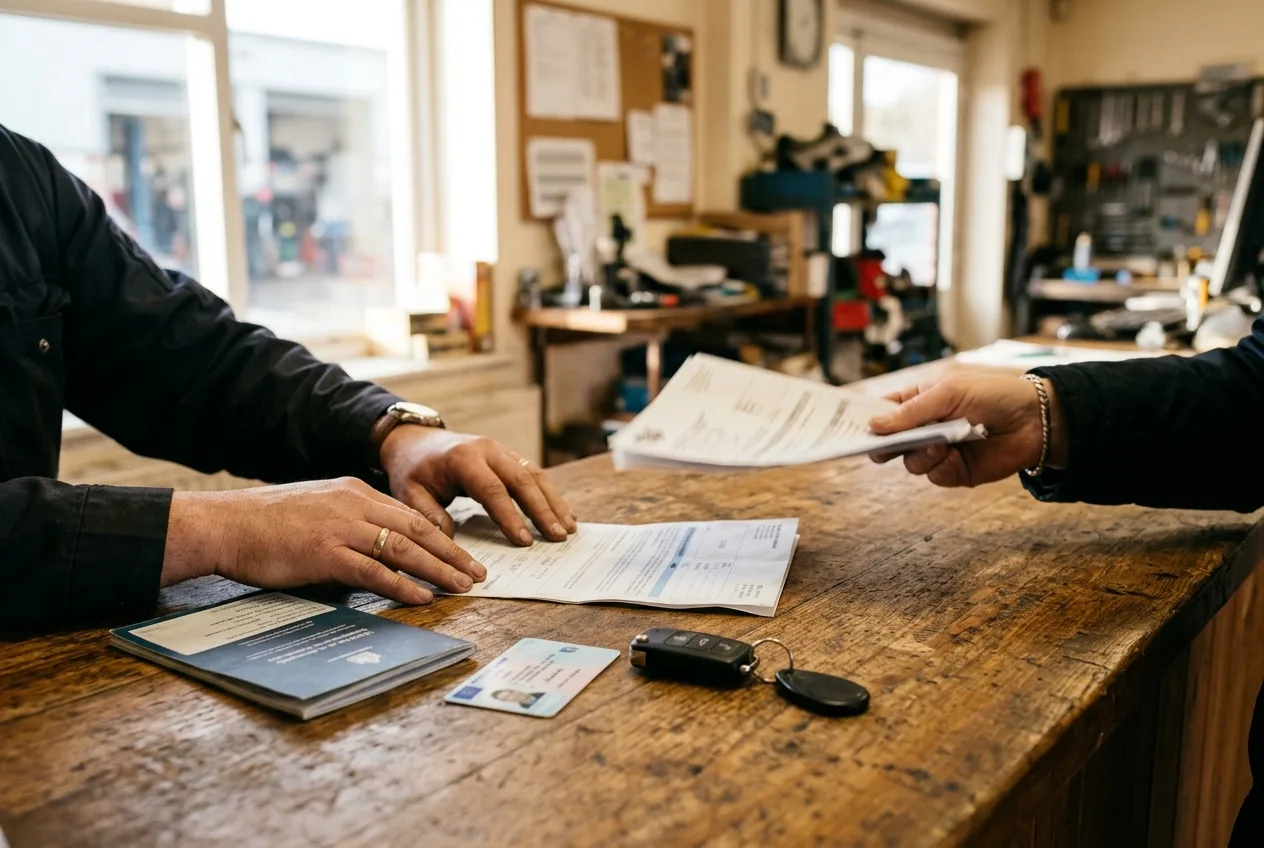
Ask for the VIN, the registration or title, and photo ID. Log it. This is not bureaucracy, it's protection. A stolen-car key job is a bad day for everyone, and a documented chain of custody is what keeps you clean.
Practical tip: photograph the documents and the VIN plate together. It takes ten seconds and settles arguments later.
Step 3: Cut and prepare the key

Cut the blade to the vehicle's code or duplicate from the working key. Check the cut on the door lock first, not the ignition. If it binds, you want to find out before you've programmed a transponder to it.
Why the door lock first: it's cheaper to redo a blade than to explain to a customer why their new key turns the ignition but not the door, or worse, gets stuck. Test with light pressure. Never force a key.
Practical tip: if you're cutting a flip key or a key with a remote head, check the transponder is actually seated in the shell before you close it up. I've seen keys programmed perfectly and then handed over with the chip loose in the box.
Step 4: Stabilize the vehicle's power
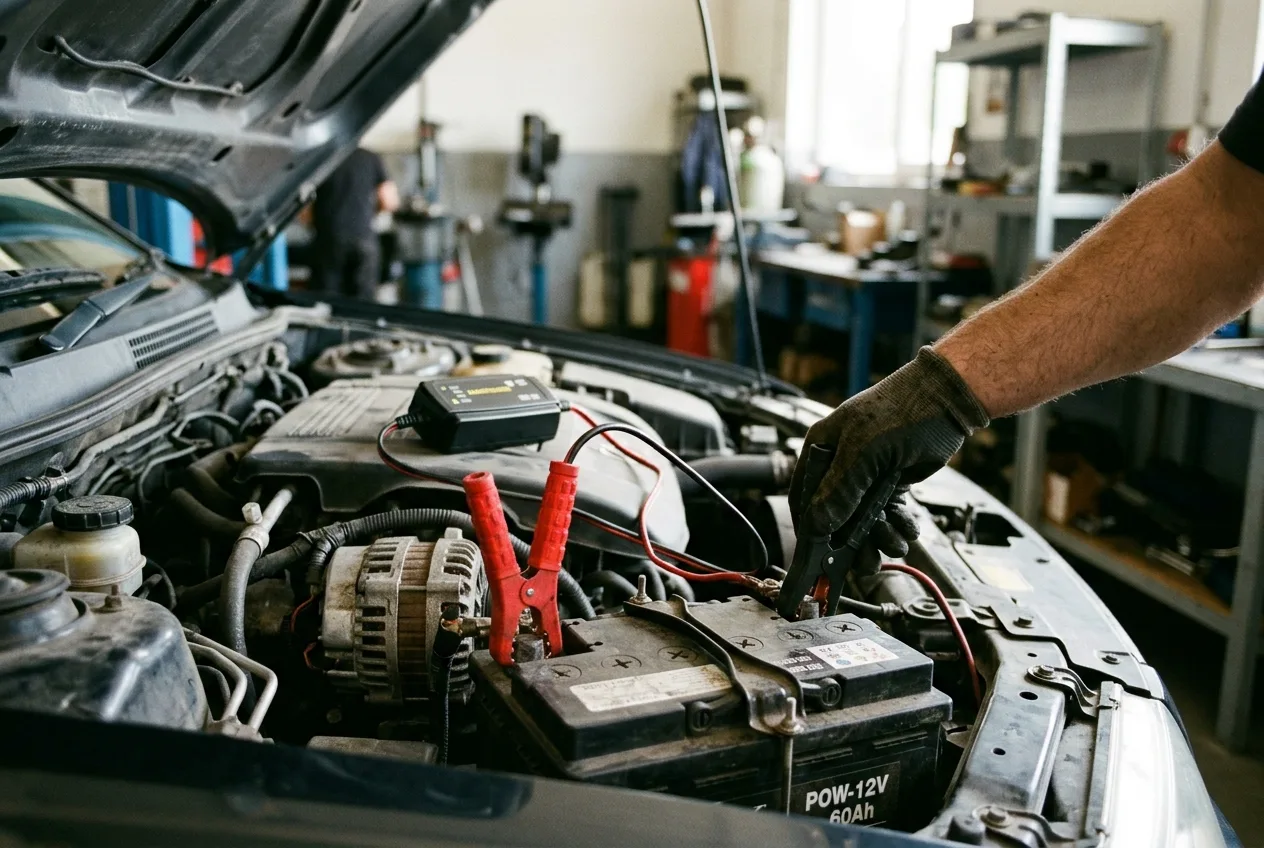
Connect a maintainer or jump pack to the battery before you start any programming sequence. Many immobilizer procedures will abort if system voltage dips mid-write, and some modules will lock you out for a timed period.
Safety warning: never program with the engine running unless the manufacturer's procedure explicitly says to. Exhaust in a closed bay is a real hazard, and a running engine confuses some body-control-module routines.
Practical tip: if the car has a weak battery, charge it first. Programming is not the moment to discover the battery is on its last legs. If the car has been sitting, check the battery and charging system before you charge the customer for a key job. A free OBD code lookup on our OBD page can flag low-voltage or charging faults before they bite you mid-procedure.
Step 5: Connect the tool and follow the vehicle's procedure
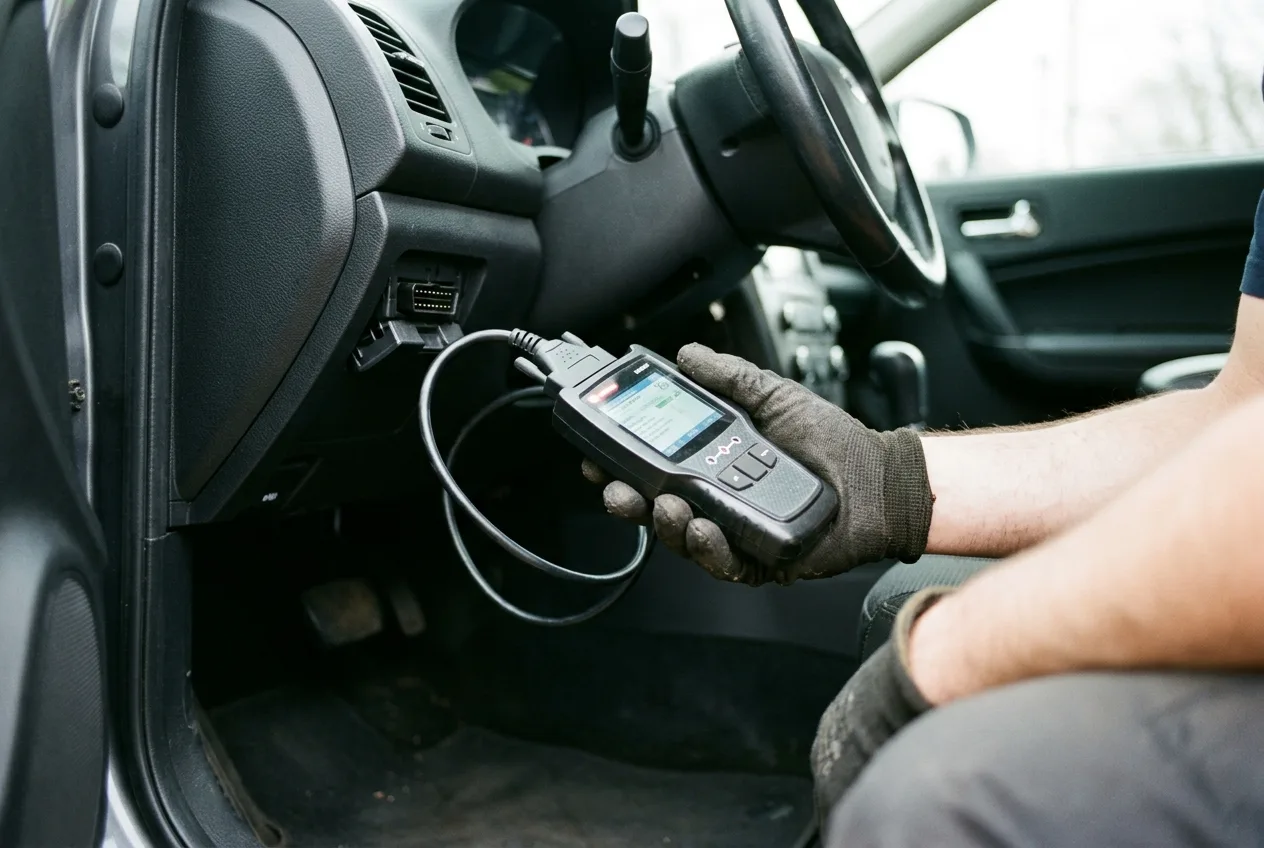
Plug into the OBD port, identify the vehicle in the tool, and follow the on-screen sequence exactly. Every tool has its own quirks: some want the ignition cycled a set number of times, some want all doors closed, some want the hazard lights on. Do not improvise the sequence.
Why it matters: the immobilizer is looking for a specific handshake. Half a handshake and it either refuses or, worse, partially registers the key. A partially registered key can start the car once and then fail, which is the worst possible outcome for your reputation.
Practical tip: read the whole procedure on screen before you press start. On several tools the first screen hides a step that only appears at the end. If your tool supports live data, watching the immobilizer or body module status while you work tells you whether the car is accepting the key. Our OBD live-data tool is a quick way to check module communication on the bench before a job.
Step 6: Program the transponder, then the remote
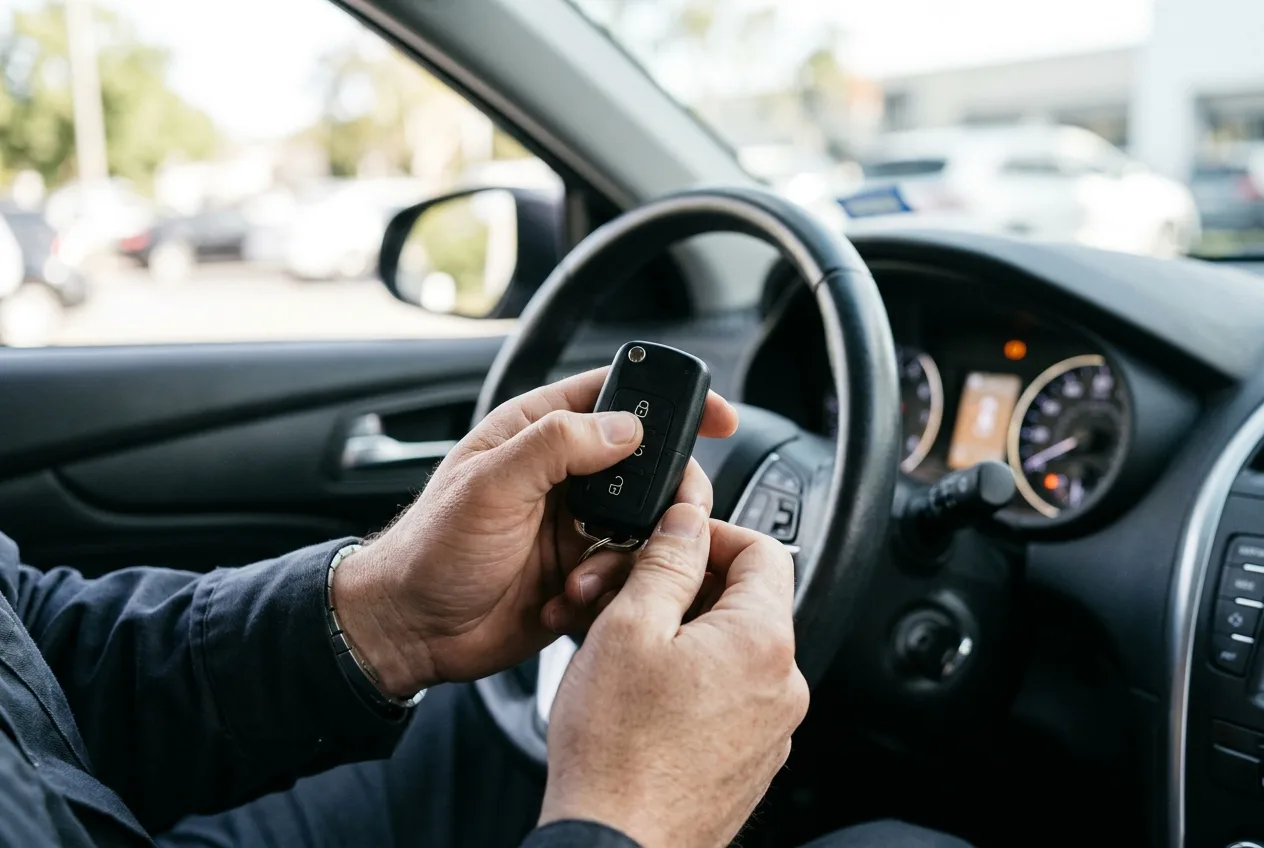
Do the immobilizer first. Once the car recognizes the chip, move on to the remote functions: lock, unlock, boot release, panic if fitted. Some systems program both in one pass, some need a separate remote-matching sequence.
Why the order matters: if the transponder fails, the remote work is wasted. Finish one thing before starting the next.
Practical tip: test every button on the remote, not just lock and unlock. Customers notice the boot button within the first hour.
Step 7: Test the key thoroughly before you hand it over
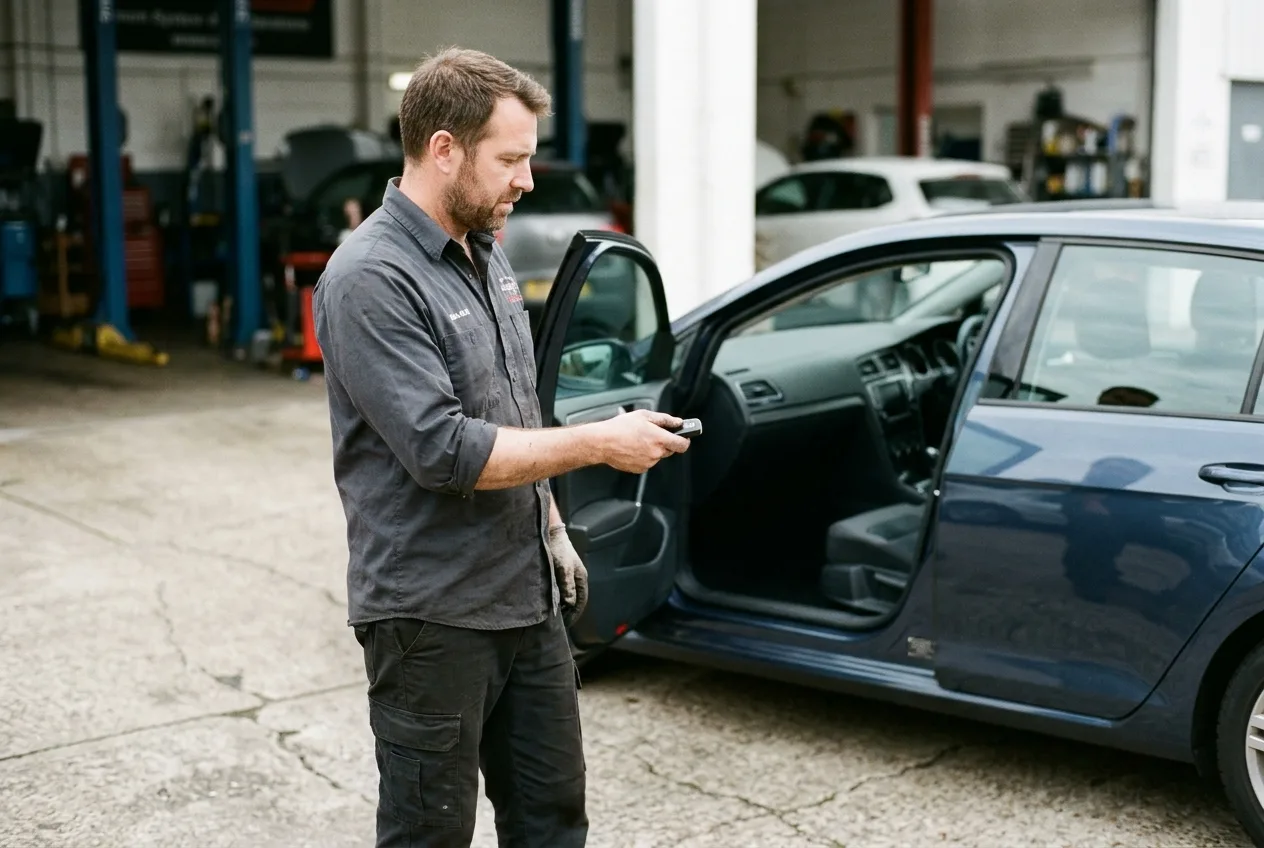
Start the car, switch it off, start it again. Lock and unlock from a distance. Try the boot, the panic button, and any proximity functions if it's a smart key. Then test the customer's original key alongside the new one, in both directions.
Safety warning: if you're testing inside a workshop, make sure the bay is ventilated and nobody is behind the car. And if the car has an electronic parking brake or auto-hold, confirm it's released before you drive it out.
Practical tip: a key that starts the car but won't lock it usually means the remote matching didn't complete, not that the key is faulty. Re-run the remote procedure before reaching for a new key.
Step 8: Record the job and hand over clean

Log the key count, the tool version, the procedure used and the customer's documents. Give the customer the new key, remind them where the PIN or code came from if applicable, and suggest they get a spare while they still have two working keys. Spares are cheaper when you have a working key to copy.
Approximate cost note: a basic add-a-key job in a shop might run somewhere from the price of a modest repair to a few hundred, depending on the vehicle and whether a code is needed. All-keys-lost jobs cost more because of the security access and the extra time. Give a range, not a single figure, and confirm with your supplier before quoting.
Why key programming differs so much between makes and model years
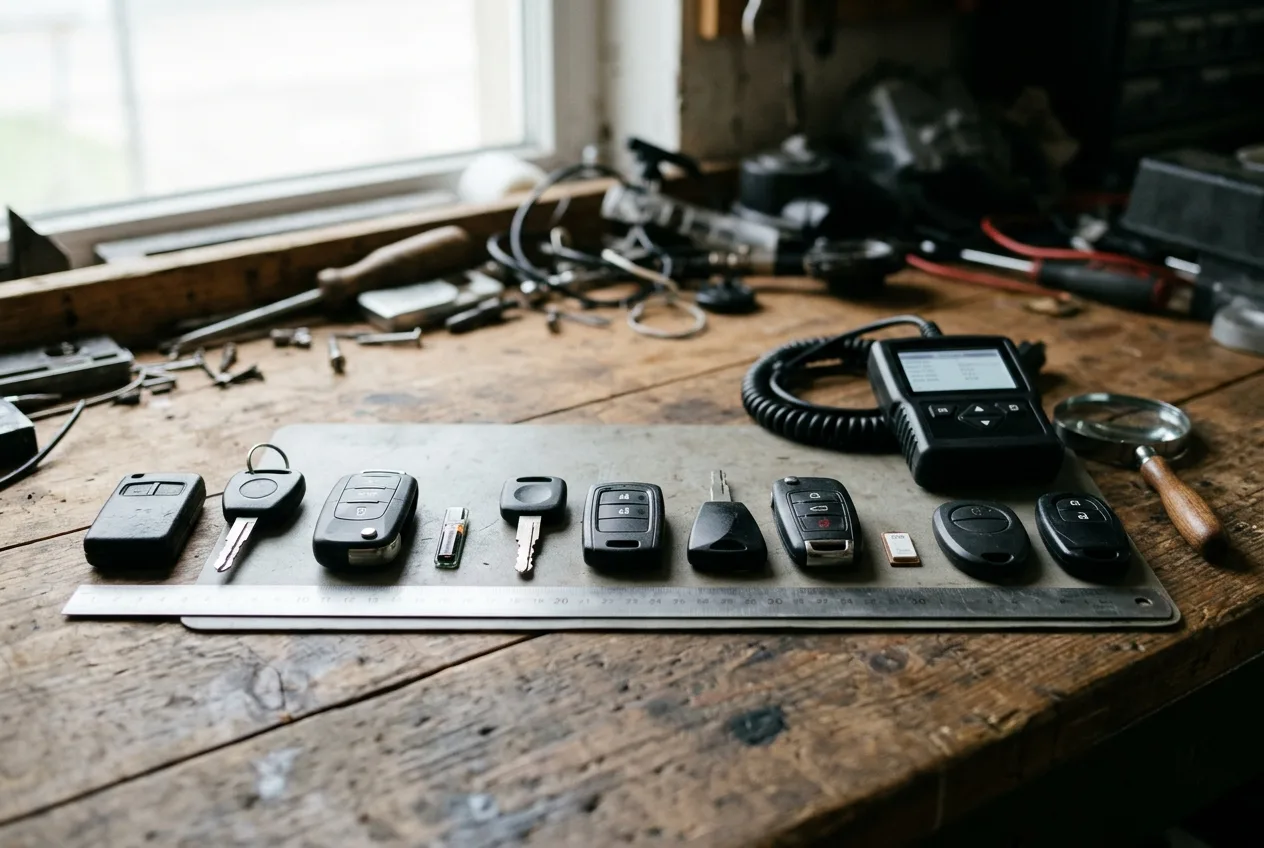
This is the question that trips up new techs. The short answer: every manufacturer treats the immobilizer as a security system, and every generation of that system adds a layer. Early transponder systems were little more than a chip that answered a challenge. Later systems added rolling codes, then encrypted communication between the key and the body module, then online security access so a dealer or authorized locksmith has to prove they're allowed to add a key.
That's why a tool that handles one model year perfectly can be useless on the next. It's also why the same job can be a 20-minute add-a-key on one car and an hour-long, code-gated procedure on the car parked next to it. If you want to go deeper on the systems themselves, our mechanical encyclopedia has background on how immobilizers and body modules work, and the step-by-step car guides cover related jobs.
Pro tips

- Ask the customer to bring every key they own, including the one in the drawer they forgot about. Knowing the true key count changes the procedure.
- Keep a log of which tool version handled which vehicle. After a year you'll have your own coverage map, worth more than any vendor list.
- If a tool fails to communicate, try a different ignition position, then a different OBD adapter, before you blame the car. Cheap adapters cause more failed jobs than bad keys.
- Photograph the dash and VIN plate together before you start. It's your record of the vehicle's state, including mileage and warning lights.
- For smart keys, check the key fob battery before programming. A dead fob battery mimics a failed programming job.
- When in doubt, stop and call the manufacturer's tech line or your tool's support. A five-minute call beats an hour of guessing.
Common pitfalls

Pitfall: programming before confirming the key hardware. The wrong transponder type or remote frequency will never program, no matter how good the tool. Avoid it by reading the existing key's ID first, or by verifying against the VIN and the tool's vehicle list.
Pitfall: ignoring battery voltage. A weak battery during a write can leave a module in a strange state. Always stabilize power first, and charge a suspect battery before you start.
Pitfall: assuming all model years are the same. The facelift car is not the pre-facelift car. Check the system, not the badge.
Pitfall: not testing every function. A key that starts the car but won't open the boot is a callback waiting to happen. Test everything, in both the new key and the original.
Pitfall: skipping the paperwork. No VIN, no ID, no job. If something goes wrong later, the log is all you have.
Useful resources
- Your key programming tool's official vehicle coverage list and support line. Check it every time, coverage changes with updates.
- The vehicle owner's manual for key and immobilizer basics, and the workshop manual for the exact procedure.
- The free car tools on AutoTools, useful for quick checks before and after a job.
- The AI mechanic assistant if you want a second opinion on a stubborn fault, and the symptom finder for tracking down related electrical issues.
- The AutoTools blog and expert car tips for background reading, and the mechanic quiz if you want to test your knowledge.
FAQ
Can I program a key without the original? Sometimes, but it depends on the vehicle and whether you can obtain the security access. Many all-keys-lost jobs need a code from the manufacturer or an authorized source. Check before you quote.
How long does a key programming job take? Approximate: 20 to 40 minutes for a supported add-a-key, longer for all-keys-lost or code-gated systems. Some jobs need a timed wait between steps, so plan for it.
Why did my tool fail to communicate with the car? Usually the adapter, the ignition position, or a vehicle the tool doesn't fully cover. Try a known-good adapter and confirm the tool's coverage before assuming the car is faulty.
Do I need a dealer tool? Not always. Many independent tools cover a wide range of vehicles, but coverage varies by make and model year. Verify against the tool's current list for the exact car in front of you.
Can a customer program their own key? On some vehicles, yes, using a sequence in the owner's manual. On most modern cars with security access, no. If in doubt, refer them to a locksmith or dealer.
Final word
Key programming rewards preparation more than speed. Identify the car, confirm the hardware, stabilize the power, follow the procedure, and test everything before the customer leaves. Do that and most jobs are routine. The ones that aren't will teach you something, and that's how you build a coverage map worth having.