Your check engine light just came on. Maybe it's steady, maybe it's blinking, and either way your stomach drops a little. You want to know what's wrong, whether you can keep driving, and what it's going to cost. You can pull the actual trouble code yourself in about five minutes, and this guide shows you how.
I timed myself doing it on my own car so you know the five-minute promise is real, not marketing. Here's the honest version of what that looks like.
What the light is actually telling you
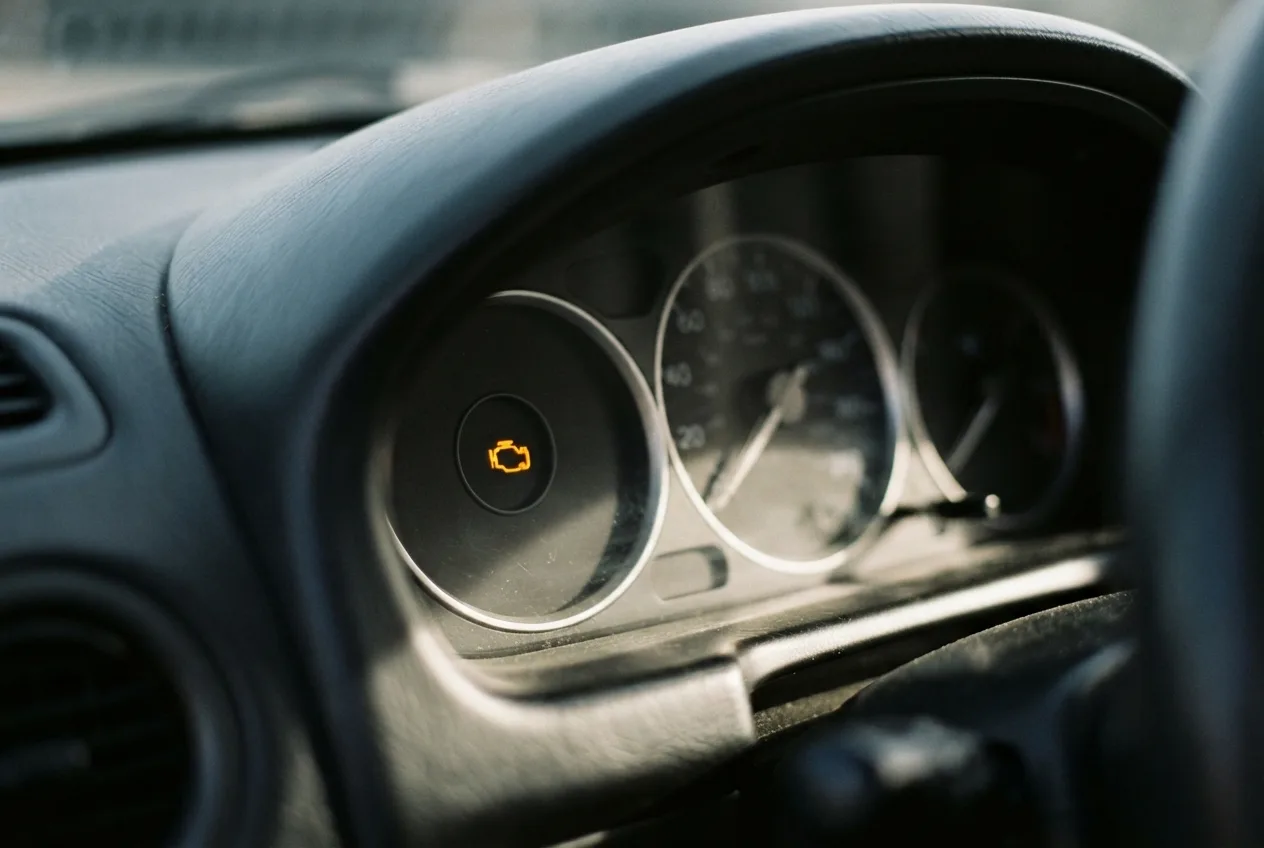
The check engine light means the engine computer detected something outside its expected range. It does not tell you which part failed. It tells you a sensor saw a number it didn't like. That distinction matters, because a lot of people replace parts based on the light alone and waste money.
A steady light means a fault is stored and you generally have time to investigate. A blinking light means the computer sees a misfire bad enough to damage the catalytic converter, and you should stop driving and get it looked at. That's the one case where you don't wait.
Why this happens so often
Modern cars monitor dozens of systems: fuel mixture, ignition, emissions, transmission behavior. When something drifts out of range, the computer stores a diagnostic trouble code, usually a letter and four digits like P0420 or P0171. The "P" means powertrain, and the number narrows down the system.
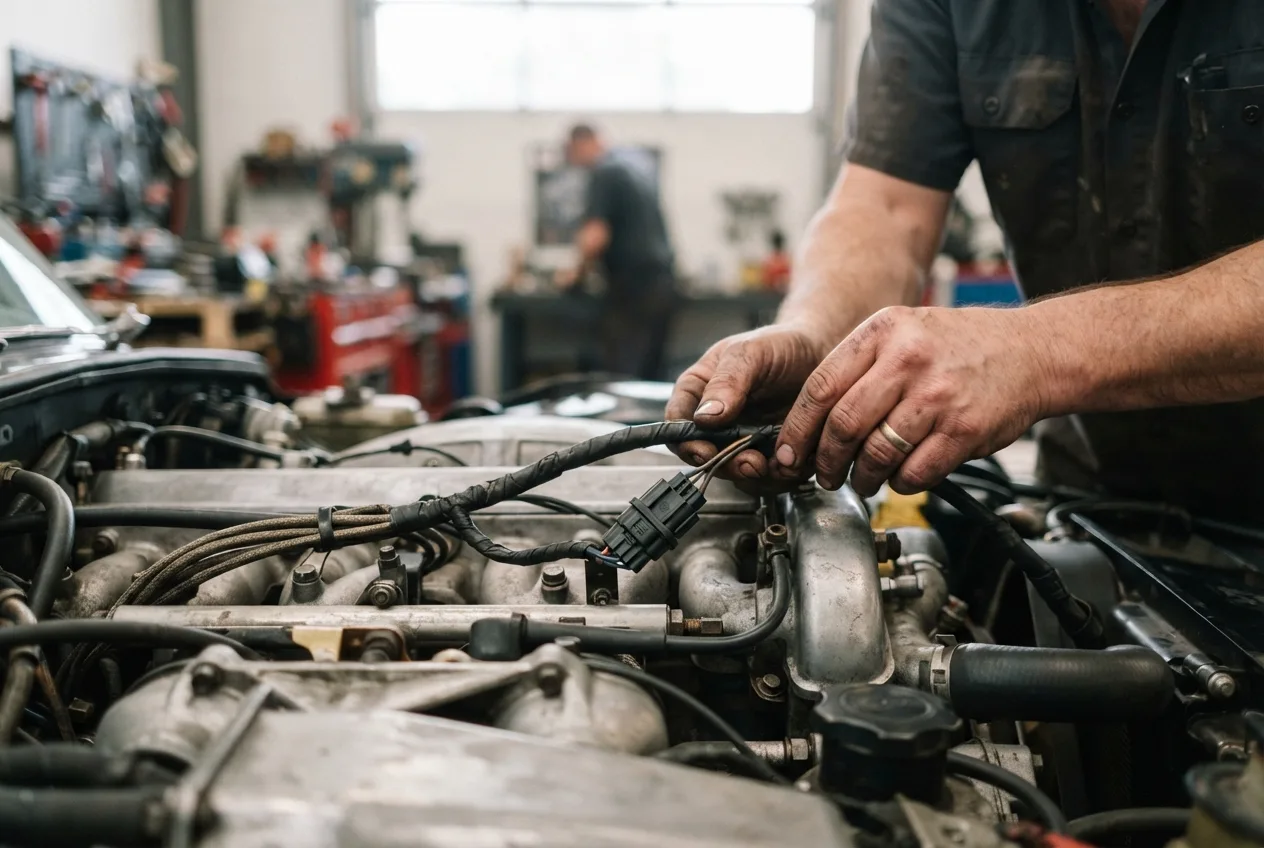
Common triggers include a loose gas cap, a failing oxygen sensor, a vacuum leak, bad spark plugs, or a sensor that's simply getting old. Sometimes it's nothing serious. Sometimes it's the early warning that saves you an engine.
Your options for reading the code
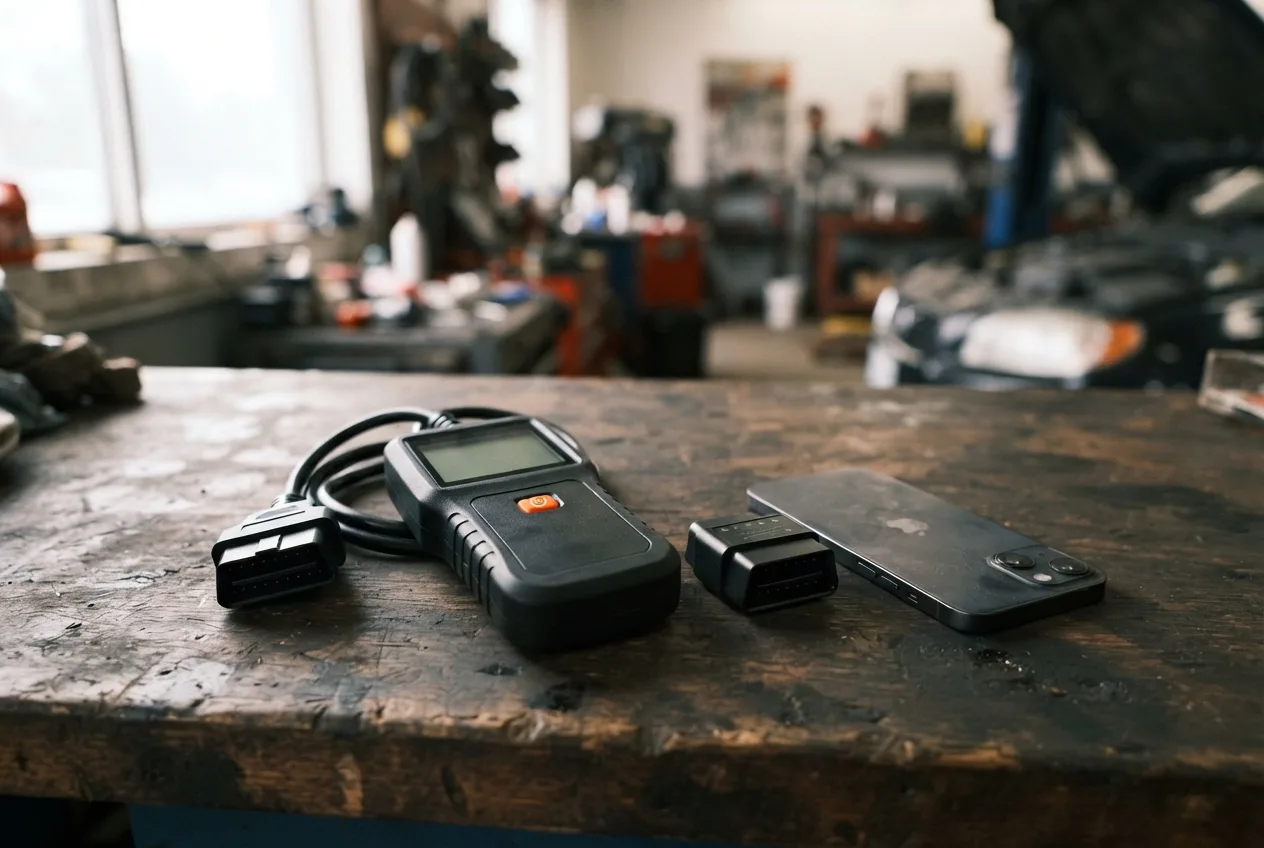
Buy or borrow a code reader
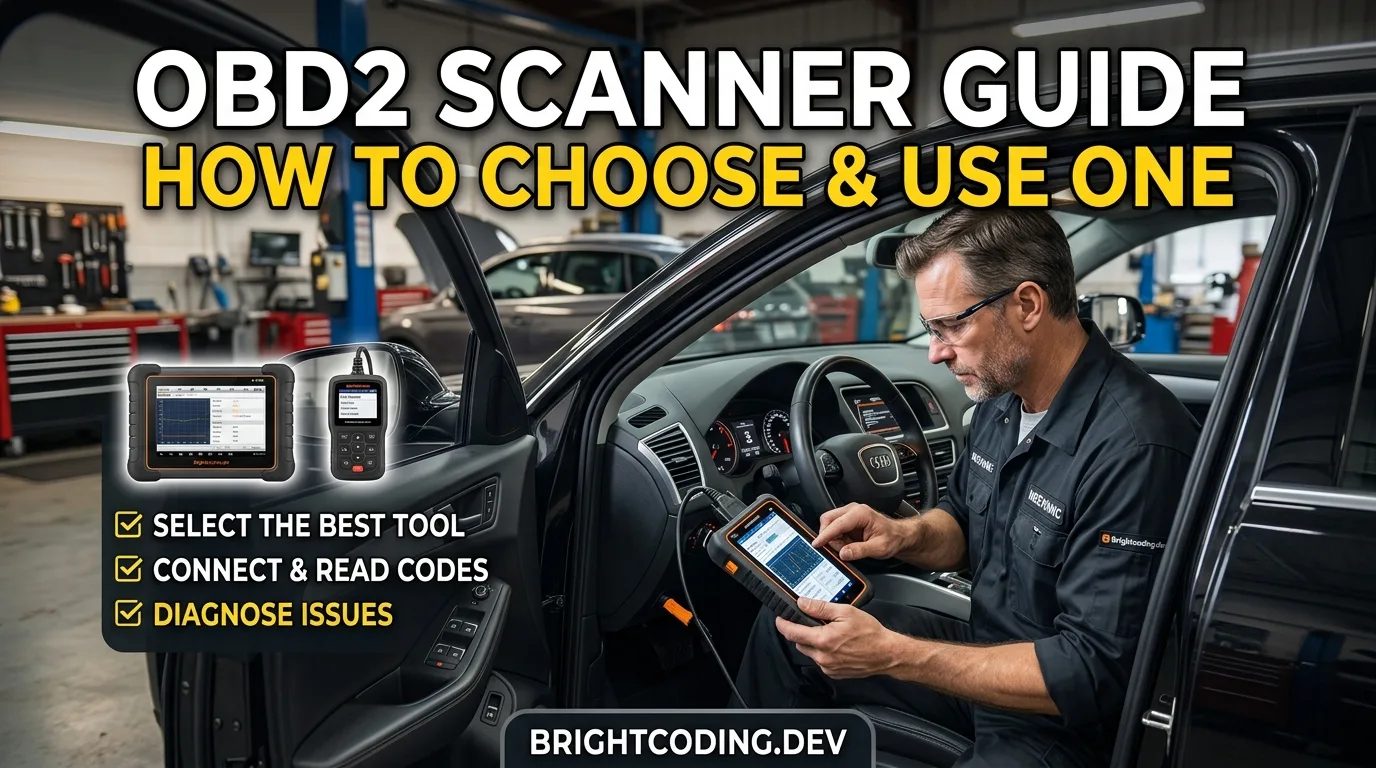
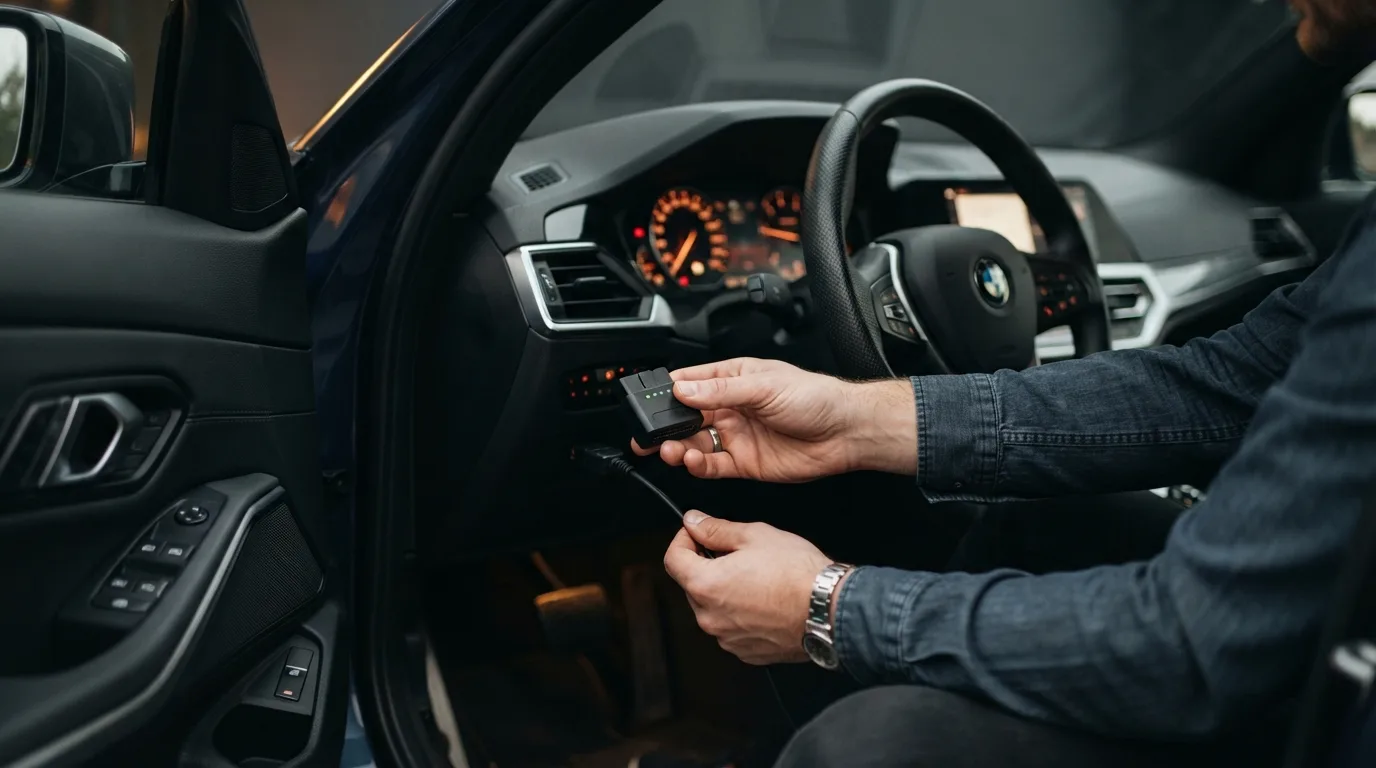
A basic OBD-II scanner plugs into the port under your dash, usually near the steering column. Cheap standalone readers start around $20 to $40, and Bluetooth dongles that pair with your phone run in a similar range. Advantages: you own it, you can check codes anytime, and many clear them too. Disadvantages: cheap units give you the code but limited context. Best for anyone who plans to keep the car a while.
Use a free scan at a parts store
Many auto parts stores will scan your codes for free. It costs nothing and takes a few minutes. The catch is the staff may push parts based on the code alone, and you leave without the tool in hand. Fine if you're passing by, less fine if you want to dig in.
Go to a shop or dealer
A professional scan gives you manufacturer-specific codes and live data a basic reader can't see. Expect a diagnostic fee, often somewhere in the $75 to $150 range depending on where you go, sometimes waived if you do the repair there. Worth it for intermittent or complex faults.
Start with the free code lookup
Before you buy anything, you can decode what a code means. The free OBD code lookup at autotools.brightcoding.dev/obd explains common codes in plain language so you know what you're dealing with. That's where I'd start.
The five-minute version, step by step
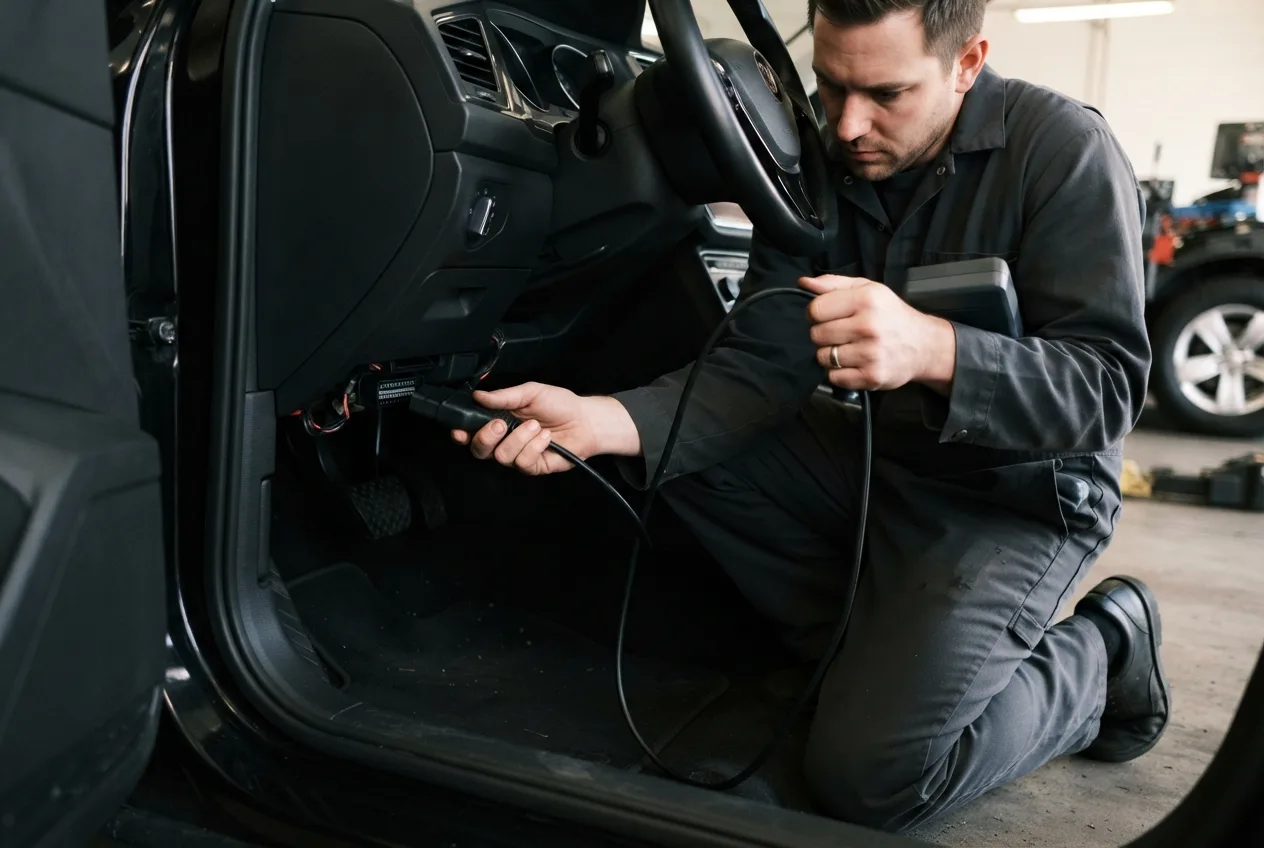
Here's my actual routine, timed. I took a photo of my own lit check engine light first, because I wanted a before-and-after record for my own notes.
- Plug in the scanner. Locate the OBD-II port under the dash, driver's side. Push the connector in firmly. (About 30 seconds.)
- Turn the key to ON, engine off (or press start without the brake). The reader powers up. (15 seconds.)
- Select "Read Codes." Wait for the scan to finish, usually under a minute. (60 to 90 seconds on most cars.)
- Write the code down. Don't trust your memory. I note the code, then look it up.
- Look up the code using the free lookup, and note whether it's a single code or several. Multiple codes often point to one shared cause.
That's the whole process. The scan itself is fast; the real time goes into understanding what the code means.
If you want more than a code, live data tells a richer story. The OBD live-data tool shows sensor readings in real time, which helps when a code is vague. And if you're not sure the code matches what you're feeling, the car symptom finder helps connect symptoms to likely causes.
Which option fits you?
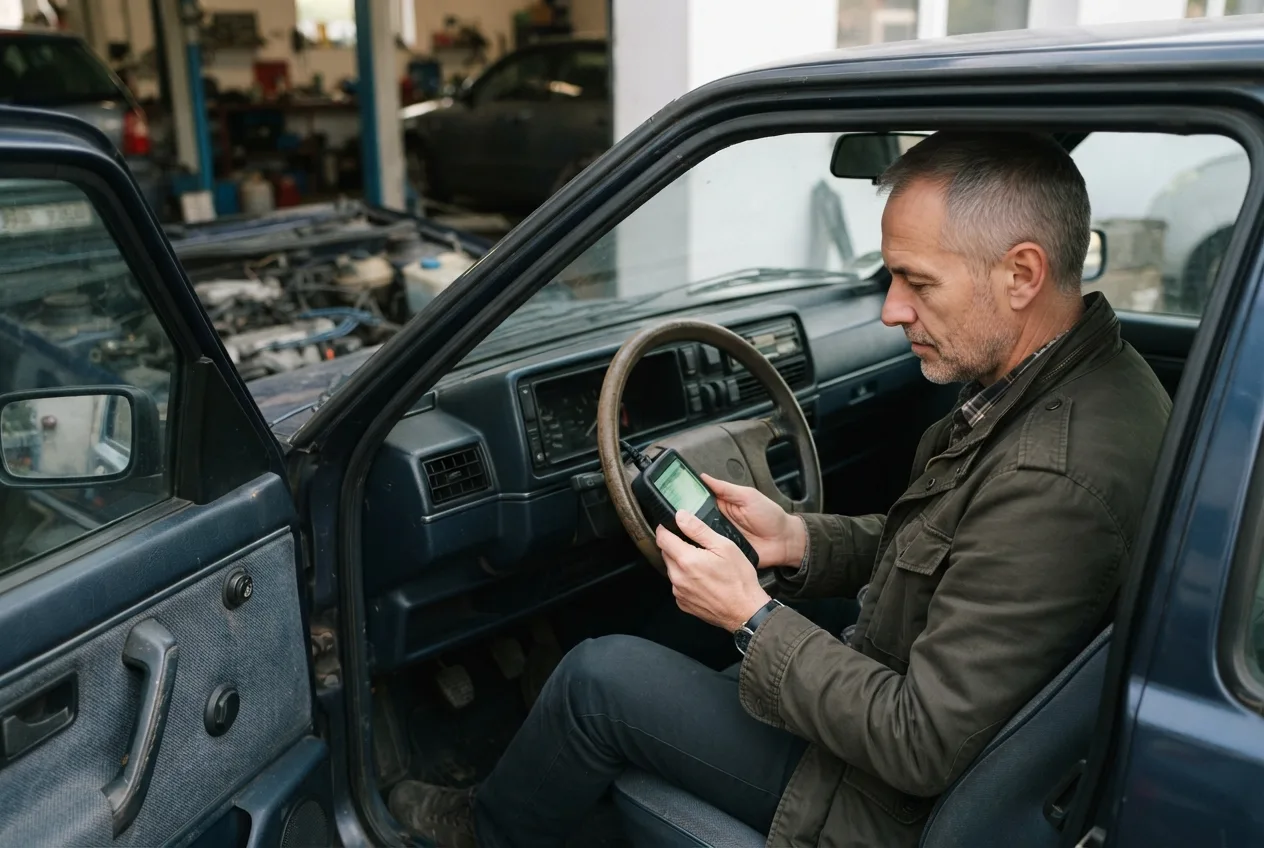
If you're a hands-on owner who likes knowing your car, a $25 Bluetooth reader plus a phone app is the best value. You'll use it again.
If you're a busy commuter who just wants the answer, a free parts-store scan or a quick shop diagnostic gets you there without buying gear.
If the code is intermittent or the car is behaving strangely, pay for a proper diagnostic with live data. Guessing costs more than the fee.
There's no single right answer here. It depends on your car, your comfort level, and how often you plan to do this.
Pick the right path for your situation

A DIY owner with a steady light and one code: read it, look it up, decide. A commuter with a blinking light: stop driving and call a shop. Someone facing three codes at once: get live data before buying a single part.
When the code points somewhere unclear, the AI mechanic assistant can help you think through likely causes before you spend money. Use it as a second opinion, not a substitute for a real inspection.
Common mistakes to avoid
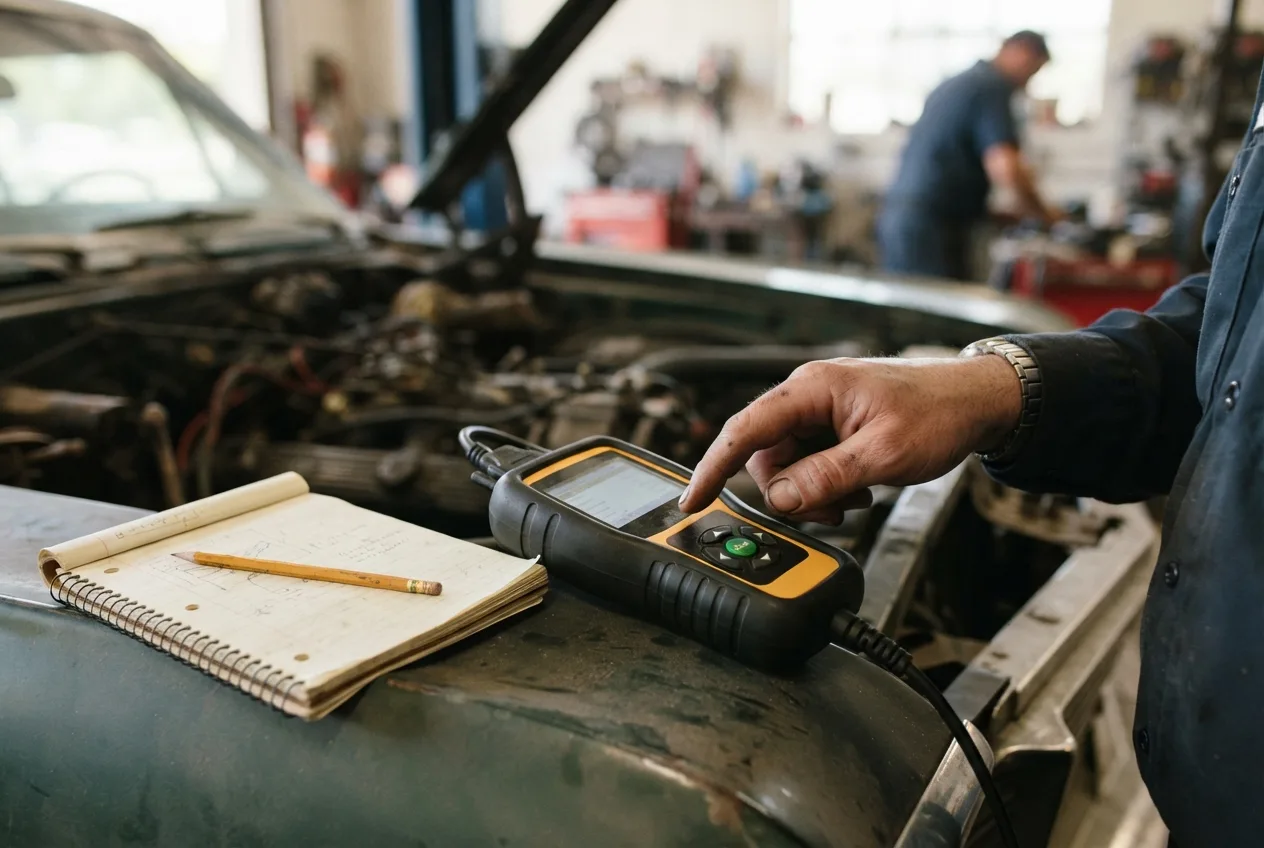
- Clearing the code before you read it. You lose the history. Fix: read and note codes first, clear later.
- Replacing parts based on the code alone. A code names a system, not always the failed part. Fix: confirm with live data or a test.
- Ignoring a blinking light. This can destroy a catalytic converter. Fix: stop driving and get it checked.
- Assuming a loose gas cap isn't the cause. It often is. Fix: tighten it, drive a few cycles, see if the light clears.
- Trusting a single cheap scan on a complex fault. Fix: get a professional diagnostic when symptoms don't match the code.
The one thing to remember

The code is a starting point, not a verdict. Read it, understand it, then confirm before you buy anything. That habit saves more money than any single tool.
FAQ
Can I read engine codes without a scanner? Not directly. Some cars let you cycle the ignition to flash codes, but that's rare on modern vehicles. A cheap OBD-II reader or a free parts-store scan is the practical route.
How long does it take to read a trouble code? The scan itself usually takes under two minutes once the reader is connected. Understanding the code and deciding what to do is the part that takes longer.
Is it safe to drive with the check engine light on? A steady light is usually safe for a short time while you investigate. A blinking light is not. Stop driving and get it checked.
Can I clear the code myself? Yes, most readers can clear codes. But clear it only after you've recorded it, or you'll erase useful history.
Why does the same code keep coming back? Because the underlying fault wasn't fixed. Clearing a code doesn't repair anything. The light returns once the computer sees the problem again.