OBD2 Scanner Guide: How to Choose and Use One
A check engine light comes on and your stomach drops a little. It shouldn't. With a cheap OBD2 scanner and about twenty minutes, you can read the code, understand what it means, and decide whether to fix it yourself or hand it to a shop with a clear description of the problem. This guide walks you…
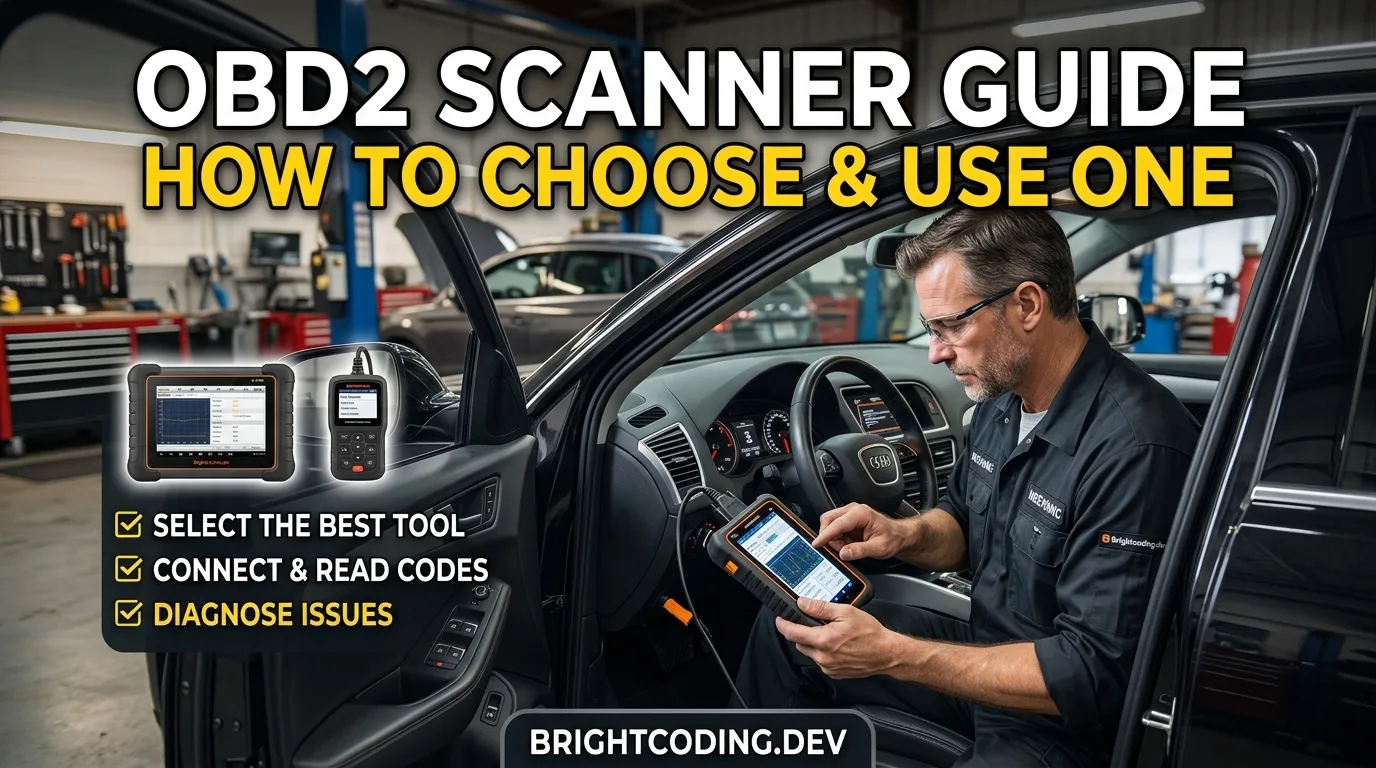
A fault code reader is one of the few tools that pays for itself the first time the check engine light comes on. Read this guide and you will know which scanner to buy for your car, how to plug it in without damaging anything, and how to turn a cryptic code into an actual repair decision. Budget about 20 minutes to read, and 10 minutes in the driveway to pull your first codes.
The goal is not to become a mechanic. It is to stop guessing, and to stop paying a shop an hour of labor just to tell you what the computer already knows.
What you need before you start
- An OBD2 scanner: a basic code reader, a Bluetooth dongle paired with a phone app, or a mid-range handheld with live data. Which one depends on your car and your patience.
- Your car's OBD2 port location. It is usually under the dash on the driver's side, within about arm's length of the steering wheel. Check the owner's manual if you cannot find it.
- The owner's manual, or access to it. It tells you the port location, fuse layout and any manufacturer-specific quirks.
- A phone or tablet if you are using a Bluetooth or Wi-Fi dongle.
- A notebook or your phone's notes app. You will want a record of codes, freeze-frame data and what you changed.
- A battery charger or jumper pack if the car has been sitting. A weak battery causes weird electrical behavior and can wipe codes mid-scan.
You do not need to disconnect the battery, and you should not. That erases the very codes you came to read.
Step 1: Match the scanner to your car and your ambition
The right scanner depends on three things: the age of the car, whether you want to read live data, and whether you plan to touch systems beyond the engine.
A basic code reader handles engine and emissions codes on any OBD2 car (1996 and newer in the US, with some earlier exceptions). That covers a lot. If your check engine light is on and you just want the code, this is enough.
A Bluetooth dongle plus a phone app gives you codes and live data for roughly the price of a tank of fuel. It is the best value for most DIYers, though cheap dongles can be slow or drop the connection.
A mid-range handheld with a real screen and live graphing is easier to use in bright sunlight and often reads more modules. Expect to pay more, and check the listing for which systems it supports on your specific make and model.
Tip: Before buying anything, look up what your car actually exposes. Some vehicles hide transmission, ABS and airbag codes behind manufacturer-specific protocols that cheap readers cannot touch. A quick search for your model plus "OBD2 scanner support" saves a wasted purchase.
Time: 15 to 30 minutes of research. Cost: roughly $20 to $30 for a basic Bluetooth dongle, and up to a few hundred dollars for a full-featured handheld. Prices move, so verify current listings.
Step 2: Find the port and plug in with the ignition off
The OBD2 port is a trapezoid-shaped 16-pin connector. It is almost always under the dash, sometimes behind a small cover, and occasionally in the engine bay on older or commercial vehicles.
Turn the ignition off before plugging in. The port is live on many cars, and shoving a connector in at an angle while the system is awake is how pins get bent. Line the connector up, push straight, and listen for the click.
Safety note: Do not force the plug. If it will not seat, you have the wrong orientation or a damaged port. A bent pin can knock out communication with the whole car, and fixing it is a job for someone with the right pin tools.
Tip: If the scanner powers up but will not talk to the car, check the cigarette lighter or accessory fuse. On many vehicles the OBD2 port shares a fuse with the accessory circuit. It is a five-minute check that solves a surprising number of "dead scanner" complaints.
Step 3: Turn the key to run and let the scanner connect
Turn the ignition to the run position without cranking the engine. On a push-button car, press the button without your foot on the brake. The dash lights should come on.
Wait for the scanner to handshake with the car. This can take a few seconds. If it asks you to confirm the vehicle or the protocol, do it.
Safety note: Do not start the engine while a cheap dongle is mid-handshake. Some adapters dislike the voltage dip. If you need the engine running to check live data later, connect and confirm communication first, then start.
Tip: If the scanner reports "no communication," try again with the engine running. Some modules only wake up once the car is running, though engine and emissions codes are readable with the key on.
Step 4: Read the codes, then read the freeze frame
This is the part people skip, and it is where the real information lives.
Write down every code, including pending codes. A pending code means the computer saw a fault but has not confirmed it across enough drive cycles to turn on the light. Those are early warnings, and they are gold.
Then open the freeze-frame data. This is a snapshot of engine conditions at the moment the fault set: RPM, load, coolant temperature, speed and fuel trims. It tells you when the problem happens, which is often more useful than the code itself.
Tip: Take a photo of the screen. Codes and freeze-frame numbers are easy to misremember, and you will want them when you look up what the code means. The free OBD code lookup at /obd is a good first stop, and it will tell you whether a code is generic or manufacturer-specific. Pair it with the AI mechanic assistant at /tools/ai-assistant when you want to talk through a code in plain language.
Step 5: Decide whether to clear the code or chase the cause
Here is the honest advice: do not clear codes just to make the light go away. Clearing wipes the freeze frame and the readiness monitors, and in many regions you cannot pass an emissions test until those monitors reset after a full drive cycle.
Clear a code when you have actually fixed something, or when you want to see if a fault returns after a repair. If you are diagnosing, leave the code in place and work the problem.
Tip: If a code keeps coming back immediately after clearing, that is confirmation the fault is real and current. If it stays away for a week of normal driving, it may have been a one-off glitch, but keep an eye on it. A code that returns every few days is a problem that is getting worse, not better.
Step 6: Use live data to see what the engine is doing
Live data is where a cheap scanner stops being a toy and starts being a diagnostic tool. You watch sensor values update in real time while the engine runs.
Start with coolant temperature, engine RPM, mass airflow or manifold pressure, and short and long-term fuel trims. Watch them at idle, then at a steady cruise, then under light acceleration. You are looking for values that move smoothly and stay in a sensible range, not for a single magic number.
Tip: Fuel trims are the most useful thing most DIYers never look at. Large positive trims suggest a vacuum leak or a fuel delivery problem. Large negative trims suggest too much fuel. The OBD live-data tool at /tools/obd-live-data lets you log and review values if your dongle supports it, which is far easier than trying to read a flickering screen at 60 mph.
Safety note: Never watch live data while driving. Have a passenger hold the phone, or record a log and review it parked. A two-second glance at a screen is how people rear-end the car in front.
Step 7: Check readiness monitors before an emissions test
If you have an inspection coming up, read the readiness monitors before you go. These are the self-tests the computer runs after codes are cleared or the battery is disconnected.
Most regions allow a small number of monitors to be "not ready," but the exact rules vary. Check your local requirements. If monitors are incomplete, drive the car through a normal mix of city and highway driving, including a cold start, and recheck.
Tip: Clearing codes right before an emissions test is the classic own goal. The monitors will not be ready, and you will fail on readiness rather than on emissions. Give yourself a few days of normal driving after any code clearing.
Step 8: Log the repair and recheck
After you fix something, clear the code, then drive normally for a few days and recheck. If the code is gone and the monitors are ready, you are done.
Keep a simple log: date, mileage, codes, what you changed. It makes the next fault faster to diagnose and it is genuinely useful if you ever sell the car.
Tip: If a code returns after a repair, do not assume the repair failed. It may be a second, related fault. Re-read the freeze frame and compare it to the first time. The conditions may have shifted, which points you somewhere new.
Pro tips
- Start with the cheapest suspect. A loose gas cap sets an evaporative emissions code on a huge number of cars. Check the cap seal and tighten it until it clicks before you buy any parts.
- Read pending codes, not just active ones. They tell you what is brewing before the light comes on.
- Photograph the freeze frame every time. It is the closest thing you get to a black box recording.
- Keep the dongle plugged in for a week. Many apps log trips and catch intermittent faults you would never reproduce on demand.
- Compare before and after. Save a live-data log before a repair and another after. The difference is your proof.
- Use the symptom finder at /symptom when you have a noise or behavior but no code. Not every problem sets a fault. The free car tools at /tools cover the rest of the basics.
Common pitfalls
- Buying a scanner that cannot read your car's modules. Cheap readers often only see engine codes. Check support for your make and model before you buy.
- Clearing codes to "fix" the light. It hides the evidence and resets readiness monitors. Diagnose first, clear after the repair.
- Ignoring pending codes. They are early warnings. Treat them as a to-do, not noise.
- Chasing the code instead of the cause. A code names a circuit or a system, not always the failed part. An oxygen sensor code can mean a bad sensor, a wiring fault or an intake leak. Test before you replace.
- Watching live data while driving. Record it or hand the phone to a passenger.
Useful resources
- Your owner's manual for port location, fuse layout and maintenance intervals.
- The free OBD code lookup at /obd for plain-language code meanings.
- The OBD live-data tool at /tools/obd-live-data for logging sensor values.
- The AI mechanic assistant at /tools/ai-assistant for talking through a diagnosis.
- The symptom finder at /symptom when there is a problem but no code.
- Your local emissions testing authority's website for readiness monitor rules.
FAQ
Will a cheap scanner work on my car? For engine and emissions codes, usually yes on any OBD2 vehicle. For transmission, ABS, airbag and body codes, often no. Check the listing for your specific model before buying.
Can I leave the dongle plugged in all the time? Many people do, and it is usually fine. Some dongles draw a small parasitic drain that can flatten a weak battery over weeks. If your car sits for long periods, unplug it.
My scanner says "no communication." What now? Check the OBD2 port fuse, confirm the ignition is in run, and try again with the engine running. If it still fails, the port or wiring may be damaged and needs a shop.
Do I have to clear codes after a repair? Usually yes, so the computer can relearn and the light can go out. But drive normally for a few days afterward so the readiness monitors reset before any inspection.
Can I pass emissions with a check engine light on? No. A lit check engine light is an automatic fail in most regions, and so are incomplete readiness monitors. Fix the fault first, then let the monitors reset through normal driving.
A final word
You do not need to be a mechanic to use an OBD2 scanner well. You need to read the codes carefully, look at the freeze frame, and resist the urge to clear the light and hope. Do that, and you will save real money and understand your car a lot better than most people on the road.
Ready to act on what you just read? Decode that warning light with the free OBD code lookup, run the matching car tools to check the numbers yourself, or browse more practical car articles for ideas.
Related articles
How to Test a Car Relay With a Multimeter: Step-by-Step Guide
A relay is one of the cheapest parts in your car and one of the most common reasons a fan, fuel pump, horn or headlight stops working. By the end of this guide you will be able to pull a suspect relay, test it on the bench with a multimeter, and know for certain whether it is dead or fine. Plan on…
Read the article →
Best Multimeters for Automotive Diagnostics in 2026
Discover the best multimeters for automotive diagnostics in 2026. From budget picks to professional-grade tools, learn which features matter and how to choose the right meter for your garage.
Read the article →
Top 10 Must-Have Car Diagnostic Tools in 2026
Discover the 10 best car diagnostic tools for 2026 — from Bluetooth OBD2 scanners to professional bi-directional tablets. Learn which tool matches your budget and skill level, and stop guessing when your check engine light appears.
Read the article →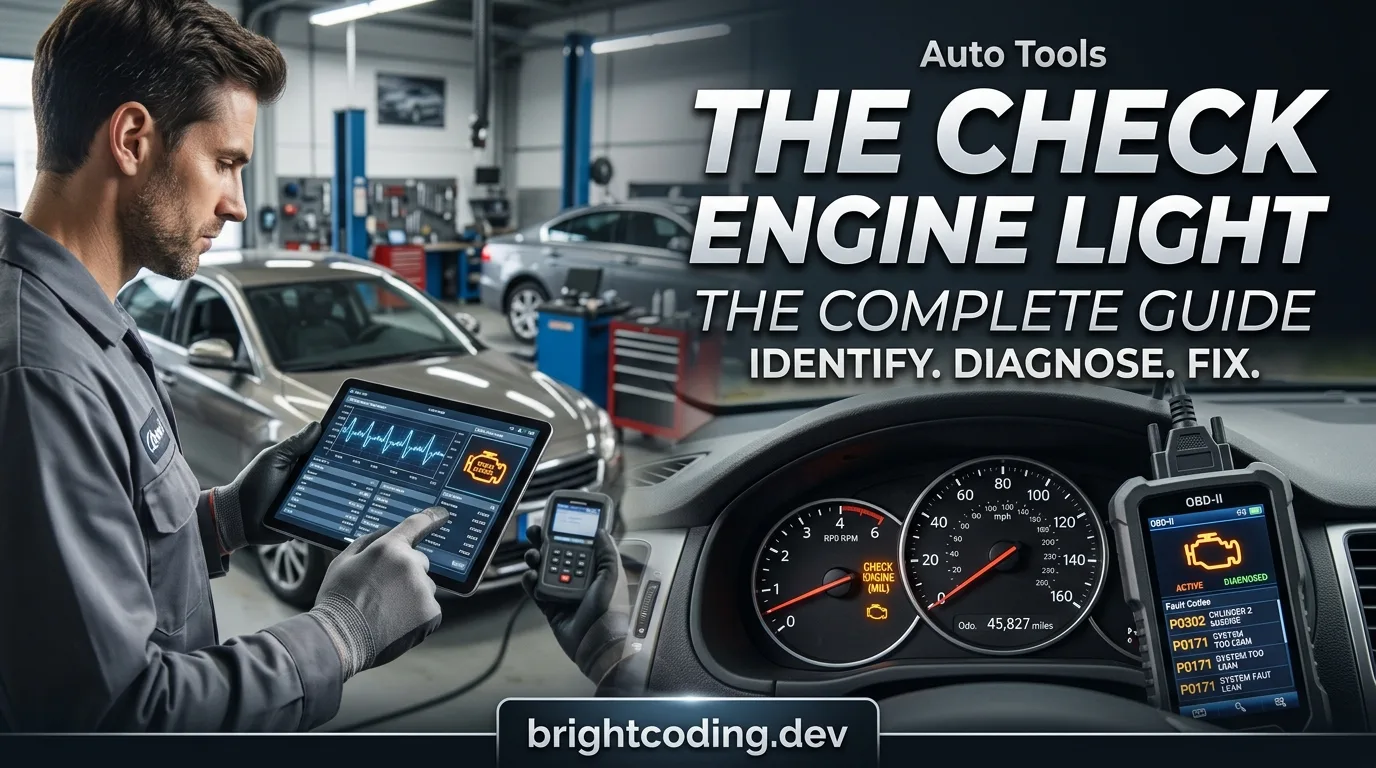
The check engine light: the complete guide
What the check engine light means, what to do first, how to read codes and what each common code says — the complete walkthrough.
Read the article →Understanding OBD-II: codes, ports and live data
What OBD-II is, how to read codes, where the port is and how live data turns a guess into a diagnosis.
Read the article →
Stop Throwing Parts at Your Car: The 4-Step Sensor Diagnostic Method That Actually Works
A fault code points to a circuit or behavior—not automatically a failed sensor. This practical guide covers the 8 engine sensors every DIYer and technician should understand, plus the 4-step test process that prevents expensive parts-swapping and misdiagnosis.
Read the article →