How to Reprogram a Car Key Remote After a Battery Change
You changed the battery in your key fob, and now the car won't lock. Or it locks but the trunk button does nothing. Annoying, and a little alarming.
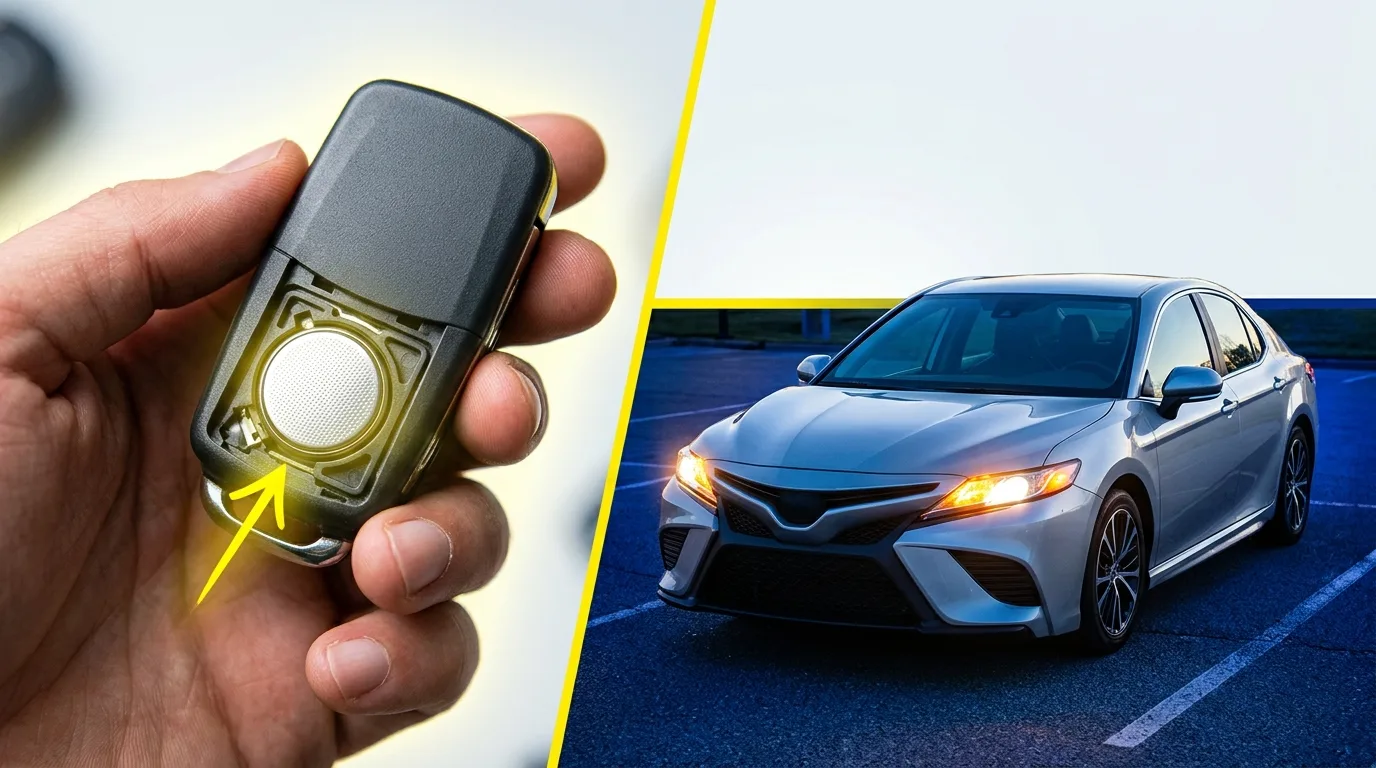
You changed the battery in your key fob, and now the car won't lock. Or it locks but the trunk button does nothing. Annoying, and a little alarming.
Here's the good news: on most cars the remote just needs to be re-synced, and you can often do it yourself in five to ten minutes with no tools. After reading this you'll know the main methods that cover most makes, how to figure out which one your car uses, and when it's time to stop and call a locksmith. Budget a short coffee break for the easy cases, and maybe twenty minutes if you're hunting down the right sequence.
What you need before you start
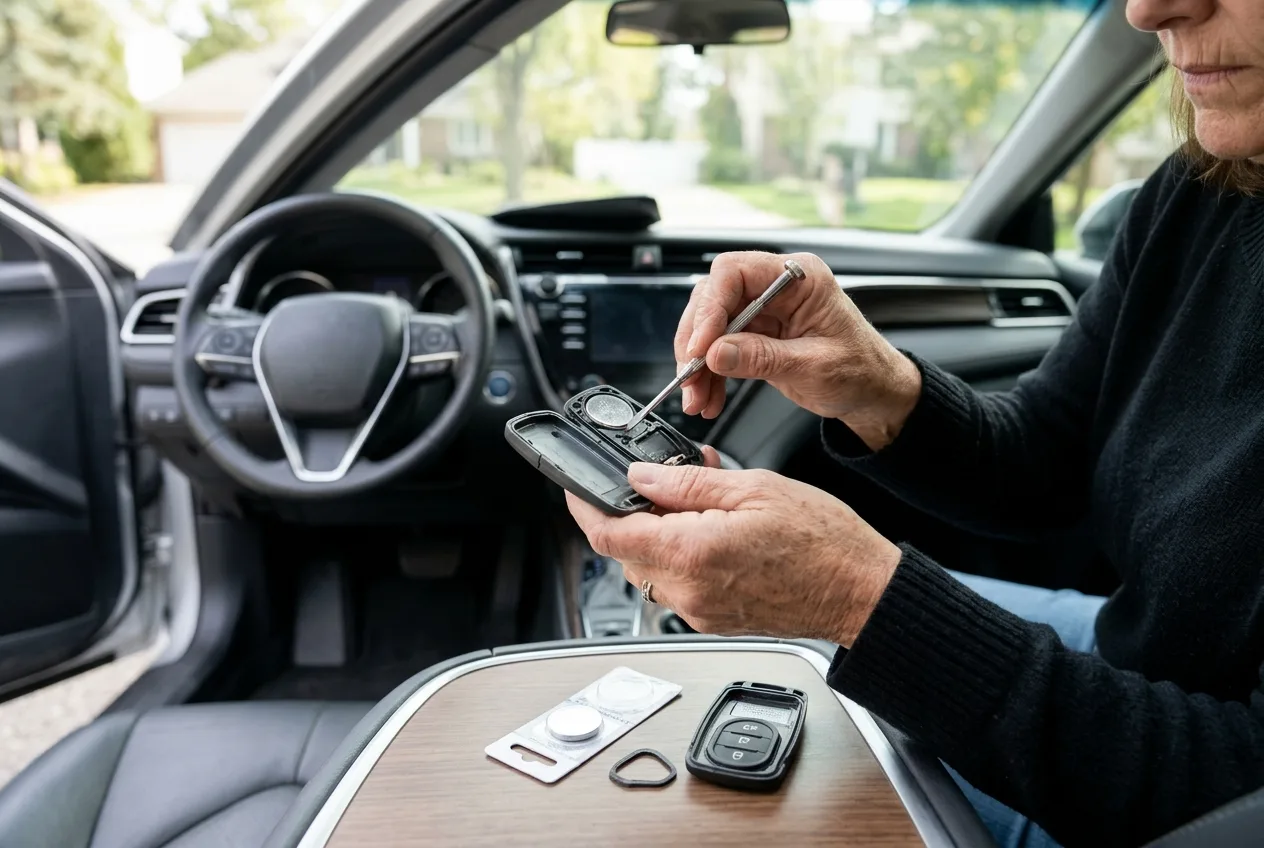
- The new battery, correctly sized. Check the old one or the owner's manual; a wrong-size cell can look like it fits and still fail.
- A small flathead screwdriver or a coin for opening the fob, depending on the design.
- Your owner's manual. This is the single most useful thing on the list for the reprogramming sequence.
- A second key or remote if you have one. Some procedures need it.
- Your car's VIN, handy in case you end up calling a dealer or locksmith.
- Patience for the ignition-cycle steps, because timing matters on many cars.
One quick caution before you open anything: work on a clean table, not over a floor drain or a storm grate. Fob springs and tiny screws love to disappear, and a lost transponder chip can turn a cheap battery swap into an expensive problem.
Step 1: Confirm the battery is actually the problem
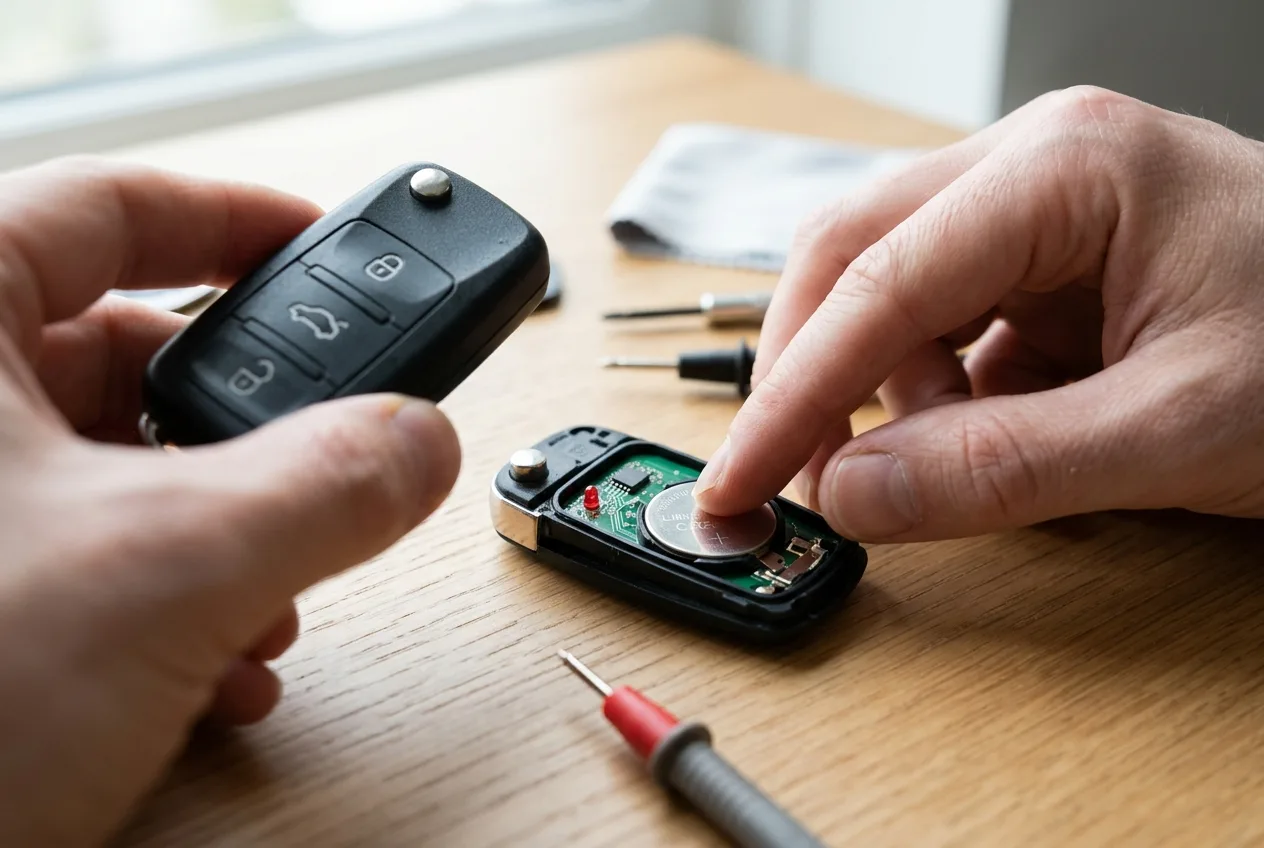
Before you blame the programming, make sure the new battery is good and seated right. A fob that won't respond at all is often a battery installed upside down or a bent contact.
Press the buttons and watch for the little LED, if your fob has one. No light at all points to power, not programming. If you have a multimeter, check the cell reads close to its rated voltage; a fresh coin cell should be near its marked number, but don't guess the spec, look it up.
Tip: Put the old battery aside for a minute and compare it to the new one. Same size, same voltage, positive side up. It sounds obvious until you've done it wrong at 7 a.m.
Step 2: Find your car's actual procedure

There is no universal reprogram car key remote sequence. Every manufacturer does it differently, and sometimes the method changes within the same model year.
Open the owner's manual to the keys and remote section. If it's not there, search the manual PDF for "remote," "transmitter," or "key fob." Failing that, a quick search for your exact year, make, and model plus "remote programming" will usually turn up the sequence. Cross-check it against a second source, because forum posts get copied and garbled.
For background on how the fob talks to the car, the mechanical encyclopedia is a solid place to understand what the remote is actually doing before you start pressing buttons in a parking lot.
Tip: Write the sequence down on paper or your phone before you begin. You don't want to be scrolling with one hand while holding the key in the ignition with the other.
Step 3: Try the simple "press and hold" sync first
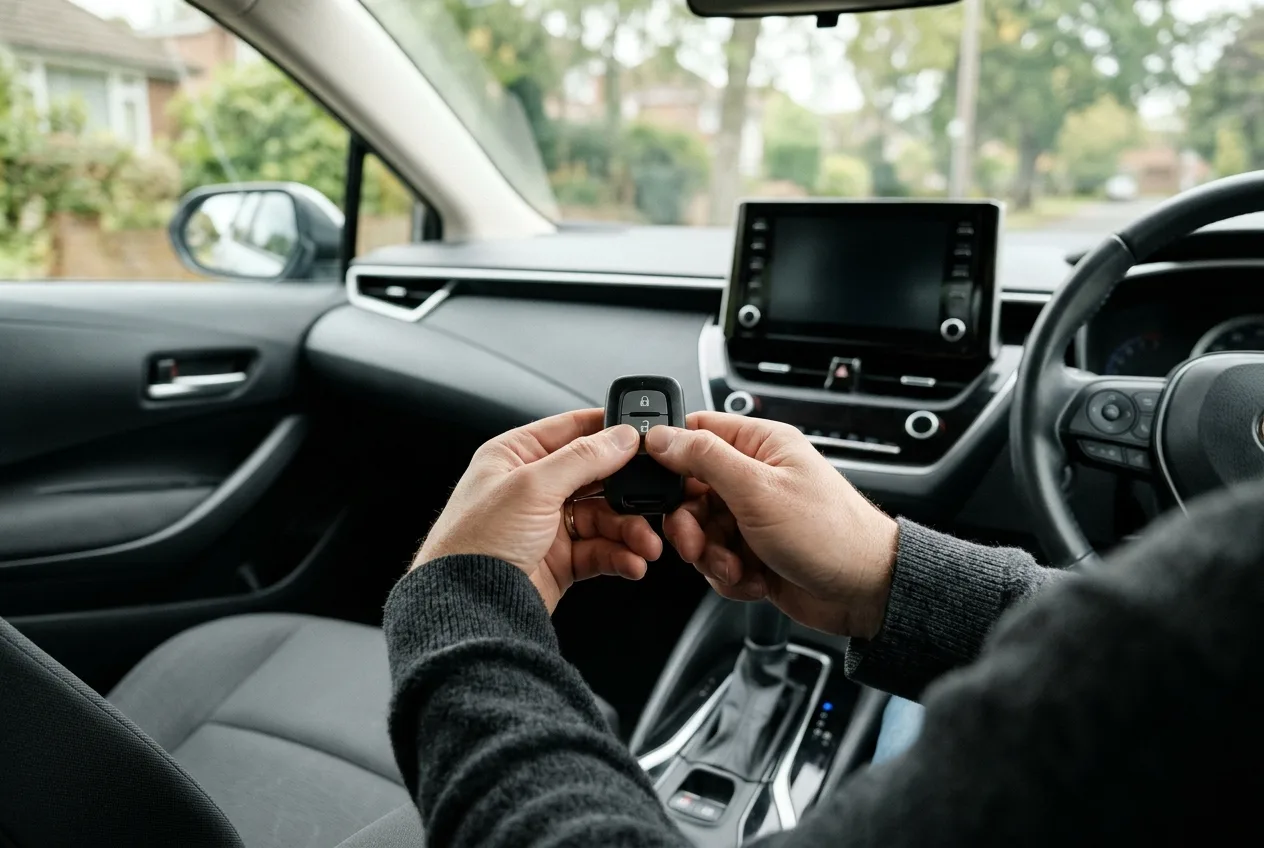
Many cars, especially newer ones, just need the fob to re-handshake with the receiver. The common version: sit in the driver's seat with doors closed, then press and hold the lock and unlock buttons together for several seconds until the car responds, often with a chirp or a flash.
Why it works: the receiver has forgotten the rolling code and needs to hear from the fob while it's nearby and powered. A short press isn't always enough; hold it.
Tip: If nothing happens, don't mash the buttons. Some systems lock out after too many failed attempts and need a minute to reset. Step away, count to thirty, try once more.
Step 4: Use the ignition-cycle method if your car uses it
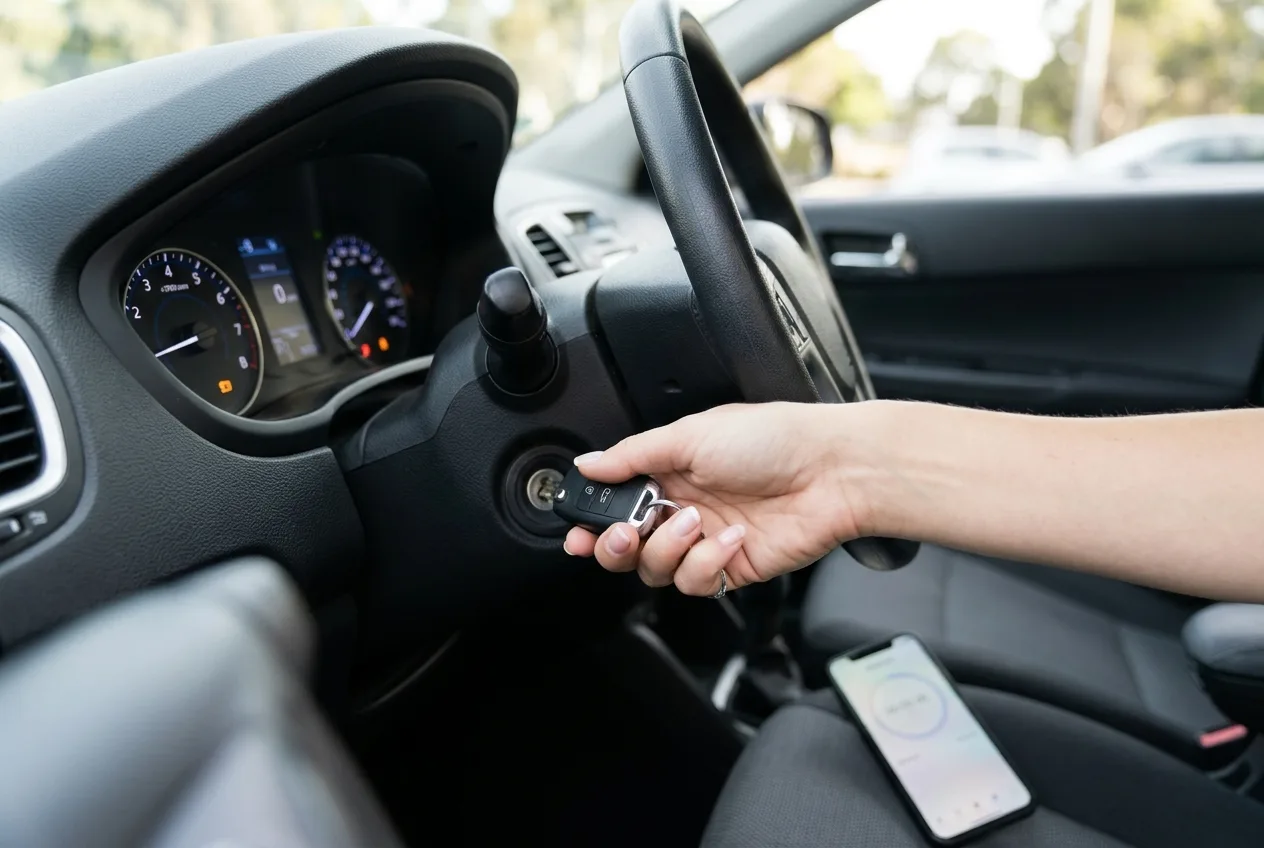
A lot of older and mid-age vehicles use an ignition sequence. The classic pattern: get in, close the doors, turn the ignition on and off a set number of times within a time window, then press a button on each remote you want to pair.
Follow your manual's exact order and timing. The count and the timing window are the whole trick, and getting them wrong is the most common reason it "doesn't work." Some cars want the driver's door open, some want it closed, and some want the seatbelt buckled.
Tip: Do it with the engine off but the key in the accessory or on position, exactly as the manual states. If your car is push-button start, the sequence often involves pressing the start button without the brake, so check before you try.
Step 5: Pair any spare remotes in the same session
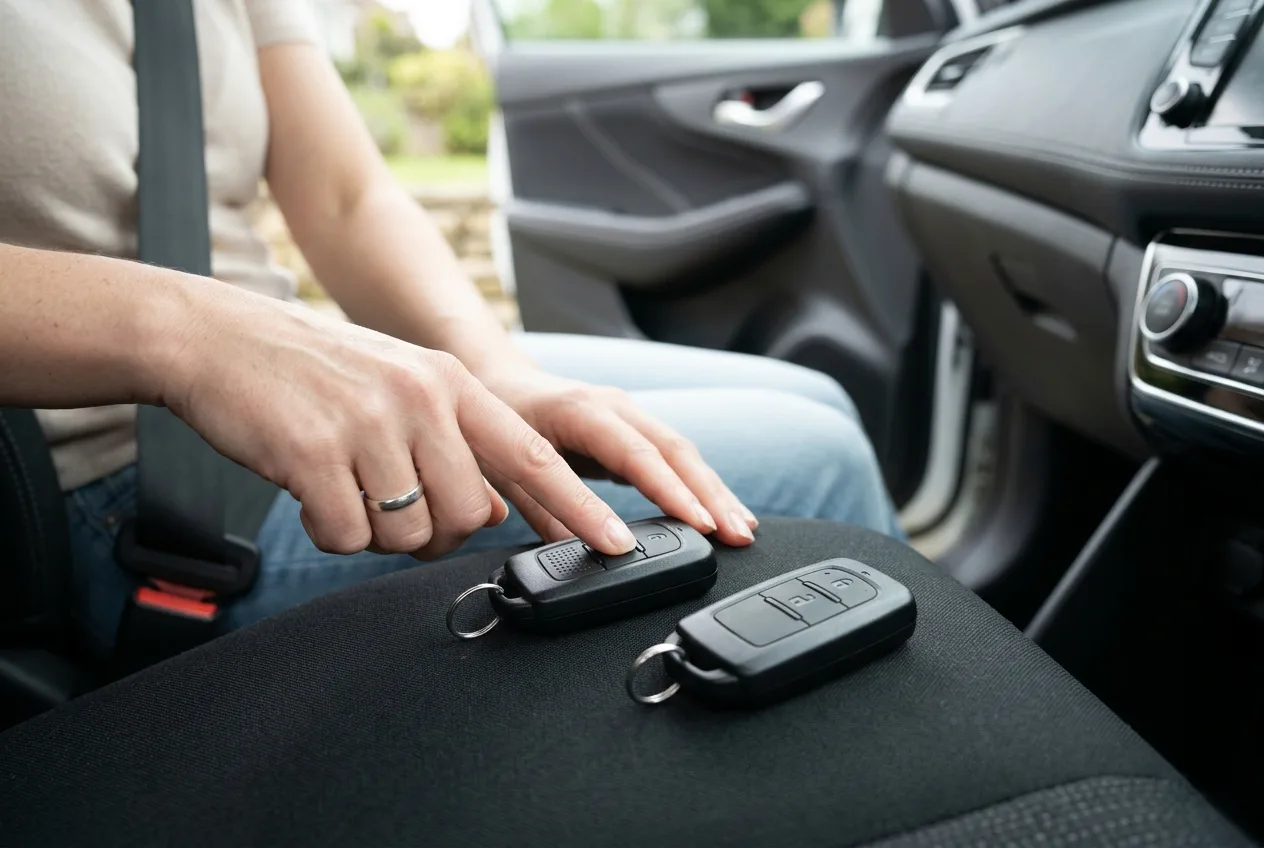
Here's a detail people miss. On many systems, entering programming mode wipes the remotes it knew about. If you only re-pair the one fob in your hand, the spare in the drawer may stop working.
So when the car is in pairing mode, press the buttons on every remote you own, one after another, following the manual's order. It takes an extra thirty seconds and saves a headache later.
Tip: If you don't have a spare, this is a good moment to think about getting one. Programming a second remote is usually cheaper than starting from scratch after a loss.
Step 6: Test everything, not just the lock button
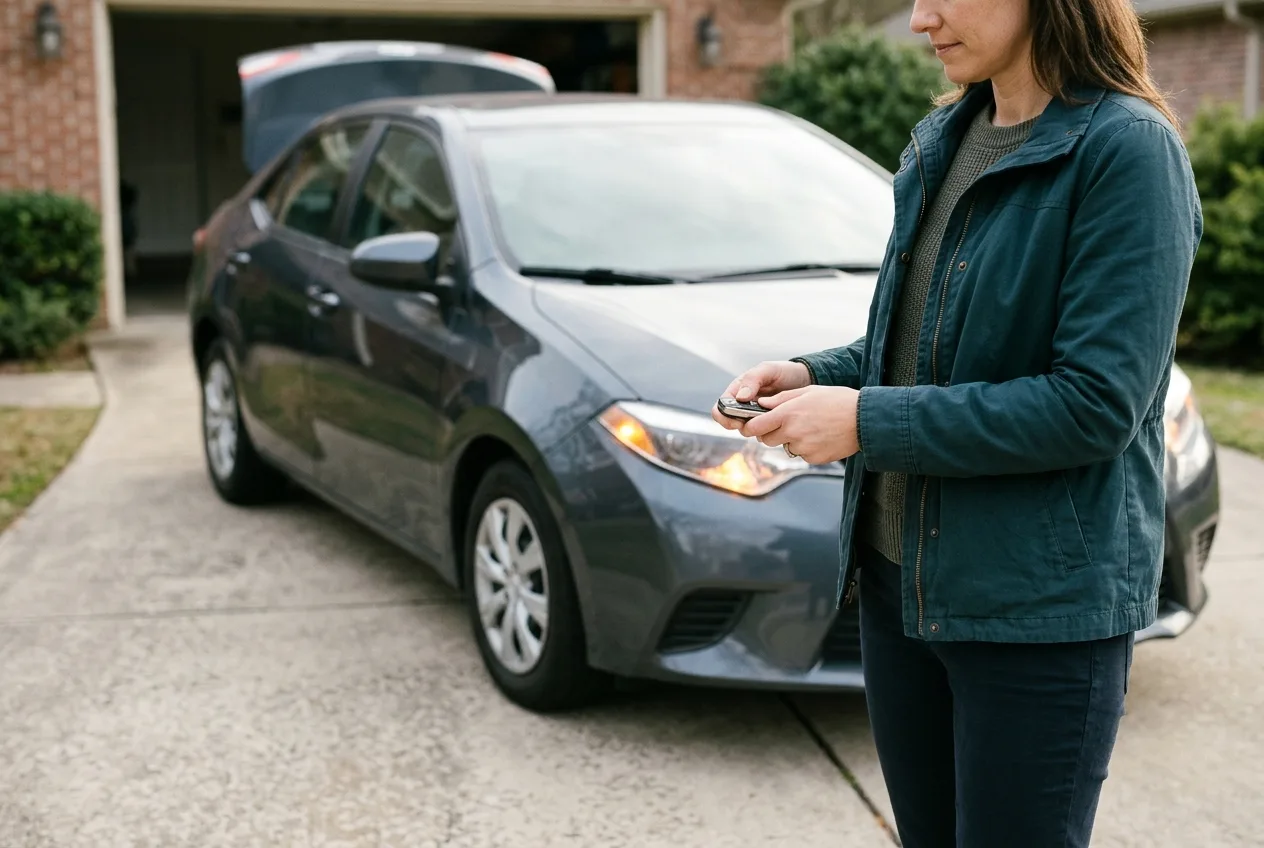
Walk around the car and test lock, unlock, trunk, and panic. Check the range from a few steps back. Then start the car to confirm the immobilizer chip is still recognized.
If the buttons work but the engine won't start, the remote and the immobilizer are two separate systems, and the chip part may need attention. Don't keep cranking; a no-start with a working fob is worth diagnosing properly, and the car symptom finder can help you narrow down whether it's key-related or something else.
Tip: Test from the driver's seat first, then from outside. If it works up close but not from your kitchen window, that's a range or antenna issue, not a programming failure.
Step 7: Know when to stop and get help
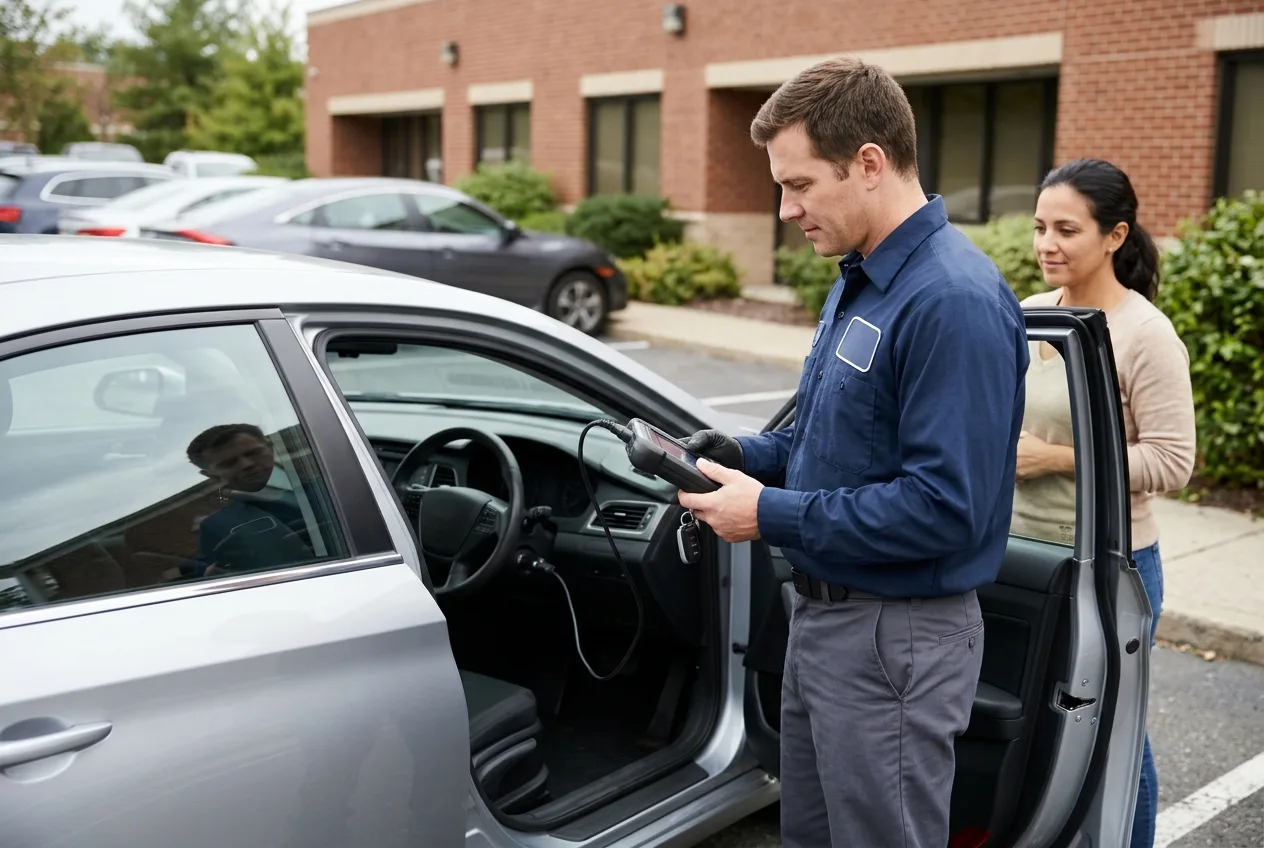
Some cars can't be programmed without dealer or locksmith equipment. European makes in particular often require a diagnostic tool to add a key, and a few require an online security code tied to the VIN.
If you've followed the manual sequence twice with fresh batteries and correct timing, stop. A locksmith can typically program a remote for a modest fee, and a dealer will charge more. Exact prices vary widely by make and region, so call for a quote rather than trusting a number you read online, including mine.
Safety note: Never program or test remotes while the car is running in an enclosed space, and never leave the key in the ignition with the engine on while you fiddle with a fob. Carbon monoxide and a rolling car are both real hazards.
Pro tips
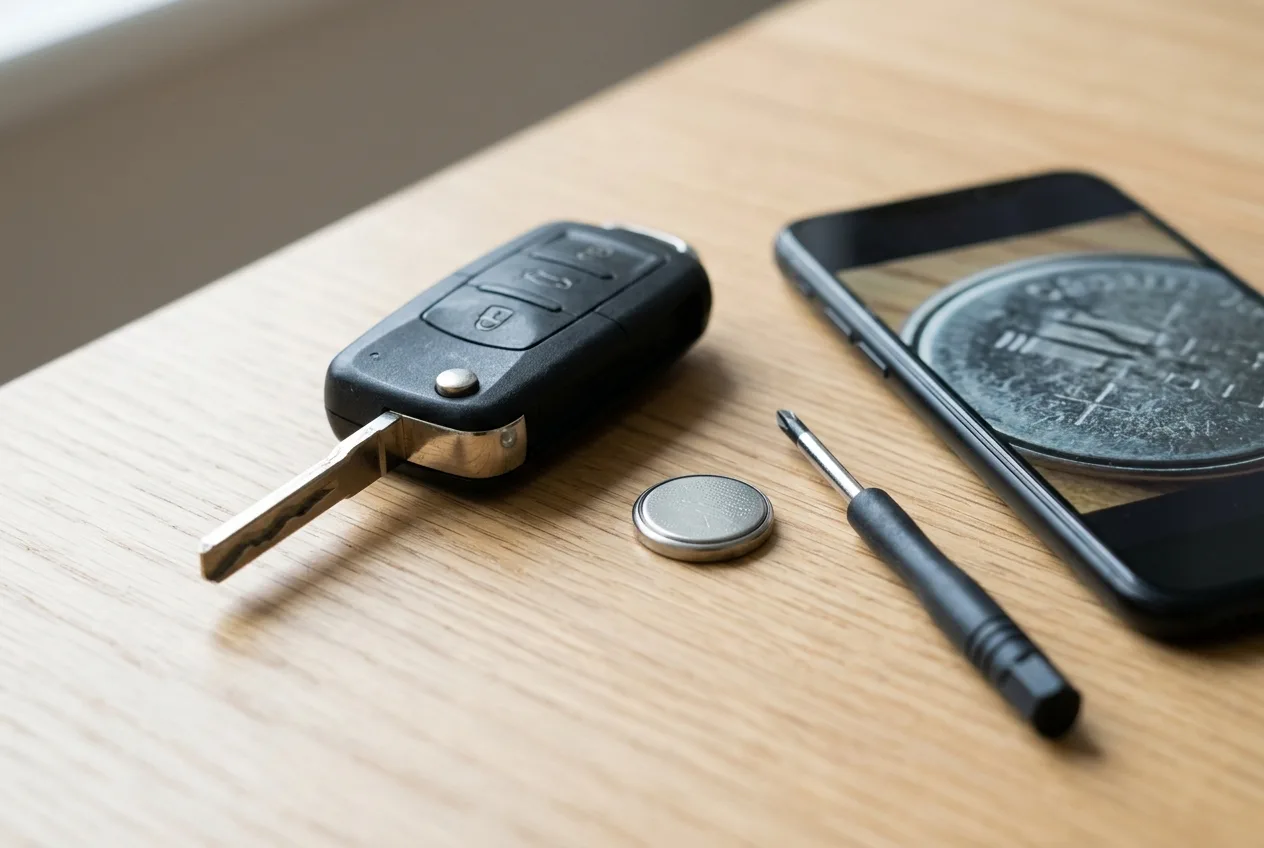
- Do the job in daylight or good light. Half the failed attempts I've seen were a misread button or a battery in backward.
- If your fob has a physical key hidden inside, pull it out before you start prying. It gives you a lever and stops you cracking the case.
- Cold weather kills coin cells fast. If your remote only acts up in winter, the battery may be fine but weak, so test it rather than reprogramming blindly.
- Keep a photo of your fob's battery type in your phone. Next time, no guessing.
- After any electrical work on the car, remember that a weak car battery can make remotes behave oddly. If several electrical things act up at once, scan for codes with the free OBD code lookup before assuming the fob is at fault.
- Some remotes have a tiny reset or pairing button inside the case. Check the manual before you assume there isn't one.
Common pitfalls
- Skipping the manual and copying a forum sequence. The same model year can use different systems. Verify against your own manual first.
- Not pairing the spare. As covered above, one remote in, one remote out. Pair them all in one go.
- Wrong battery, right size. Voltage matters as much as diameter. Match the marking on the old cell exactly.
- Rushing the timing. Ignition-cycle methods are unforgiving. Count slowly and use a stopwatch on your phone if the manual gives a window.
- Assuming a dead fob means a dead car. If the car also cranks slowly or the lights dim, the problem may be the car battery or charging system, not the remote. The OBD live-data tool can show you what the electrical system is doing.
Useful resources
Keep your owner's manual within reach, and bookmark a reputable repair guide site for your specific model. For general electrical and key-system background, the step-by-step car guides and the AutoTools blog are worth a read. If you want a second opinion on a stubborn no-start or weird electrical behavior, the AI mechanic assistant can help you think it through, and the free car tools page has calculators and lookups that come in handy around the garage.
FAQ
How long does reprogramming a key remote take? Usually five to fifteen minutes once you have the right sequence. Dealer or locksmith programming may take longer because of the appointment and paperwork.
Do I always need to reprogram after a battery change? No. Many cars remember the fob and work fine. If yours doesn't respond after a fresh battery, a re-sync is the first thing to try.
Can I reprogram a remote without the original key? Sometimes, if you have a working key and the car accepts a new one through its sequence. Many modern cars require a diagnostic tool or security code, so check your manual or ask a locksmith.
Will reprogramming erase my other remotes? On some systems, yes. That's why you pair every remote you own during the same session. Check your manual's wording.
Why does my remote work sometimes and not others? Intermittent behavior usually points to a weak battery, a dirty contact, or a failing fob rather than programming. Test the battery and clean the contacts before you reprogram again.
One last thing
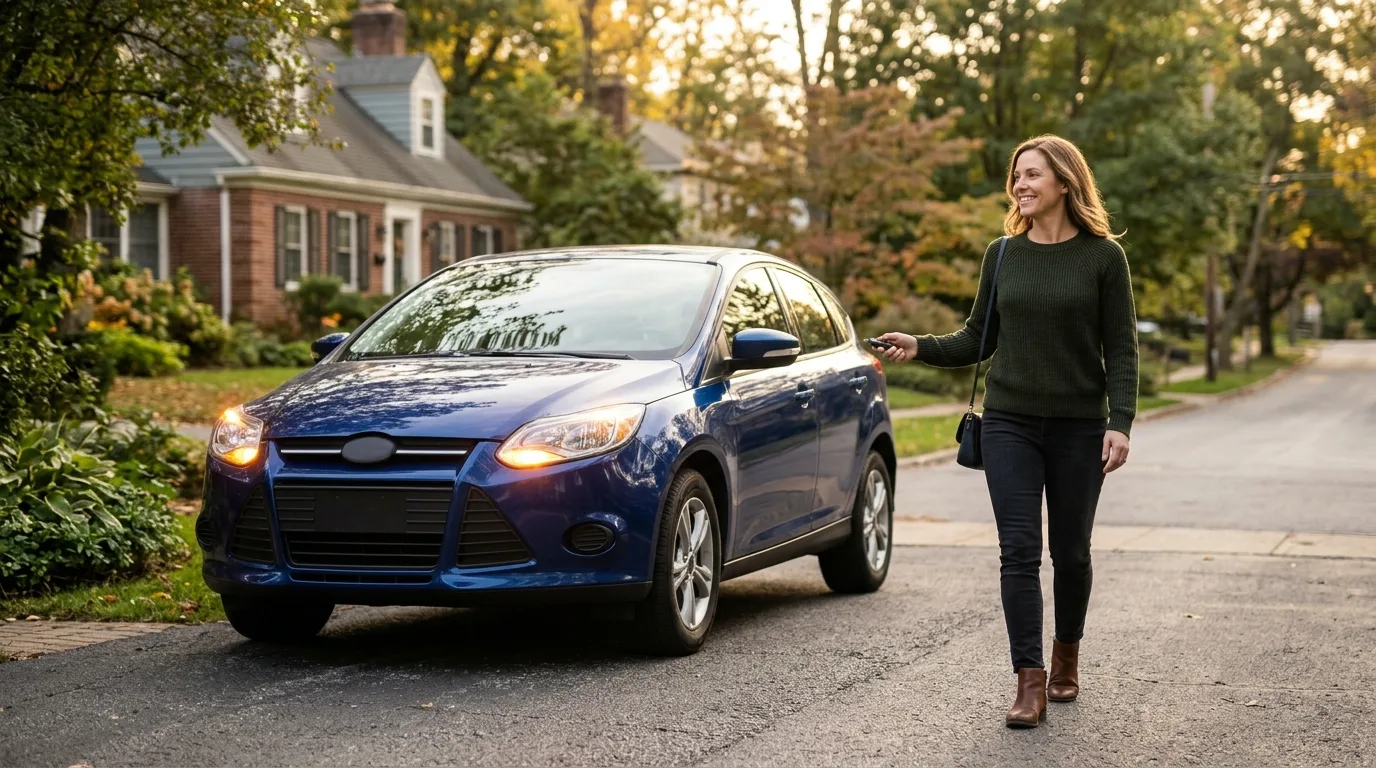
Most of the time this is a ten-minute job and a small win. If it turns into an hour, that's normal too, and it doesn't mean you did anything wrong. Read the manual, take your time with the timing, and know when to hand it to a pro. You'll get your click back.
Related articles
Stop Throwing Parts at Your Car: The 4-Step Sensor Diagnostic Method That Actually Works
A fault code points to a circuit or behavior—not automatically a failed sensor. This practical guide covers the 8 engine sensors every DIYer and technician should understand, plus the 4-step test process that prevents expensive parts-swapping and misdiagnosis.
Read the article →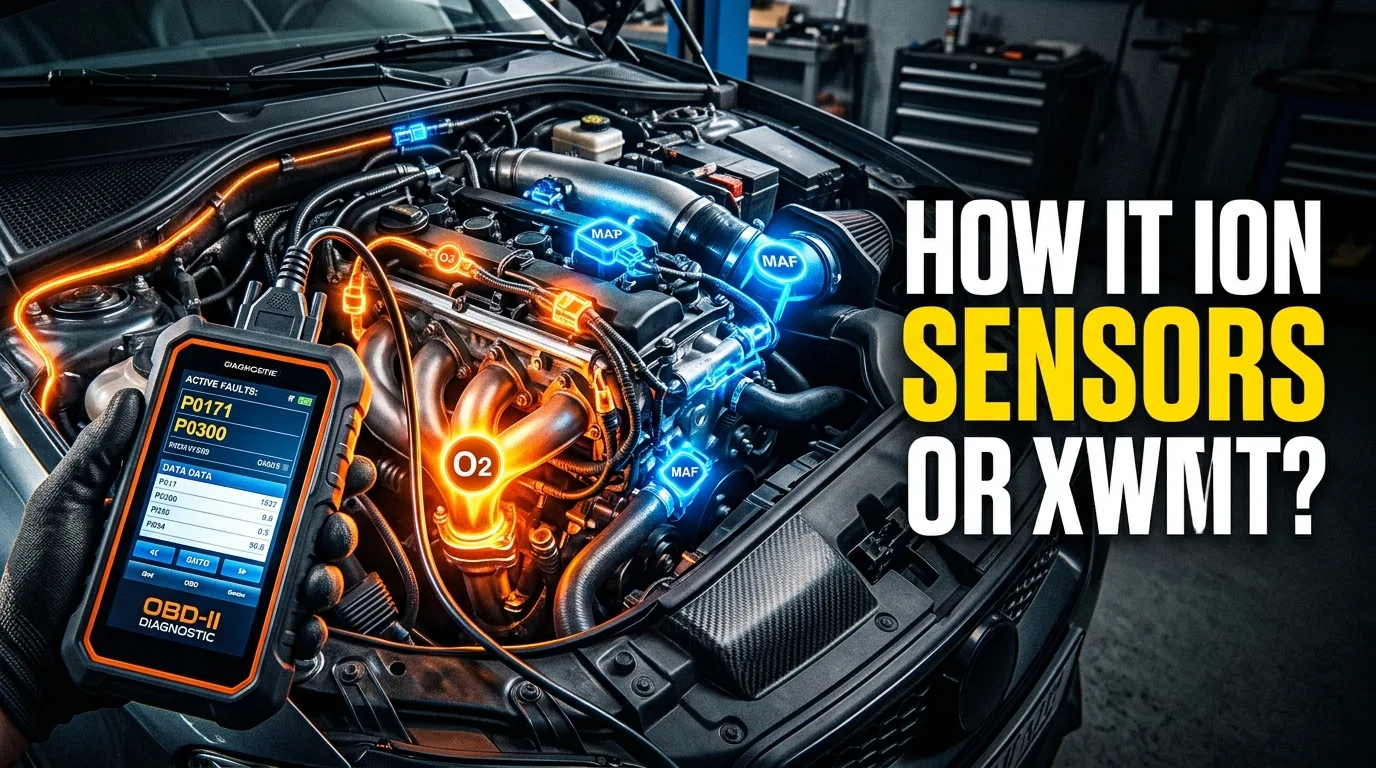
The Ultimate Guide to Engine Sensors: 40+ Types, Functions, and Failure Symptoms (Gasoline & Diesel)
Engine sensors control performance, fuel economy & emissions. Learn 40+ sensor types, failure symptoms, testing methods, and OBD-II codes for gas & diesel engines.
Read the article →
OBD2 Scanner Guide: How to Choose and Use One
A check engine light comes on and your stomach drops a little. It shouldn't. With a cheap OBD2 scanner and about twenty minutes, you can read the code, understand what it means, and decide whether to fix it yourself or hand it to a shop with a clear description of the problem. This guide walks you…
Read the article →
10 Hidden Car Settings You Can Activate Today
Most modern cars ship with features the previous owner never turned on, and the manual buries them three sections deep. This article answers the questions car owners actually search for: which settings are hiding in plain sight, how to find them, and what to do when the option seems missing. No too…
Read the article →
Bad ECU Symptoms: 15 Warning Signs You Should Never Ignore
Your car starts fine one morning, then cranks forever the next. Or it idles rough, stalls at a light, and the dash lights up like a Christmas tree. The ECU (engine control unit) is the computer that runs fuel, spark, and a dozen other systems, and when it misbehaves, the symptoms look like everythi…
Read the article →
ECU Explained: How a Car's Engine Control Unit Works
If you have ever wondered what that silver box under the hood actually does, this guide is for you. By the time you finish reading, you will understand how an engine control unit (ECU) reads sensors, calculates fuel and spark, and stores the fault codes you pull with a scan tool. You will also know…
Read the article →