10 Hidden Car Settings You Can Activate Today
Most modern cars ship with features the previous owner never turned on, and the manual buries them three sections deep. This article answers the questions car owners actually search for: which settings are hiding in plain sight, how to find them, and what to do when the option seems missing. No too…
Most modern cars ship with features the previous owner never turned on, and the manual buries them three sections deep. This article answers the questions car owners actually search for: which settings are hiding in plain sight, how to find them, and what to do when the option seems missing. No tools required for most of them.
Quick answers
- What are hidden car settings? They are built-in features that are off by default or buried in menus, such as auto-locking doors, follow-me-home lights, and one-touch lane changes.
- How do I find hidden settings in my car? Check the settings menu on your infotainment screen and the driver information display first, then look in your owner's manual index under "personalization" or "convenience."
- Can I activate hidden features with an OBD tool? Sometimes. Apps like Carista or OBDeleven can toggle certain settings on supported models, but coverage varies by make, year, and trim.
- Why is a setting missing on my car? It is usually tied to a trim level, a package, or a regional build. The menu item simply won't exist if the hardware isn't there.
- Is it safe to change these settings? Yes for menu-based settings. Be more careful with coding apps, and note what you changed so you can undo it.
What counts as a "hidden" car setting?
Two different things get called hidden. The first is a genuine menu option that's just poorly documented: auto-folding mirrors, a changed unlock behavior, a light delay you can extend. The second is a feature that exists in the car's software but was never enabled for your market or trim, which is where coding tools come in.
Know which one you're dealing with before you start poking. Menu settings are reversible with a tap. Coding changes are reversible too, but only if you remember what you changed.
How do I find the settings menu in my car?
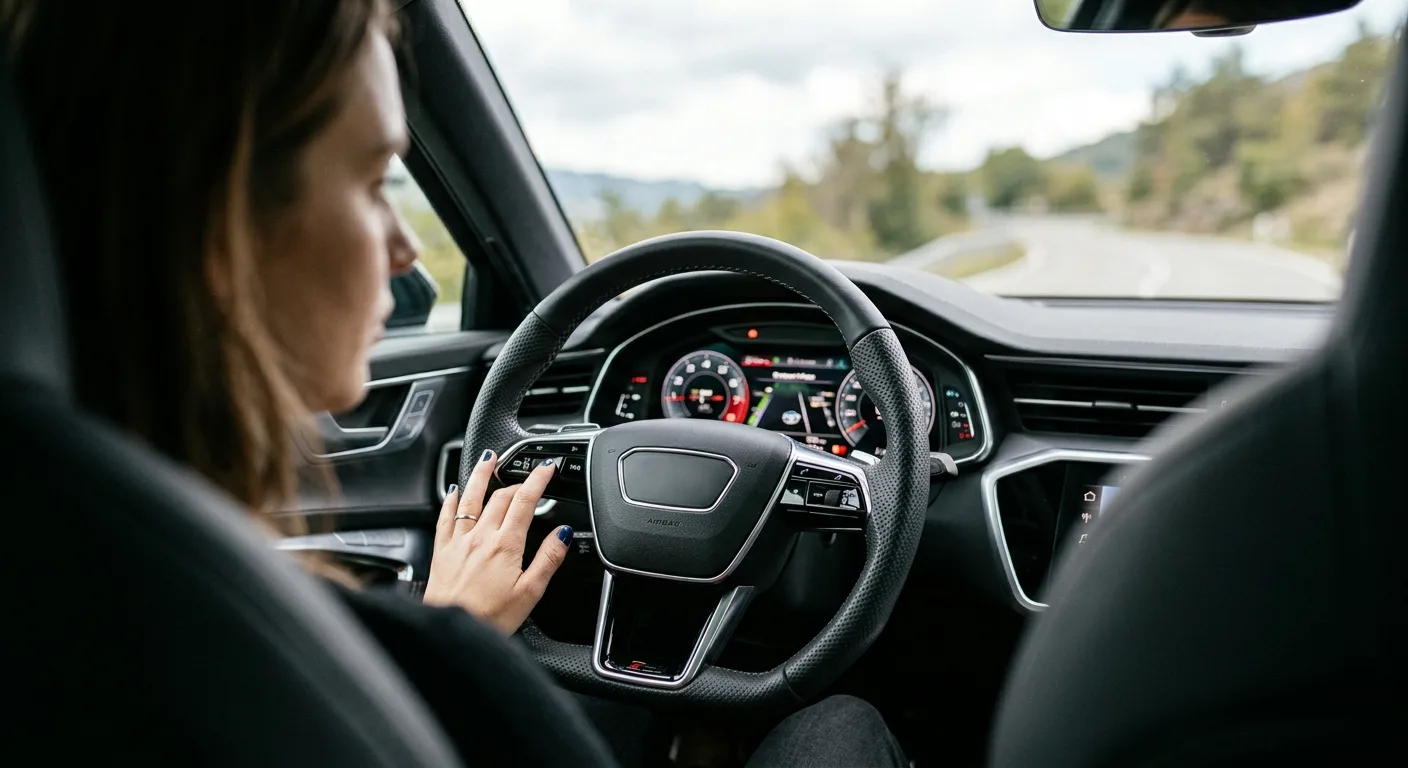
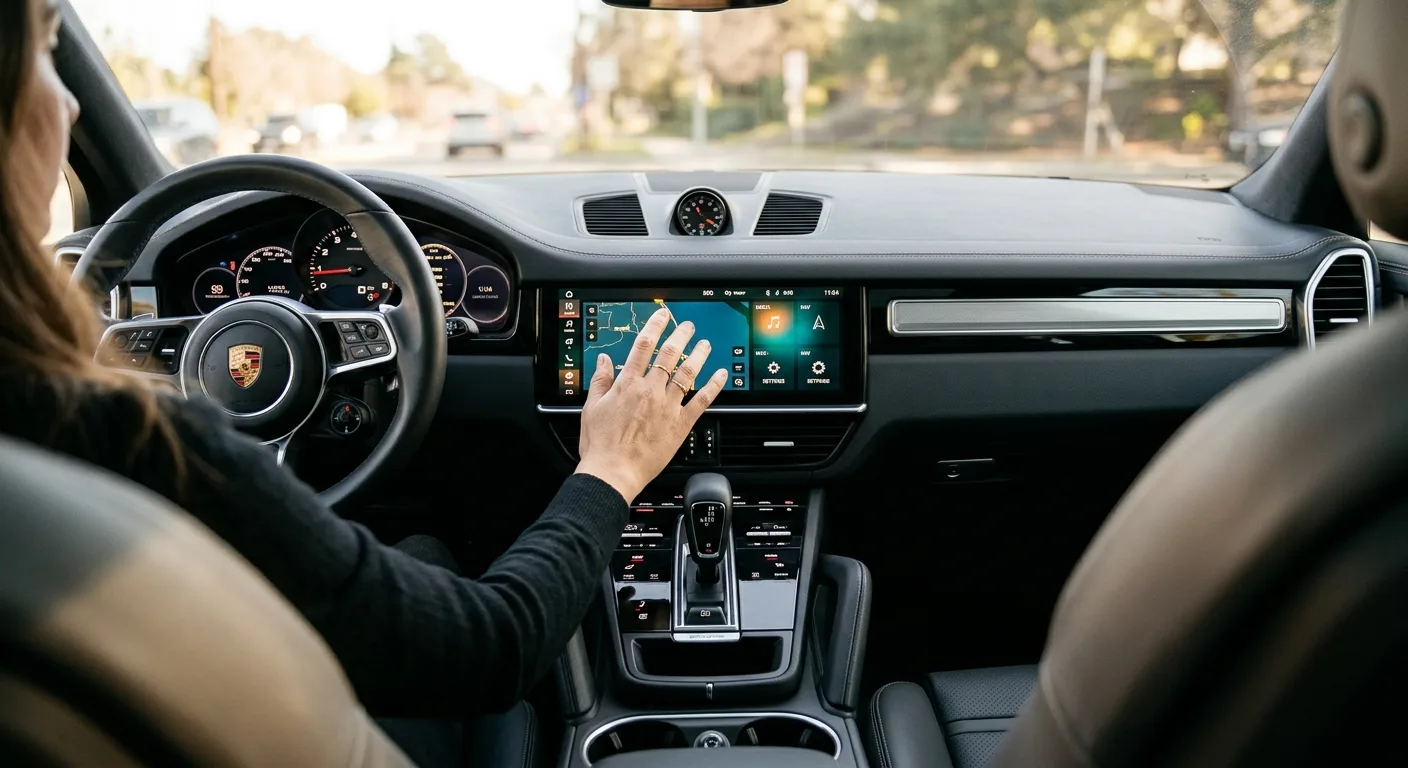
Start with the screen. On most cars built in the last decade, there's a settings gear icon on the infotainment home screen, and a separate menu in the gauge cluster you scroll with the steering wheel buttons. Both hold different things. The center screen usually handles locks, lights, and driver aids. The cluster menu often holds units, display layout, and some convenience features.
Then open the owner's manual index. Look for "personalization," "convenience features," or "vehicle settings." If your manual has a section on programmable keys or a "settings you can change" table, read it. That table is the closest thing to a master list, and it takes five minutes.
One honest caveat: some settings only appear when the car is in Park with the ignition on. If a menu looks short, try again with the engine running and the car stationary.
1. Auto-lock and unlock behavior
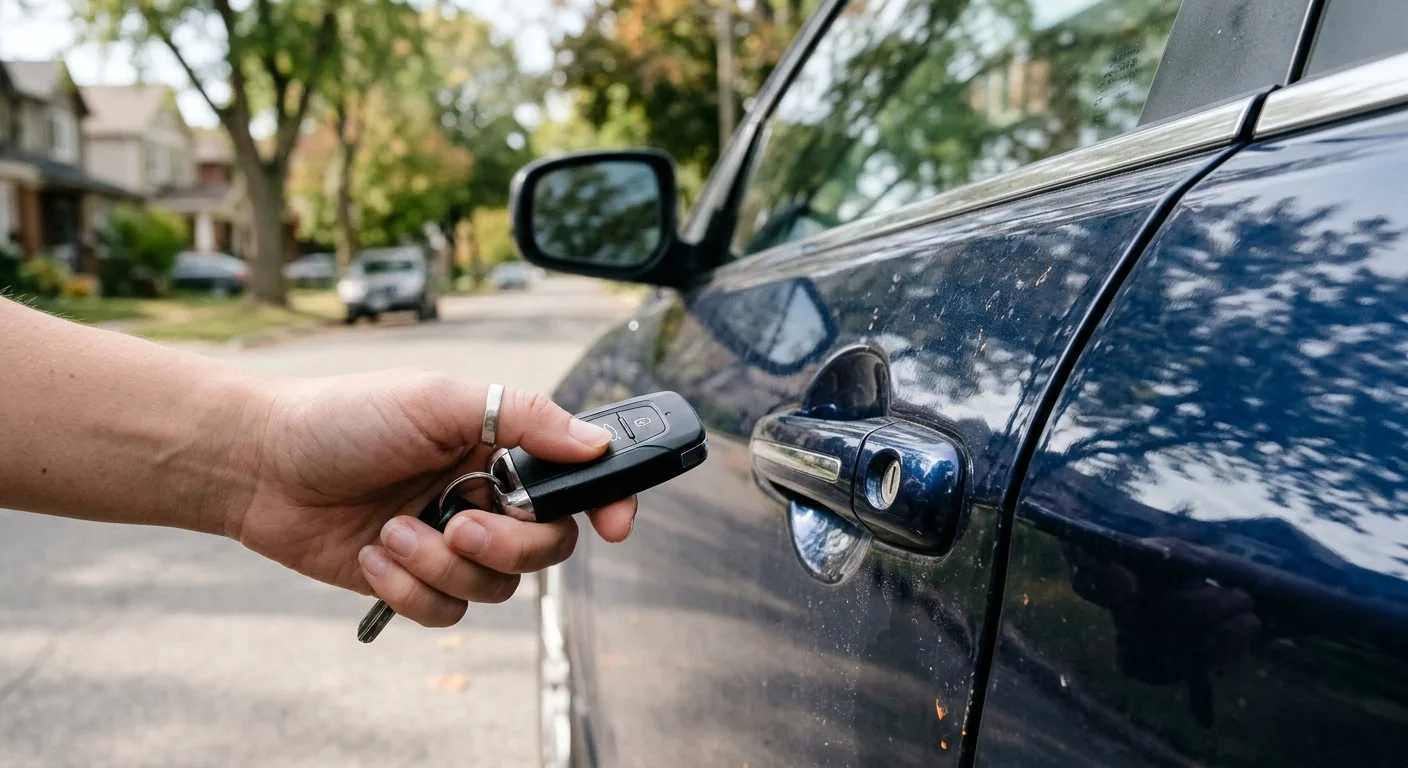
Many cars can lock the doors automatically once you hit a set speed, and unlock only the driver's door when you press the fob once. Both are usually in the lock settings menu. The single-door unlock is a quiet safety win if you park in busy areas or drive alone at night.
If the option isn't in your menu, it may be a dealer-configurable item rather than a user one. Worth asking at your next service.
2. Follow-me-home headlights
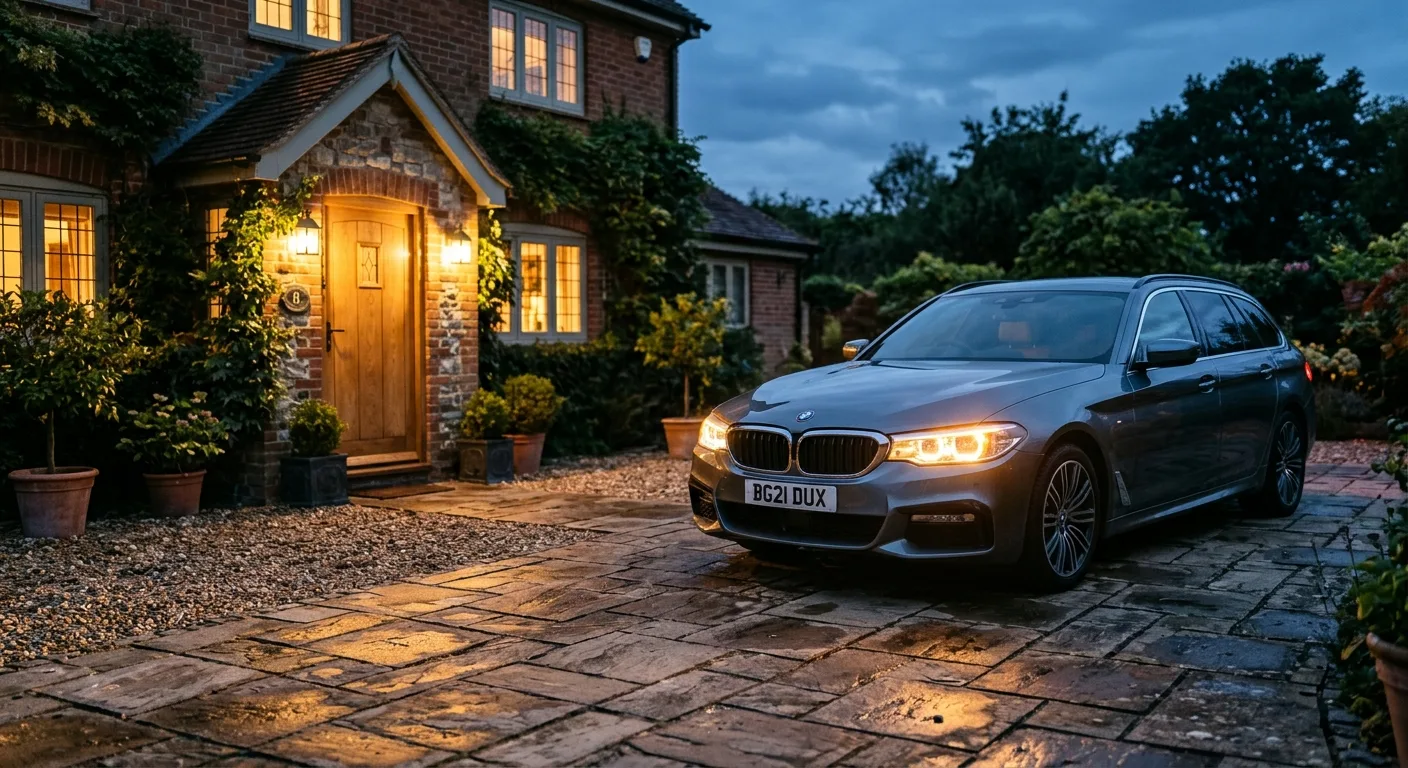
This leaves the headlights on for 15 to 60 seconds after you lock the car so you can see your way to the door. It's often buried under "lighting" or "exterior lights" and sometimes needs to be switched on before the delay setting appears. On some cars you activate it by flicking the high-beam stalk after switching off the ignition. Try that first.
3. One-touch lane change indicators
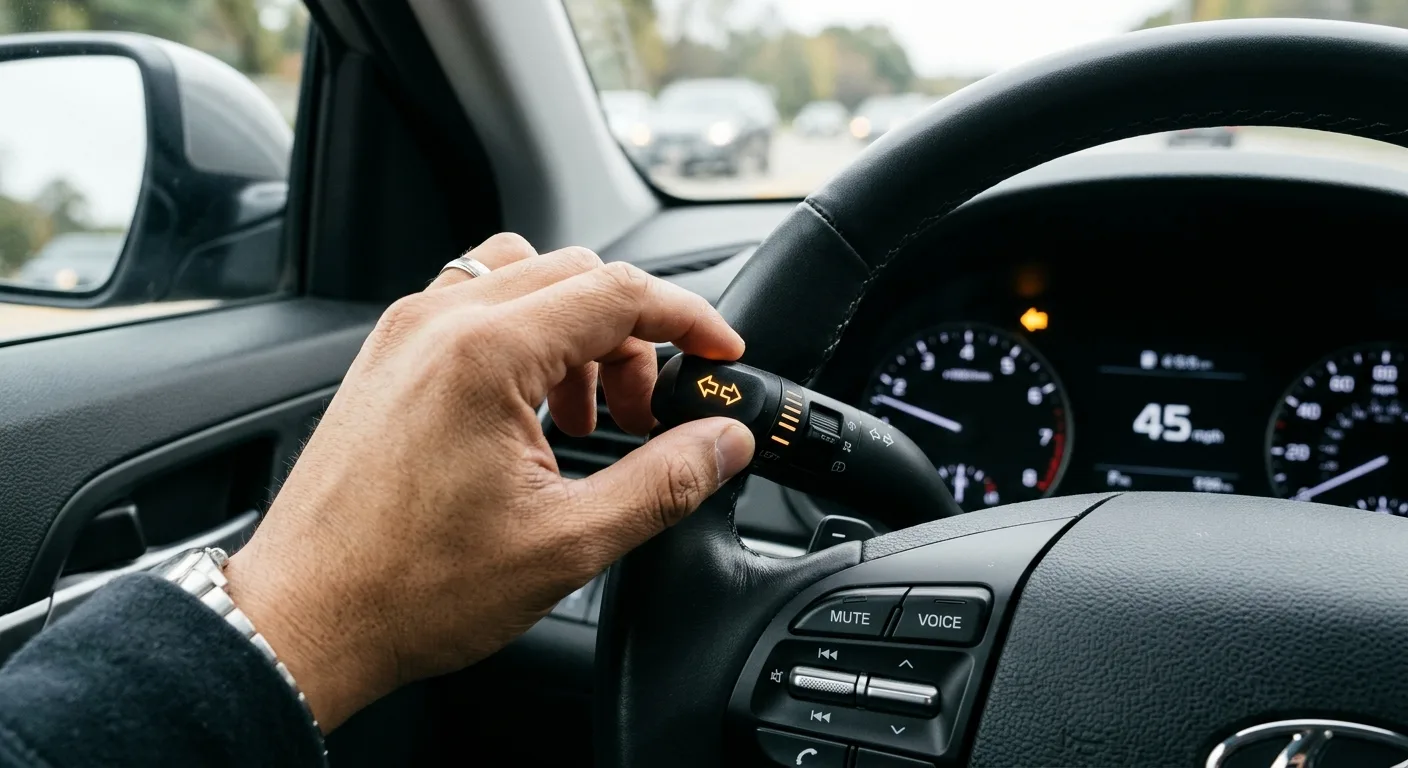
A light tap on the indicator stalk that blinks three times instead of one is standard on many cars now, but the count is often adjustable, sometimes up to five blinks. Look under "lighting" or "turn signals." On older cars it may not exist at all. Don't spend an hour hunting for a setting your model never had.
4. Auto-folding mirrors and reverse tilt
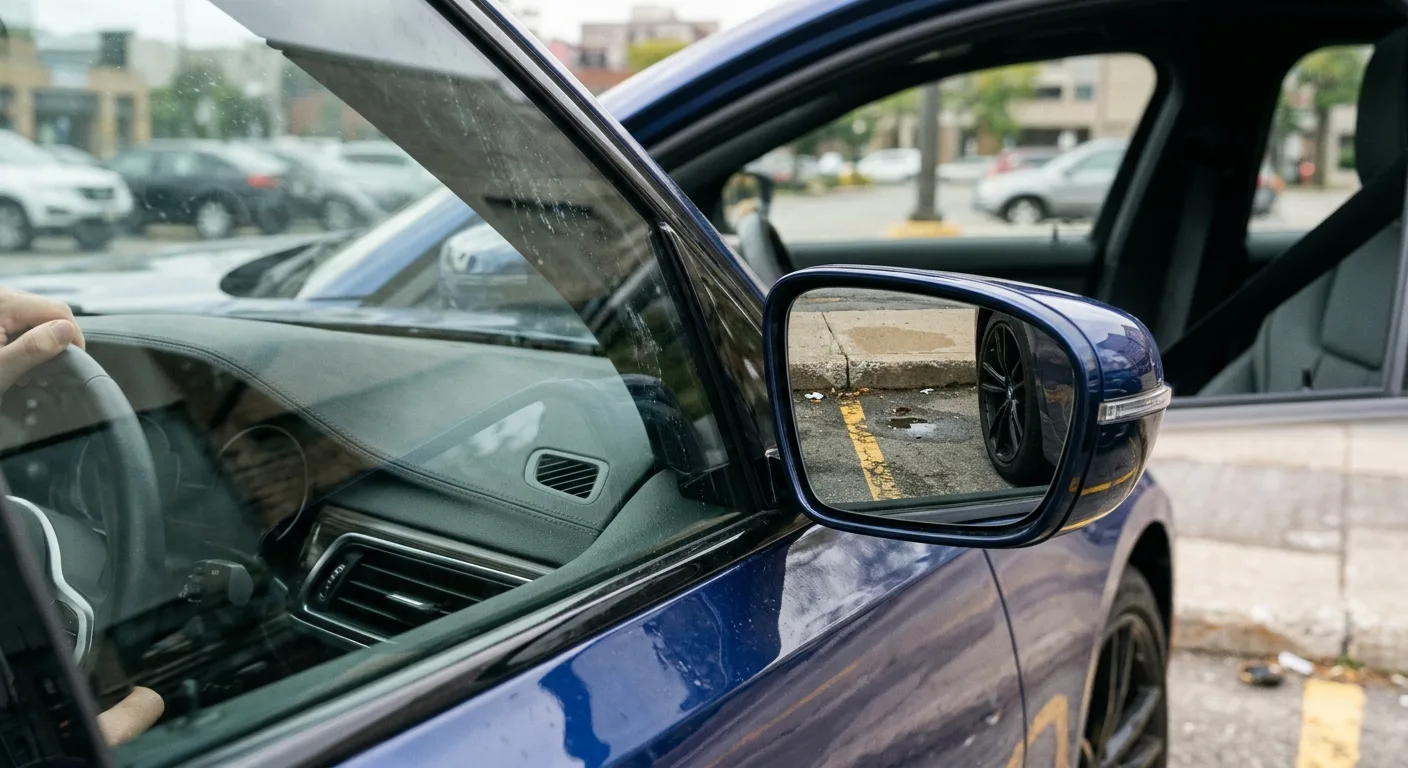
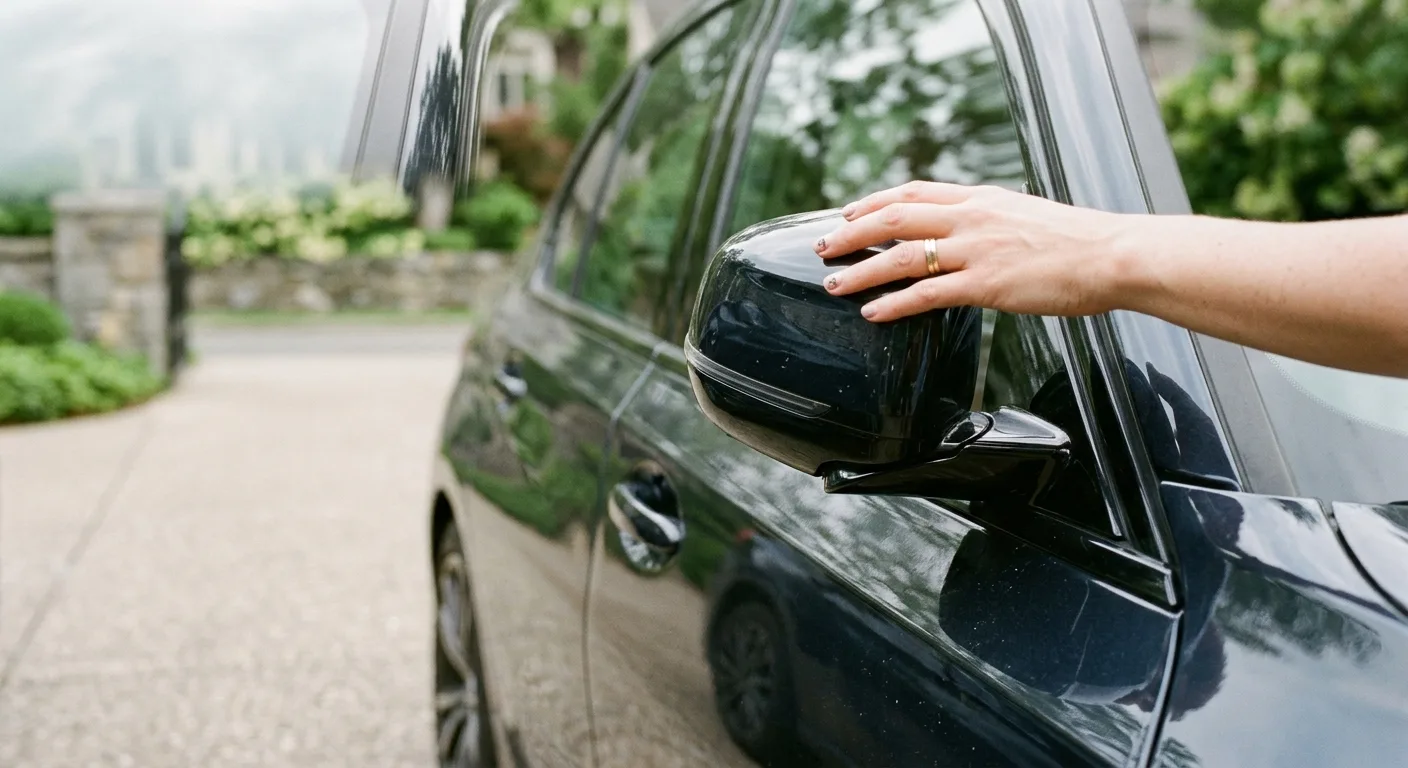
Power-folding mirrors that fold when you lock the car are a menu item on a lot of modern vehicles, usually under "mirrors" or "comfort." The passenger mirror tilting down when you select reverse is a separate setting and genuinely useful for parallel parking without curbing a wheel.
If folding works from a button but not on lock, the menu option is the missing piece.
5. Adjustable speed warning and seatbelt chimes
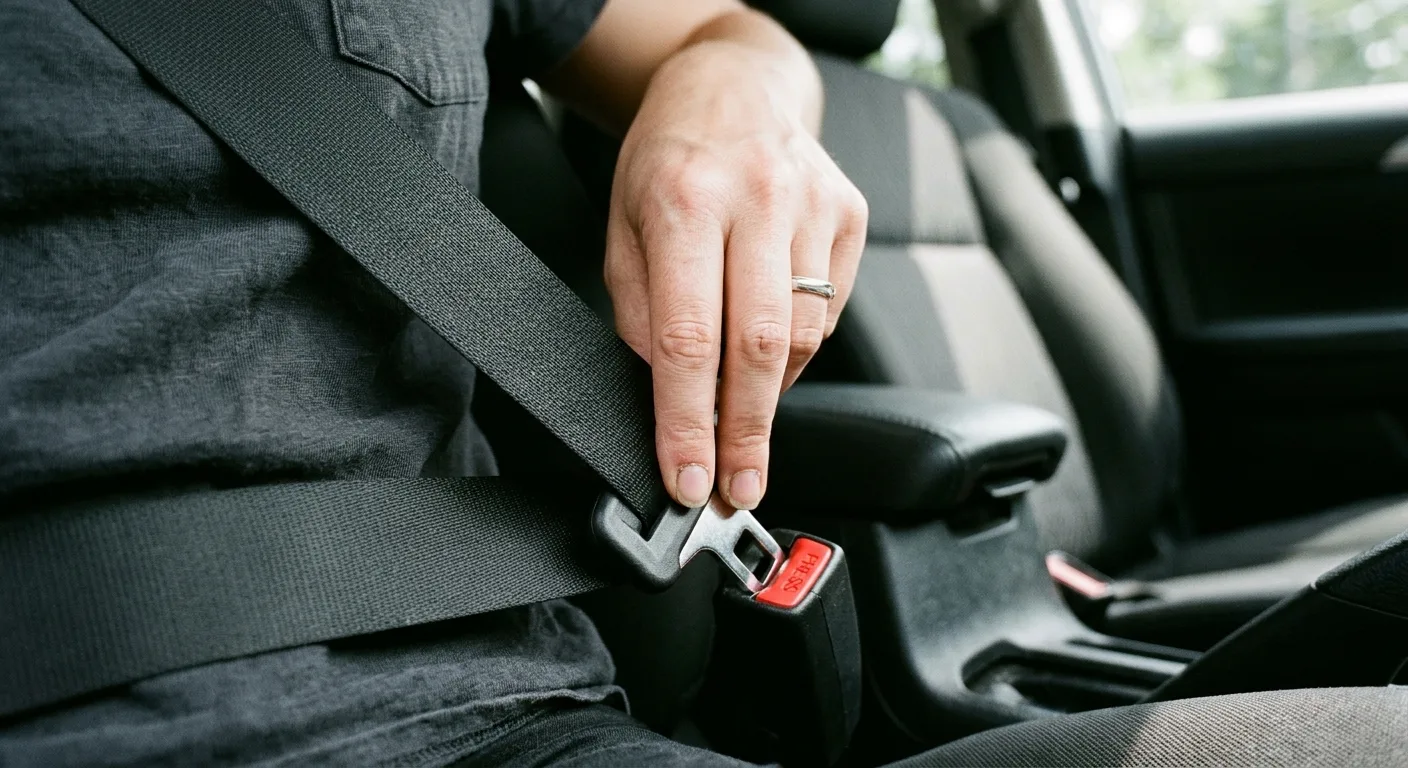
Some cars let you set a speed alert, handy for keeping new drivers in check. Seatbelt chime volume or duration is adjustable on a few models, though many lock this behind a dealer tool. Be careful here: silencing a safety chime is legal in most places but a bad idea. Adjust the volume, don't kill it.
6. Key fob tricks most owners never try
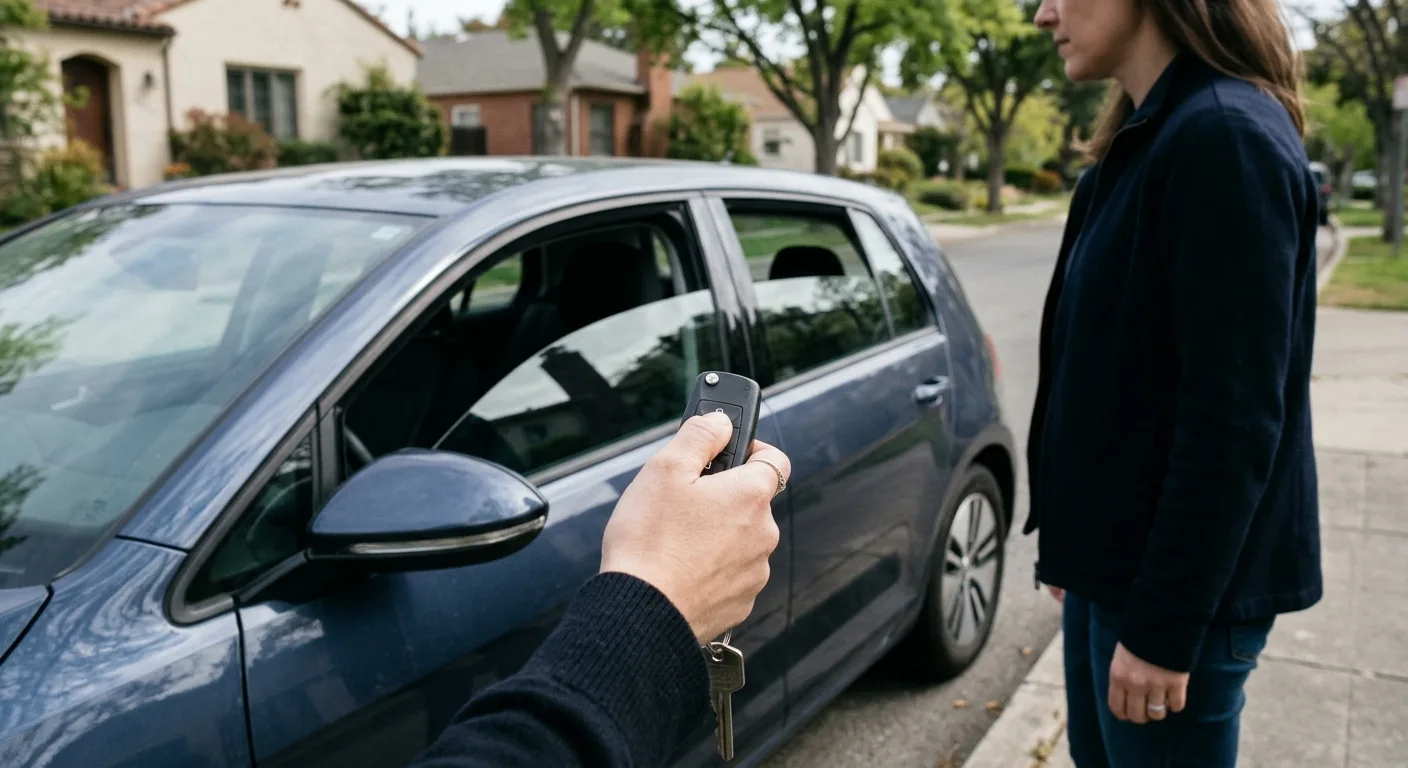
Hold the unlock button and many cars drop all four windows. Hold lock and they roll up. Some fobs open the trunk with a double press or a long press. These aren't always in the manual, so try them in a safe spot. If nothing happens, your car likely doesn't support it.
If a fob button stops working entirely, that's a different problem. A quick scan with the free OBD code lookup can rule out a body control module fault before you assume the fob is dead.
7. Driver profile and seat memory linked to the key
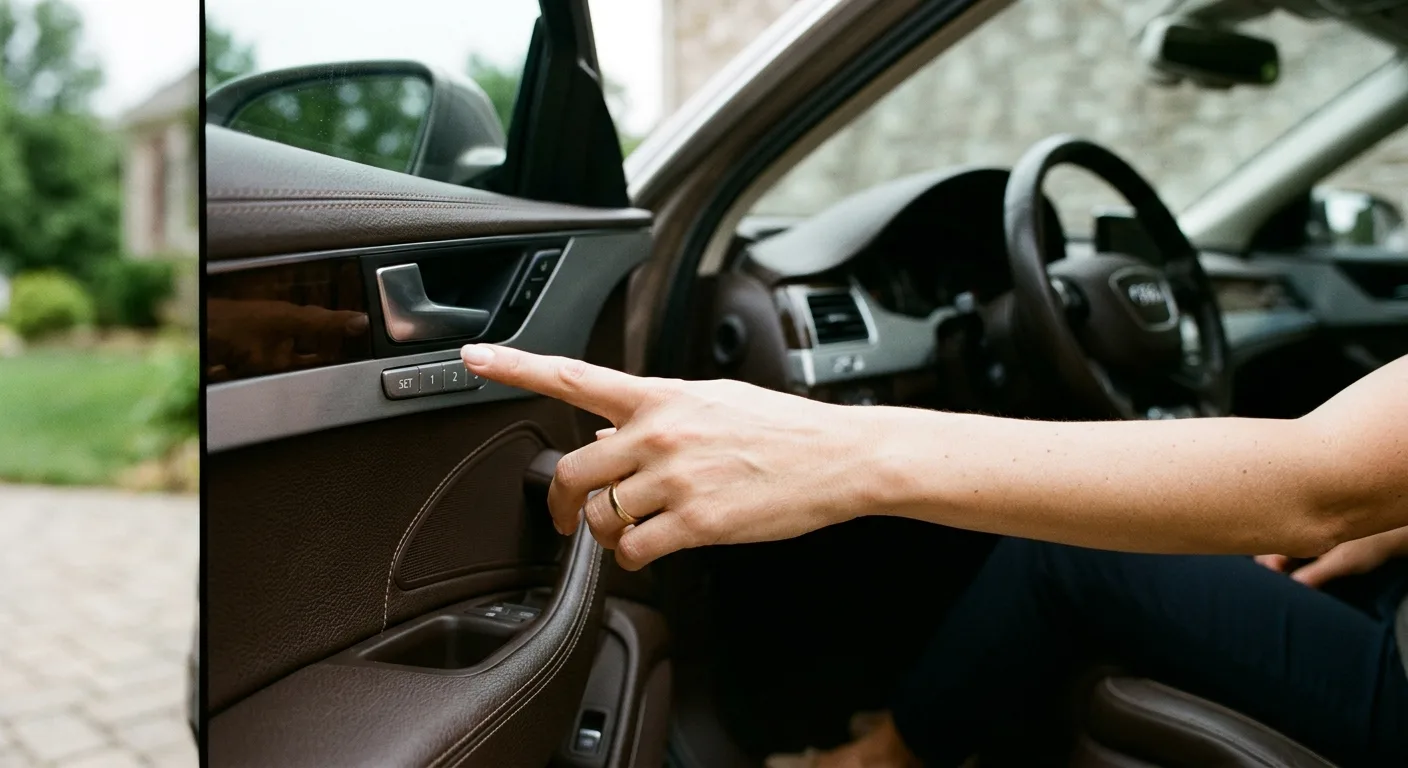
On cars with memory seats, each key fob can be tied to a driver profile: seat position, mirrors, climate, radio presets. Set everything how you like it, then save it to the profile and assign the key. The exact steps vary a lot, so check your manual under "memory" or "driver profiles."
This one is worth the effort if two people share the car. It ends the daily seat shuffle.
8. Infotainment shortcuts and hidden menus
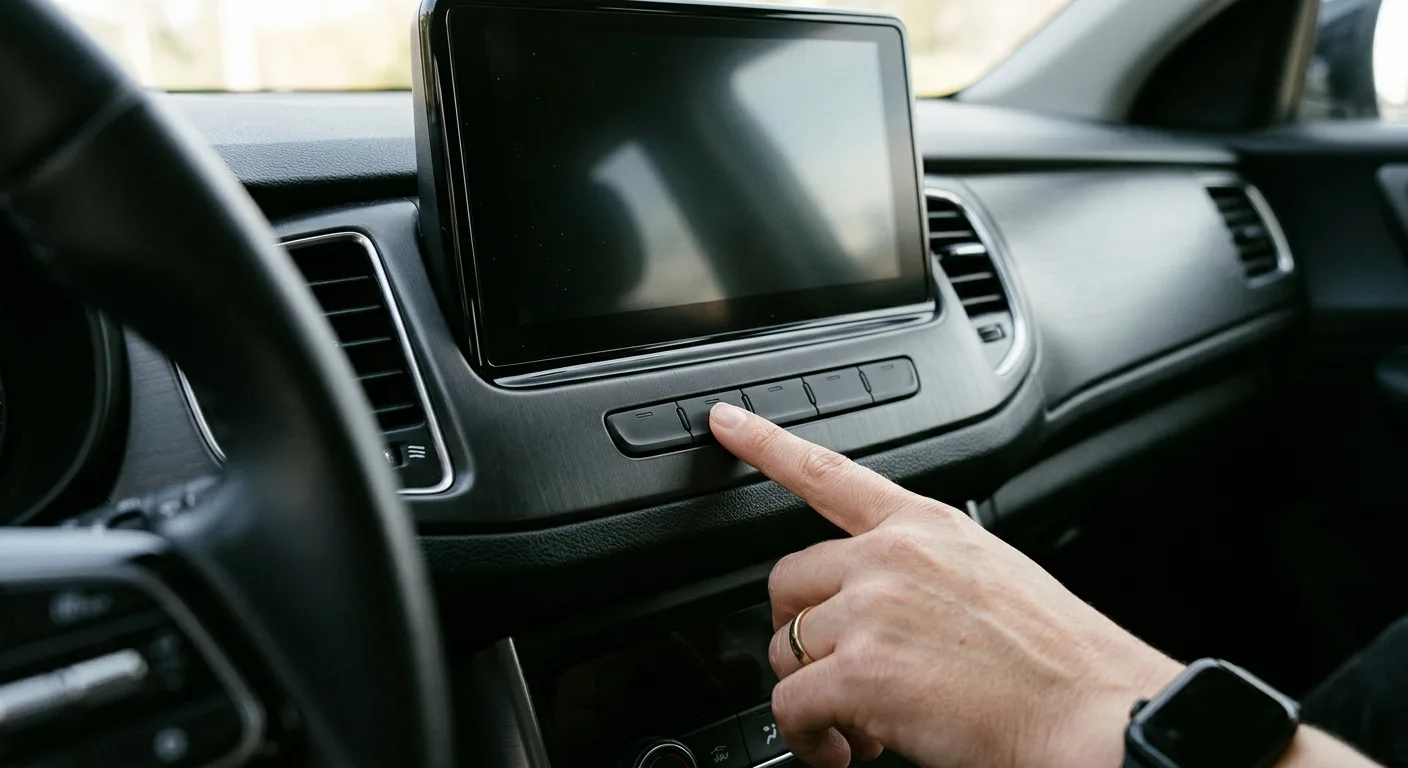
Long-press a radio preset and some systems let you reassign it. Swipe down from the top of the screen on many units and you get a shortcut panel for brightness, volume, and notifications. A few brands hide a service menu behind a specific button combination, but leave those alone unless you know what you're doing.
If you're chasing a warning light rather than a setting, the car symptom finder is a faster starting point than scrolling menus.
9. Climate and comfort settings
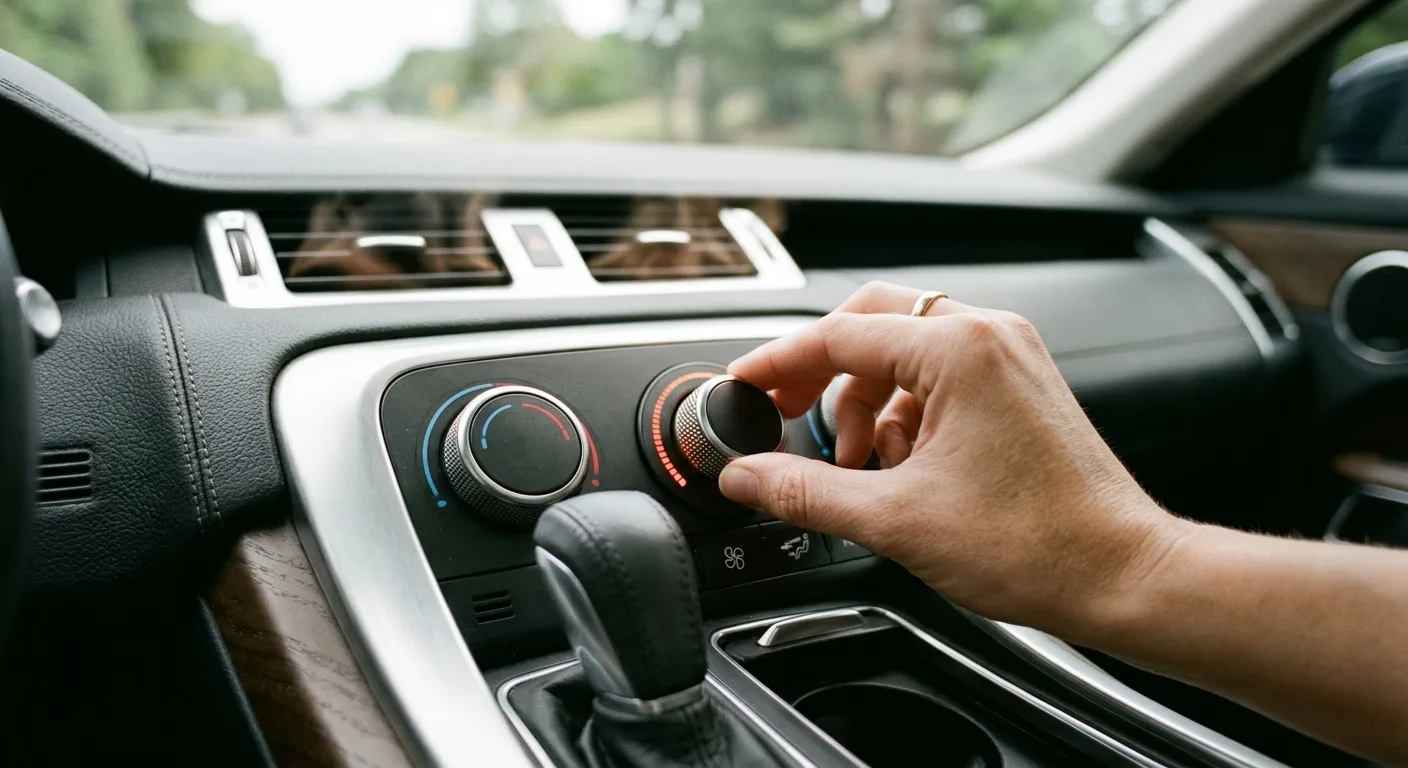
Recirculation on auto, rear climate lock for kids, and seat heating that comes on with remote start are all menu items on many cars. So is the "rest" or "residual heat" function on some European models, which keeps cabin heat going for a while after you switch off. Nice on a cold day.
10. What coding apps can unlock (and what they can't)
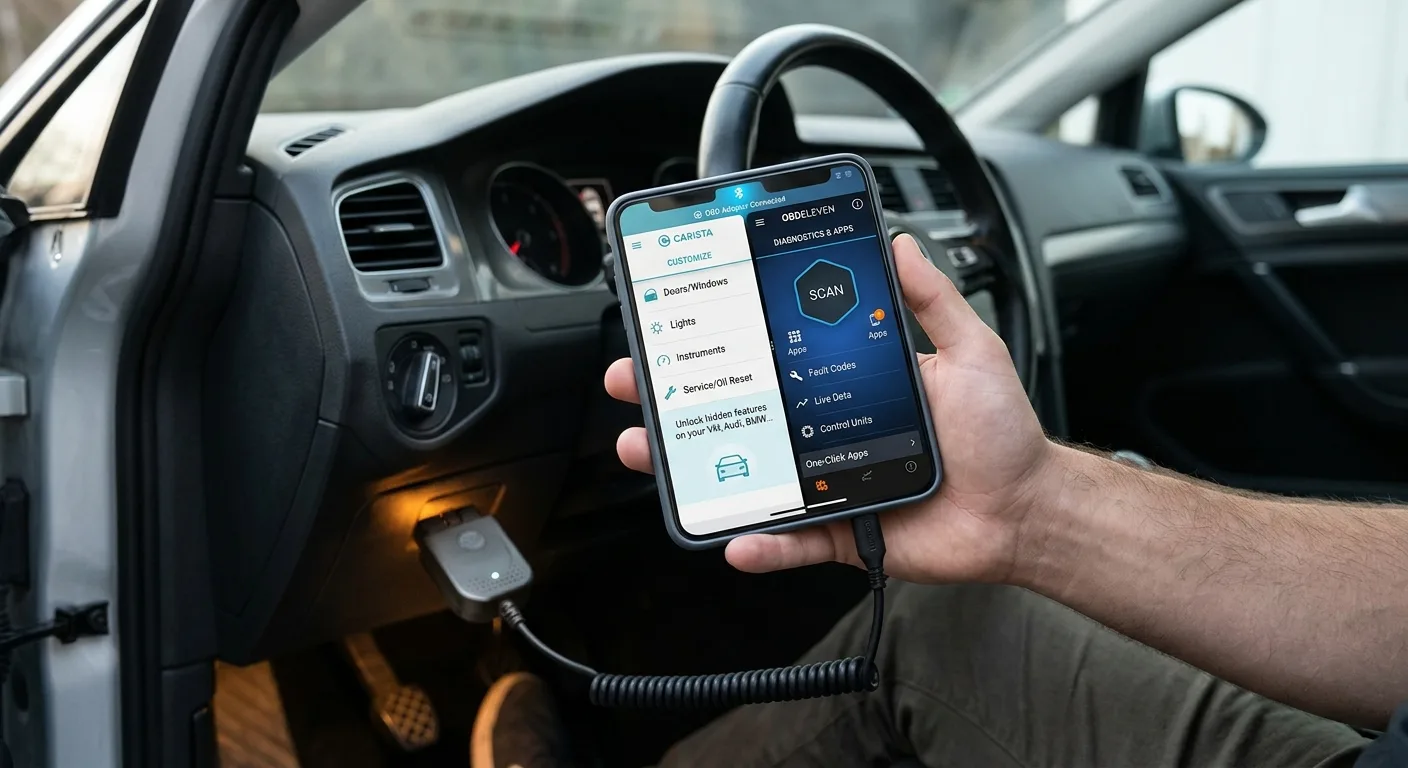
Apps like Carista and OBDeleven, paired with a compatible OBD adapter, can toggle settings the menus hide: needle sweep on startup, cornering fog lights, window comfort close, mirror dip, and more. Coverage is patchy. A setting that works on one model year may be missing on the next, and some changes need a paid subscription.
Here's my honest take: these tools are useful if you enjoy tinkering and you write down every change. They're a headache if you don't. Before buying an adapter, check the app's supported-vehicle list for your exact make, model, and year.
Can I use an OBD scanner to change settings?
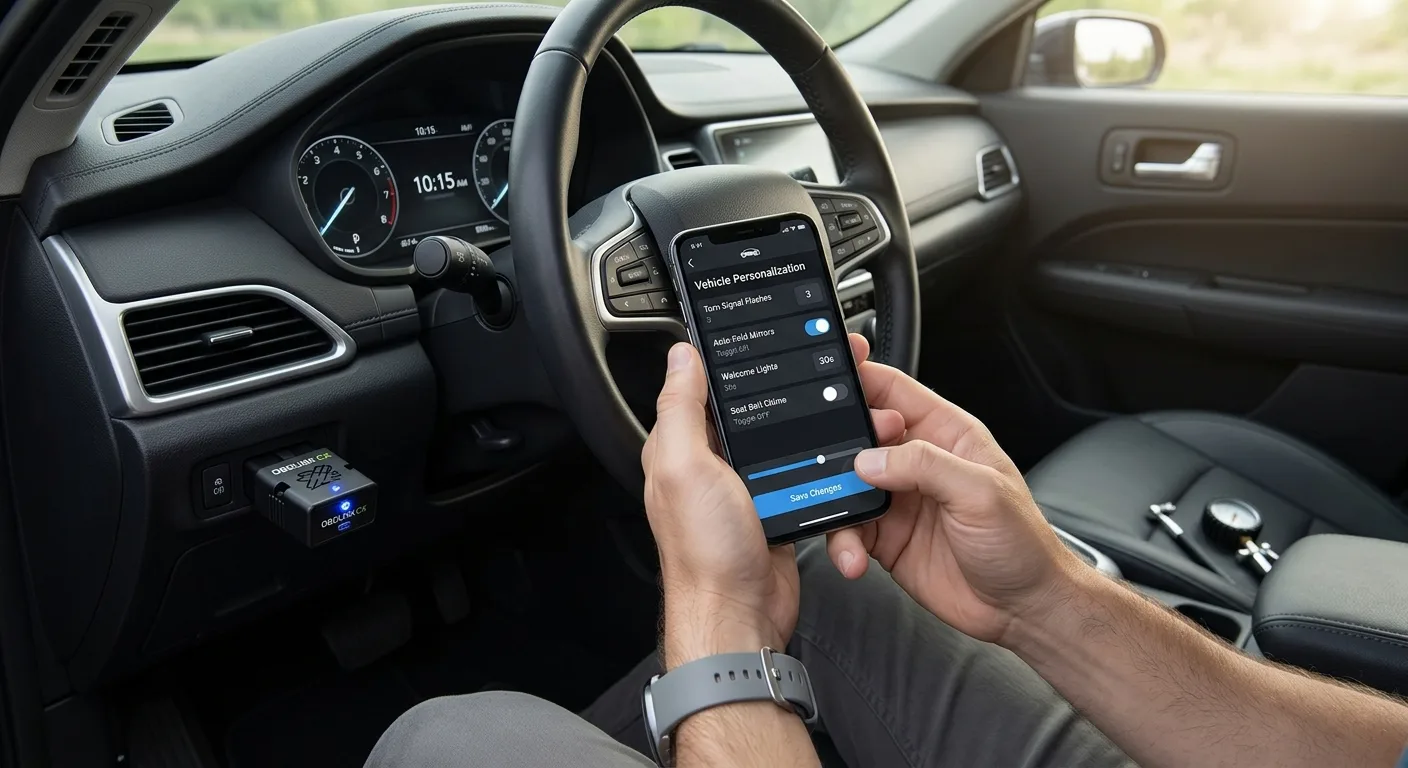
Only with the right app or dealer tool. A basic code reader reads and clears fault codes, it doesn't code features. If you want to watch what the car is doing while you test a change, the OBD live-data tool shows sensor readings in real time, which is handy for confirming that, say, a lighting change didn't upset anything.
And if a setting change triggers a warning light, look up the code first with the free OBD code lookup before you panic.
Related questions
Why doesn't my car have the setting I saw online?
Trim level, model year, and market are the usual culprits. A feature shown in a YouTube video for a top-spec car may not exist on your base model. Compare your VIN's build sheet with the video before assuming you're missing something. You probably aren't.
Will changing settings void my warranty?
Menu-based settings won't. Coding changes are a gray area: they're usually reversible and harmless, but a dealer could point to them if a related module fails. Revert anything you changed before a warranty repair, and keep a note of what you altered. If you're unsure, ask your dealer directly.
Can I reset everything if I mess up?
Yes, in most cases. Menu settings usually have a "restore defaults" option. Coding apps let you revert individual changes if you saved the original values, which is why writing them down matters. Worst case, a dealer can reload the module software, though that may cost you.
Bottom line
Spend twenty minutes with your settings menu and your owner's manual index before you buy any tool. Most of these features are already in your car, just switched off. If you want to go further, the step-by-step car guides walk through specific models, and the free car tools cover the diagnostic side when a setting change doesn't behave.
Related articles
Stop Throwing Parts at Your Car: The 4-Step Sensor Diagnostic Method That Actually Works
A fault code points to a circuit or behavior—not automatically a failed sensor. This practical guide covers the 8 engine sensors every DIYer and technician should understand, plus the 4-step test process that prevents expensive parts-swapping and misdiagnosis.
Read the article →
The Ultimate Guide to Engine Sensors: 40+ Types, Functions, and Failure Symptoms (Gasoline & Diesel)
Engine sensors control performance, fuel economy & emissions. Learn 40+ sensor types, failure symptoms, testing methods, and OBD-II codes for gas & diesel engines.
Read the article →
OBD2 Scanner Guide: How to Choose and Use One
A check engine light comes on and your stomach drops a little. It shouldn't. With a cheap OBD2 scanner and about twenty minutes, you can read the code, understand what it means, and decide whether to fix it yourself or hand it to a shop with a clear description of the problem. This guide walks you…
Read the article →
How to Reprogram a Car Key Remote After a Battery Change
You changed the battery in your key fob, and now the car won't lock. Or it locks but the trunk button does nothing. Annoying, and a little alarming.
Read the article →
Bad ECU Symptoms: 15 Warning Signs You Should Never Ignore
Your car starts fine one morning, then cranks forever the next. Or it idles rough, stalls at a light, and the dash lights up like a Christmas tree. The ECU (engine control unit) is the computer that runs fuel, spark, and a dozen other systems, and when it misbehaves, the symptoms look like everythi…
Read the article →
ECU Explained: How a Car's Engine Control Unit Works
If you have ever wondered what that silver box under the hood actually does, this guide is for you. By the time you finish reading, you will understand how an engine control unit (ECU) reads sensors, calculates fuel and spark, and stores the fault codes you pull with a scan tool. You will also know…
Read the article →