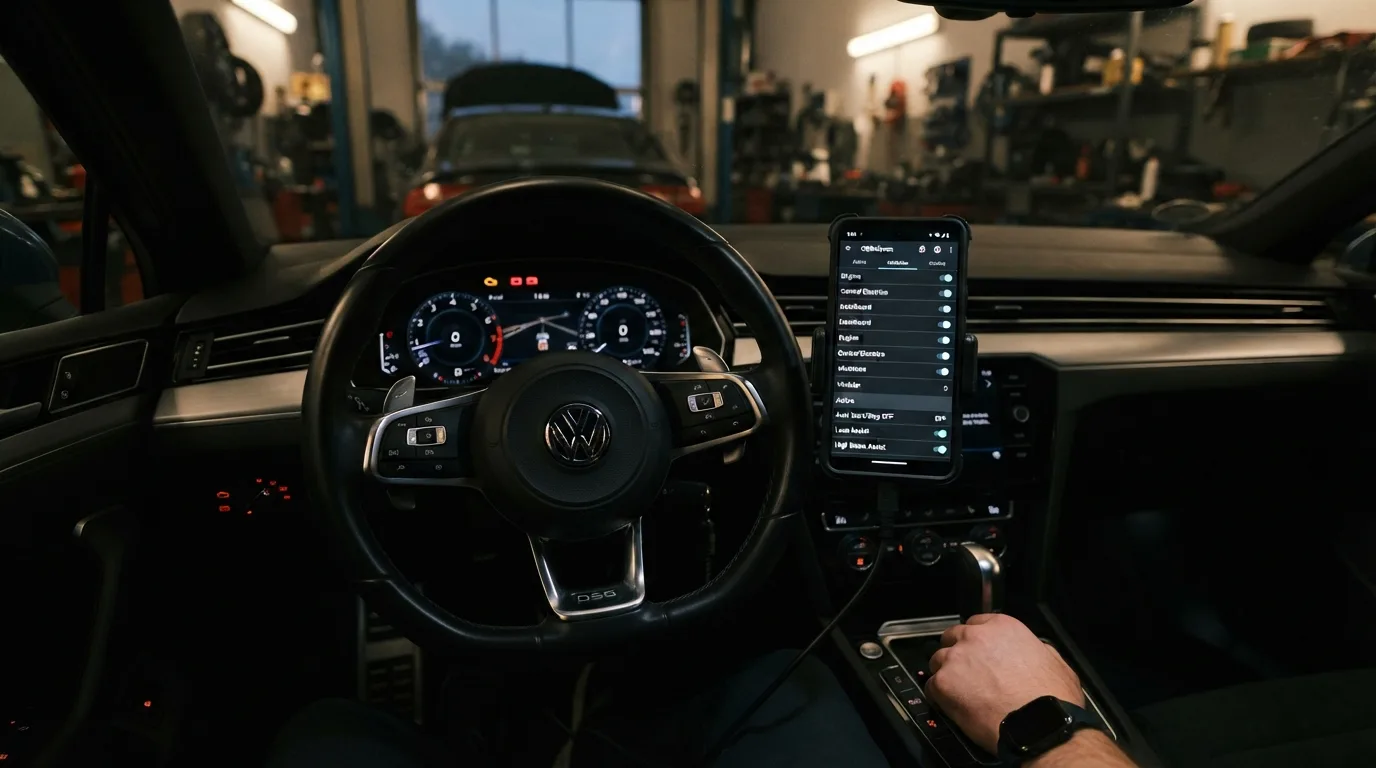
You press the unlock button and the mirrors stay folded. You start the engine and the gauge needles sit still. You buckle up and a chime reminds you for the hundredth time. None of these behaviors are mechanical limitations. They are software choices, configured at the factory and left in a state that suits the widest possible audience.
Automotive coding is the process of changing those stored configuration values to match how you actually use the vehicle. It is not engine tuning. It is not adding horsepower. It is toggling settings that the control modules already understand, using the same diagnostic port a technician plugs into for fault codes. This guide walks through 15 real features that car owners routinely unlock through coding, the tools that make it possible, and the safety steps that separate a five minute change from a four figure repair bill.
Understanding Automotive Coding: What It Is and What It Is Not
Automotive coding changes configuration data inside a control module. The software that operates the module stays in place; coding tells that software which options are present and how they should behave in this specific vehicle. Manufacturers often ship the same hardware and software across an entire model line, then use coding to enable or disable features based on trim level, market regulations, or option packages.
This is the critical distinction that separates coding from flashing or programming. Flashing writes new software or calibration to a module. Coding edits the settings inside software that is already installed. A module can be flashed with the correct software and still refuse to communicate properly if it has not been coded for the vehicle it sits in. Coding does not add hardware, increase engine output, or create a function the module was never designed to support.
How Automotive Coding Works
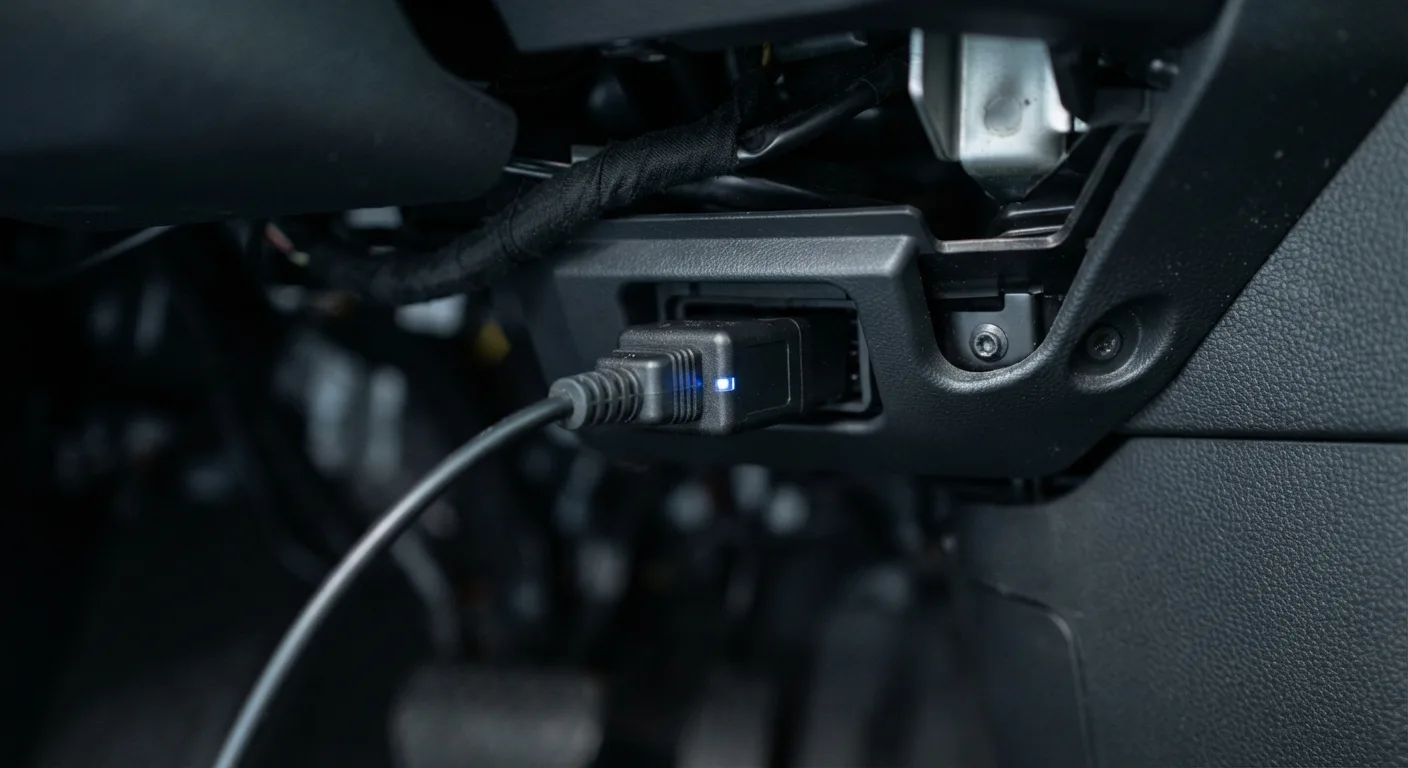
Coding happens through the OBD2 diagnostic port, the same 16-pin connector used for reading trouble codes. A compatible interface adapter and software application read the current configuration from a specific control module, present the available parameters, and write the changed values back to that module.
Different manufacturers structure this data differently. Volkswagen Group vehicles use long coding and adaptation channels accessed through VCDS. BMW and Mini vehicles use FDL coding and preset toggles through BimmerCode. Ford vehicles expose as-built data blocks that can be edited with ForScan. The user experience varies, but the underlying principle is the same: you are editing a parameter that the module already recognizes.
One limitation deserves attention before you buy any tool. Newer BMW G-Series models with certain software versions use Secure Coding, also called NCD 2.0. On modules protected by Secure Coding, standard tools like BimmerCode cannot write new values because the coding data must be digitally signed by BMW. If your vehicle falls into this category, verify module compatibility before assuming a feature is accessible.
The 15 Hidden Features: What Automotive Coding Can Unlock
The features below appear across multiple makes and tool ecosystems. Availability varies by model year, market, and installed hardware. A feature listed for BMW may not exist on a Ford, and a parameter that works on a 2018 model may be locked on a 2023. Treat this list as a map of what is commonly possible, not a guarantee for your specific vehicle.
Comfort and Convenience Features
1. Needle Sweep (Gauge Test). On startup, the instrument cluster needles sweep to their maximum position and back to zero. It is a visual check borrowed from motorsport, and the function is already programmed into many clusters but disabled from the factory. Activation is available through VCDS on Volkswagen Group vehicles and through BimmerCode presets on supported BMW models. The sweep has no effect on engine operation.
2. Mirror Dip in Reverse. The passenger side mirror tilts downward when reverse gear is engaged, bringing the curb or rear wheel area into view. This is useful for parallel parking and tight garages. Coding enables the function where the mirror motor and memory module support it. Some vehicles require the mirror adjustment switch to be set to the passenger side for the dip to trigger.
3. Auto Lock and Unlock Behavior. Many vehicles can be coded to lock all doors automatically once a set road speed is reached, then unlock when the key is removed or the driver door opens. The reverse is also possible: disabling the automatic lock if it interferes with a specific use case. This is a comfort and security preference, not a safety system, and the behavior should match local habits and regulations.
4. Fold Mirrors on Lock. On vehicles with power-folding mirrors, coding can tie mirror folding to the lock command. The mirrors fold when the car is locked and unfold on unlock. This is distinct from manually pressing a fold button inside the cabin, and it reduces the risk of mirror damage in tight parking situations.
5. Start-Stop Memory. The automatic engine start-stop system can be coded to remember its last state. Instead of defaulting to "on" at every ignition cycle, the vehicle stays in whichever mode the driver selected last. On BMW G-Series models, this is a known parameter in the DME module. On Volkswagen Group vehicles, VCDS can achieve the same memory behavior. Note that disabling start-stop may have emissions or warranty implications depending on your jurisdiction.
6. Seat Belt Chime Adjustment. Coding can silence the audible seat belt reminder. This does not change the legal obligation to wear a belt, and it does not disable the belt pretensioners, airbags, or crash sensors. The chime exists for a reason, and disabling it is a personal choice that carries safety and legal considerations. Many coding guides recommend leaving the visual warning active even if the audible chime is reduced or muted.
Lighting and Visibility Features
7. Cornering Lights via Fog Lights. On vehicles equipped with fog lights but without dedicated cornering lamps, coding can use the fog light on the turning side as a cornering light at low speeds. The fog light illuminates the inside of the turn, improving visibility in tight corners and parking maneuvers. This feature typically requires the fog light wiring and a compatible body control module.
8. Adaptive Brake Light (Emergency Brake Flashing). During a hard emergency braking event, the brake lights flash rapidly or the hazard lights activate to warn following traffic. This is a safety oriented coding change available on many Volkswagen Group vehicles through VCDS. The exact behavior depends on the body control module and the vehicle's existing lighting architecture.
9. Coming Home and Leaving Home Timing. The "Coming Home" function keeps the headlights on for a set period after the engine is switched off. "Leaving Home" illuminates the lights when the vehicle is unlocked. Coding can adjust the duration or enable the function where it was previously inactive. These features are useful in poorly lit parking areas and are generally low risk to activate.
10. Daytime Running Light Behavior. DRL configuration can be adjusted in several ways: changing which lamps serve as DRLs, adjusting brightness, or allowing the DRLs to remain on when the handbrake is applied. On some vehicles, coding can also enable a Scandinavian style DRL configuration where rear lights are active alongside the front DRLs. Lighting regulations vary by country, so confirm that any change remains road legal.
Display and Interface Features
11. Digital Speedometer Display. Many modern clusters can show a digital speed readout in addition to the analog needle. The function is often present but hidden behind a coding parameter. On BMW G-Series models, the digital speed display is a documented coding option in the KOMBI module. This is one of the lowest risk coding changes available and a common first project for new coders.
12. Sport Displays and M Logo. On supported BMW models, coding can enable sport style gauge displays, an M logo in the instrument cluster, or a different speedometer scale. The G30 5 Series, for example, can be coded to show a 330 km/h scale or a gray sport display background. These are cosmetic changes that do not affect vehicle performance or safety systems.
13. Video in Motion. This coding allows the infotainment screen to display video content while the vehicle is moving. The function is intended for passenger viewing, but it creates an obvious distraction risk if visible to the driver. Many jurisdictions prohibit video visible to the driver while the vehicle is in motion, and some coding communities and tool vendors discourage or refuse to enable it for that reason. Check local law before considering this change.
14. Lock and Unlock Confirmation via Chirp or Flash. Instead of relying on the turn signal flash alone, coding can enable an audible chirp from the alarm siren or an additional flash pattern when the vehicle is locked or unlocked. This provides clearer confirmation in noisy environments or large parking lots. The feature requires a compatible alarm siren or body control module and is commonly available on BMW and Volkswagen Group vehicles.
15. Legal Disclaimer Removal. Many modern vehicles display a legal warning on the infotainment screen at every startup. On some models, coding can remove or shorten this disclaimer. This does not affect vehicle operation, but it is a comfort change that some owners find valuable on short trips where the disclaimer interrupts access to navigation or media. BMW F-Series vehicles, for example, allow the startup legal disclaimer to be set to "not active" through the head unit coding menu.
Tools of the Trade: Choosing the Right Coding Platform
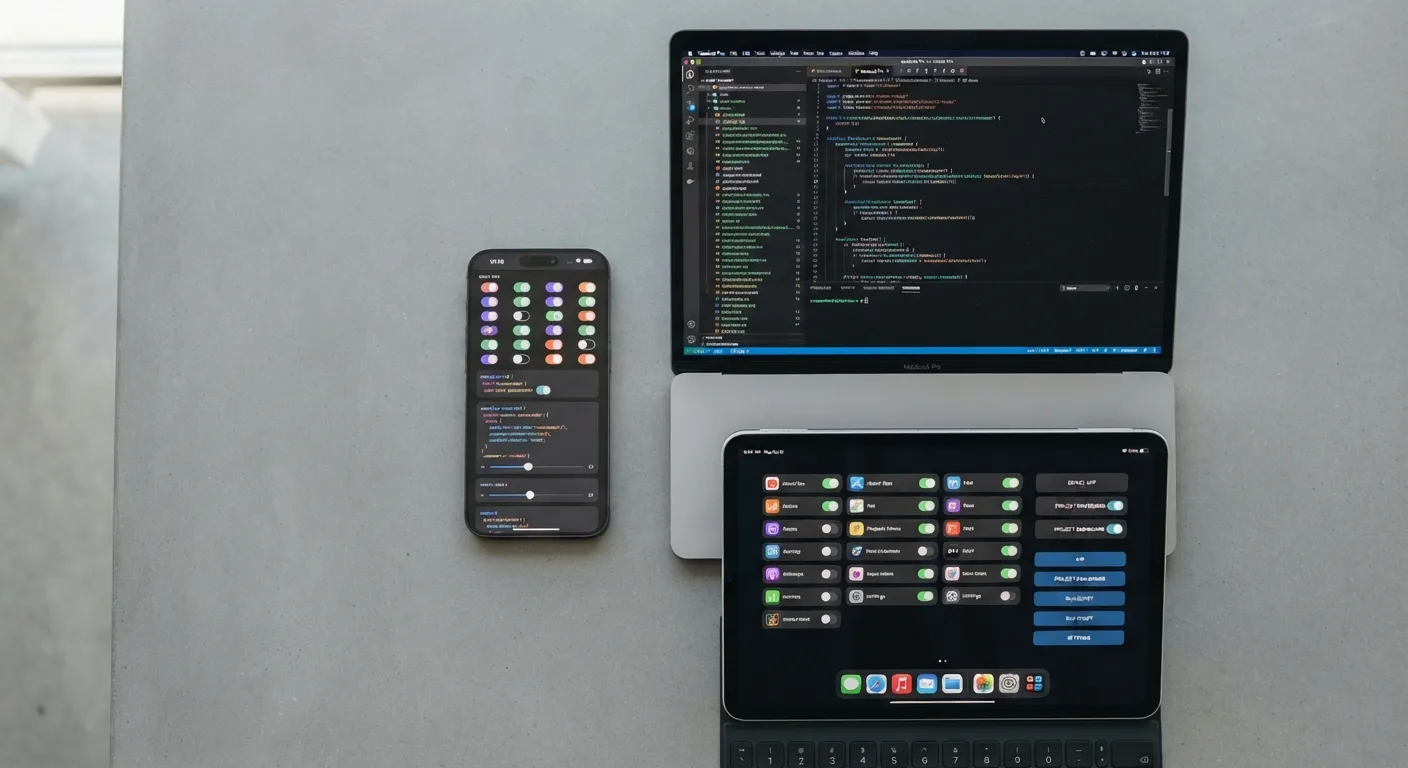
Automotive coding is not a single universal tool. The right platform depends on the vehicle make and the depth of access you need. The table below summarizes the most established options.
| Tool | Makes Supported | Coding Approach | Typical Price | Best For |
|---|---|---|---|---|
| BimmerCode | BMW, Mini, Toyota Supra | Preset toggles and expert mode | $40 one-time | BMW owners who want a clean, phone based interface without hex editing |
| VCDS (VAG-COM) | Volkswagen, Audi, Skoda, Seat | Long coding, adaptation, full module access | $199 one-time (includes adapter) | VW/Audi owners who want maximum control and deep diagnostics |
| ForScan | Ford, Lincoln, Mercury | As-built hex editing and module programming | Free / $12–50 extended license | Ford owners comfortable with laptop based hex editing |
| OBDeleven | VAG primarily, expanding | One-click apps and manual coding | Adapter plus credits or subscription | VAG owners who prefer guided one-click changes with a simpler interface |
| Carista | Multi-make | Broad but shallow preset coding | Adapter plus subscription | Owners of multiple makes who need basic coding and diagnostics |
BimmerCode is purpose built for BMW and Mini, with preset options that require no hexadecimal understanding. It is the most accessible entry point for BMW owners, but it does not read fault codes or perform diagnostics; it is a coding tool, not a scanner. VCDS is the opposite philosophy: a Windows laptop application with deep access to every module, long coding helpers, and measuring blocks, but a steeper learning curve and a higher initial cost. ForScan occupies a middle ground for Ford vehicles, offering as-built editing and service functions at a low price, but it is limited to Ford family vehicles and requires a laptop at the vehicle.
Safety First: The Non-Negotiable Steps Before You Code
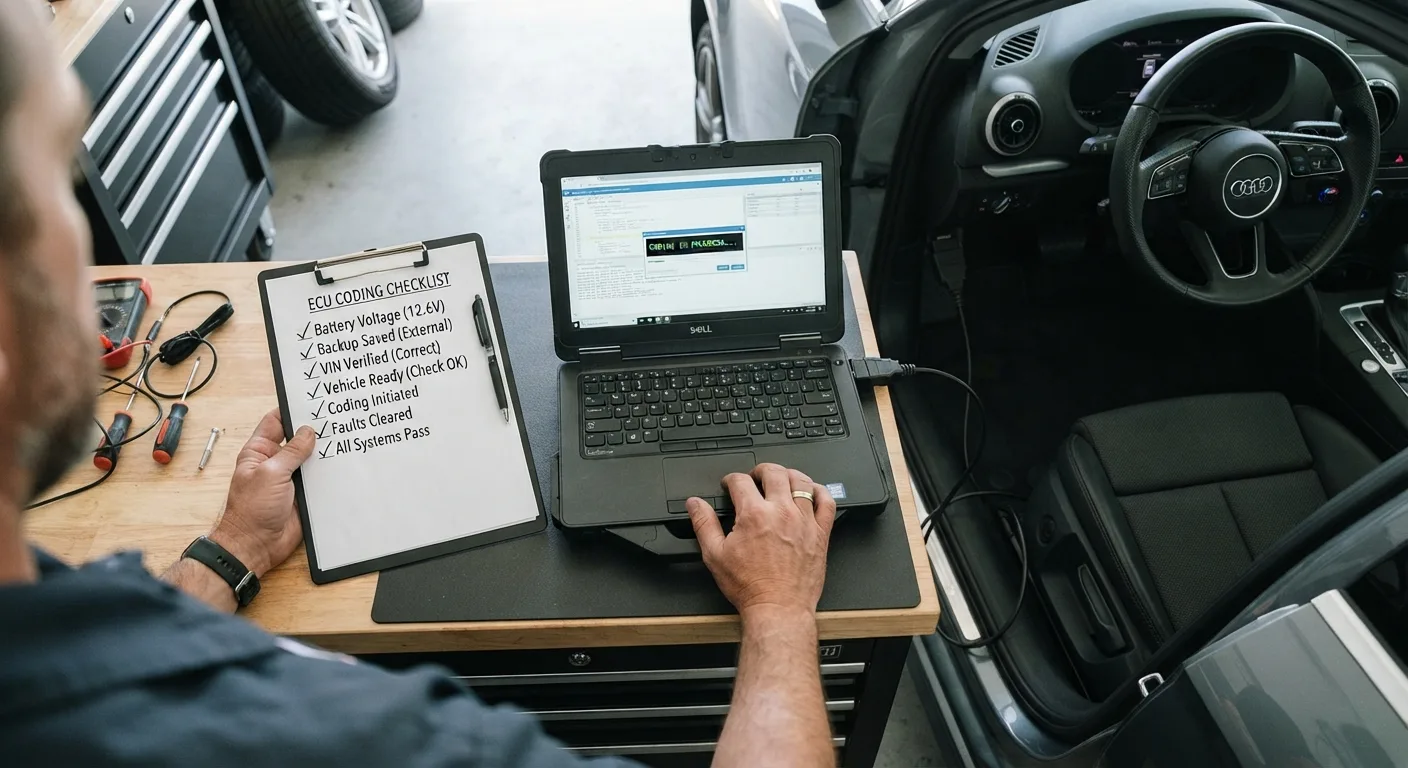
Coding is generally low risk when done correctly, but the consequences of an interrupted or incorrect write can be severe. A module that loses power during a write can become unresponsive, and recovering it may require dealer level equipment or replacement. The following checklist prevents the vast majority of avoidable failures.
Verify battery voltage. The battery must be at 12.6 volts or higher before you begin, and it should stay above 12.0 volts throughout the coding session. If voltage drops during a write, the module can brick. For longer sessions, connect a trickle charger.
Make a full backup. Every reputable coding tool allows you to export the current configuration before changing anything. Save that backup outside the phone or laptop, on cloud storage or a separate computer. If a change produces an undesirable result, the backup is your return path.
Verify the template and chassis code. A coding template for an F30 3 Series is not the same as one for a G20 3 Series. Applying a wrong generation template produces unpredictable results. Confirm that the vehicle profile matches your chassis code and production year.
Change one module and one setting at a time. If this is your first coding session, do not touch multiple modules simultaneously. Make one change, test it thoroughly, and only then move to the next. If something goes wrong, you know exactly which change caused it.
Put the phone in airplane mode. A incoming call, notification, or app update can sever the connection between the adapter and the module mid-write. Disable wireless connectivity on the device running the coding software before you connect to the vehicle.
Engine off, ignition on. Coding requires the engine to be off but the ignition to be on. On a push button start vehicle, press the start button once without touching the brake pedal. This wakes all control modules without cranking the engine.
Rehearse the recovery. Before your first coding session, run through the restore backup procedure once as a dry run. If something goes sideways, you should already know the recovery steps by heart.
Common Mistakes That Turn a Five Minute Change into a Four Figure Bill
The most common coding mistakes are not exotic software failures. They are basic procedural errors that the checklist above prevents.
Skipping the backup is the single most expensive shortcut. Without a saved copy of the original configuration, restoring a module to its factory state becomes a dealer visit or a community forum research project.
Coding a module that is protected by Secure Coding is a source of frustration for owners of newer BMW G-Series vehicles. If a module requires signed coding data, BimmerCode and similar tools will fail to write. Continuing to attempt the write or trying workarounds risks corrupting the module configuration.
Applying a coding change from a forum post without verifying hardware compatibility is another common trap. A parameter that works on a vehicle with a specific body control module or lighting package may produce no effect, a partial effect, or an undesirable side effect on a different configuration. The hardware must support the function before coding can enable it.
Coding safety or emissions related systems without understanding the implications is not a harmless experiment. Seat belt reminders, start-stop systems, and lighting functions are regulated in many jurisdictions. Coding that disables a legally required warning or alters emissions behavior can create liability and inspection problems.
Practical Examples: What Automotive Coding Looks Like in the Real World
A BMW G30 owner wants a digital speed readout and the Sport Plus driving mode that was not enabled on their trim. Using BimmerCode, they back up the KOMBI and BDC_BODY modules, then activate the digital speed display in KOMBI and the Sport Plus parameters in BDC_BODY and the head unit. After writing the changes and cycling the ignition, the cluster shows a digital speed and the driving mode selector offers Sport Plus. The entire process takes under twenty minutes, and the backup files remain on their phone for reversal.
A Volkswagen Golf owner is tired of manually disabling start-stop at every trip. Using VCDS, they access the appropriate module and change the adaptation channel so the system remembers the last state. They test by switching start-stop off, cycling the ignition, and confirming that it stays off. The change is reversible through the same adaptation channel, and the original value is recorded in their VCDS log.
A Ford F-150 owner wants to disable the seat belt chime for a specific work situation where the belt is routinely unbuckled at low speeds on private property. Using ForScan, they locate the as-built parameter for the chime and change the relevant byte. They keep the visual warning active and understand that the legal obligation to wear a belt on public roads remains unchanged. They save the original as-built data before writing the new value.
Frequently Asked Questions
Is automotive coding the same as ECU tuning? No. Coding changes configuration settings inside existing software. Tuning or flashing writes new calibration data to the engine control unit to alter performance. Coding cannot add horsepower or change fuel maps.
Will coding void my warranty? It depends on the manufacturer, the specific change, and the dealer's assessment of whether the change caused a subsequent failure. Some coding changes are undetectable in normal service, while others alter parameters that a dealer scan can flag. Coding that affects emissions or safety systems carries higher warranty risk. Check your warranty terms and local consumer law before proceeding.
Can I brick my car with coding? A completed, correct write to a supported module is unlikely to brick the vehicle. The realistic bricking scenarios involve interrupted writes, low voltage, wrong templates, or forcing writes to modules protected by Secure Coding. Following the safety checklist reduces this risk dramatically.
Do I need a laptop or can I use my phone? Both are possible. BimmerCode and OBDeleven are phone based. VCDS and ForScan are Windows laptop applications. The choice depends on the tool ecosystem for your vehicle, not on a universal rule.
Why does a coding change show "successful" but the feature still does not work? The hardware may not support the function, a related module may also need coding, or the vehicle's software version may require a different parameter. Coding enables functions that the hardware and software can already perform; it does not create new capability.
Is it legal to disable the seat belt chime? In many jurisdictions, the audible reminder is not itself a legal requirement, but the obligation to wear a seat belt certainly is. Disabling the chime does not change the law or the crash protection provided by the belt and airbags. Several coding guides explicitly state that the legal duty to wear a belt continues regardless of the chime setting. Confirm local regulations before making the change.
What is Secure Coding and why does it block BimmerCode? Secure Coding, or NCD 2.0, is a BMW protection system that requires every coding file to be digitally signed by BMW's backend. Standard coding tools cannot write to modules protected by this system because they cannot produce the required signature. This affects many newer G-Series vehicles and some modules on iDrive 7 and iDrive 8 platforms.
5. Final Thoughts
Automotive coding is one of the few remaining areas where a car owner can access real value without buying hardware or paying for a subscription service. The features are already in the vehicle. The settings are already understood by the modules. What coding provides is the ability to choose a configuration that matches your use of the car.
Start with one low risk change on one module. Back up the original configuration. Verify the template matches your chassis code. Test the result before moving on. That discipline is what separates a satisfying customization session from a module recovery exercise. Once you have completed a needle sweep or a digital speed display, you will understand the workflow well enough to evaluate larger changes on their merits rather than on the enthusiasm of a forum post.
The next step is to identify the tool that matches your vehicle. If you drive a BMW or Mini, BimmerCode is the most direct entry point. If you drive a Volkswagen Group vehicle, VCDS or OBDeleven is the appropriate platform. For Ford vehicles, ForScan provides the deepest access. Whichever platform you choose, the safety checklist in this guide applies without exception.