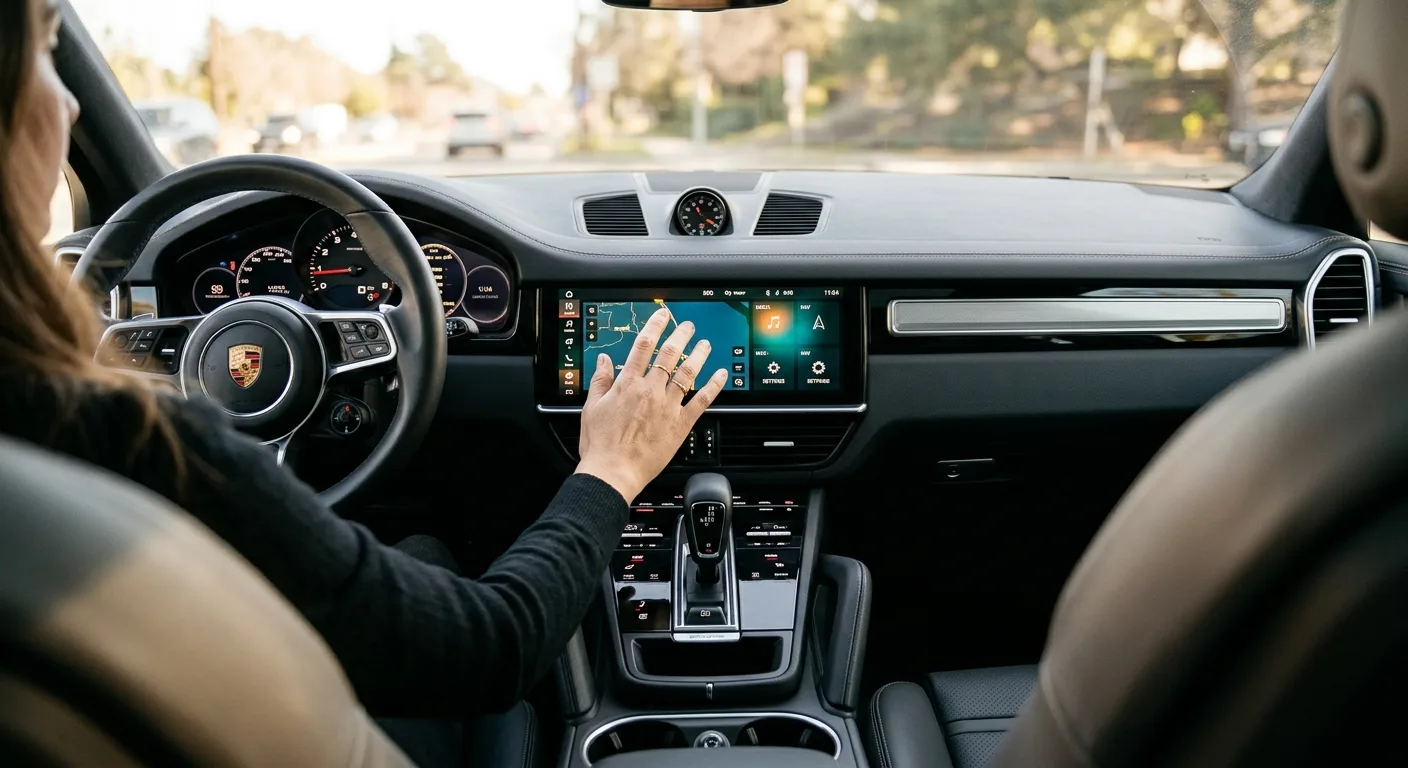
Your screen froze, the radio won't connect, or the backup camera shows nothing but black. Before you book a dealer appointment that could cost you a few hundred dollars and a full day, try a reset. It's one of the few car fixes you can genuinely do in your driveway.
By the end of this guide you'll know the difference between a soft reset and a full factory reset, how to do both safely, and what to check if the screen still misbehaves. Most resets take two to ten minutes. A full factory reset, including re-pairing your phone and re-entering presets, is more like 20 to 30 minutes of your time.
One thing up front: resetting is not the same as fixing. It clears temporary glitches, but it won't repair failing hardware. We'll cover how to tell the difference.
What you need before you start
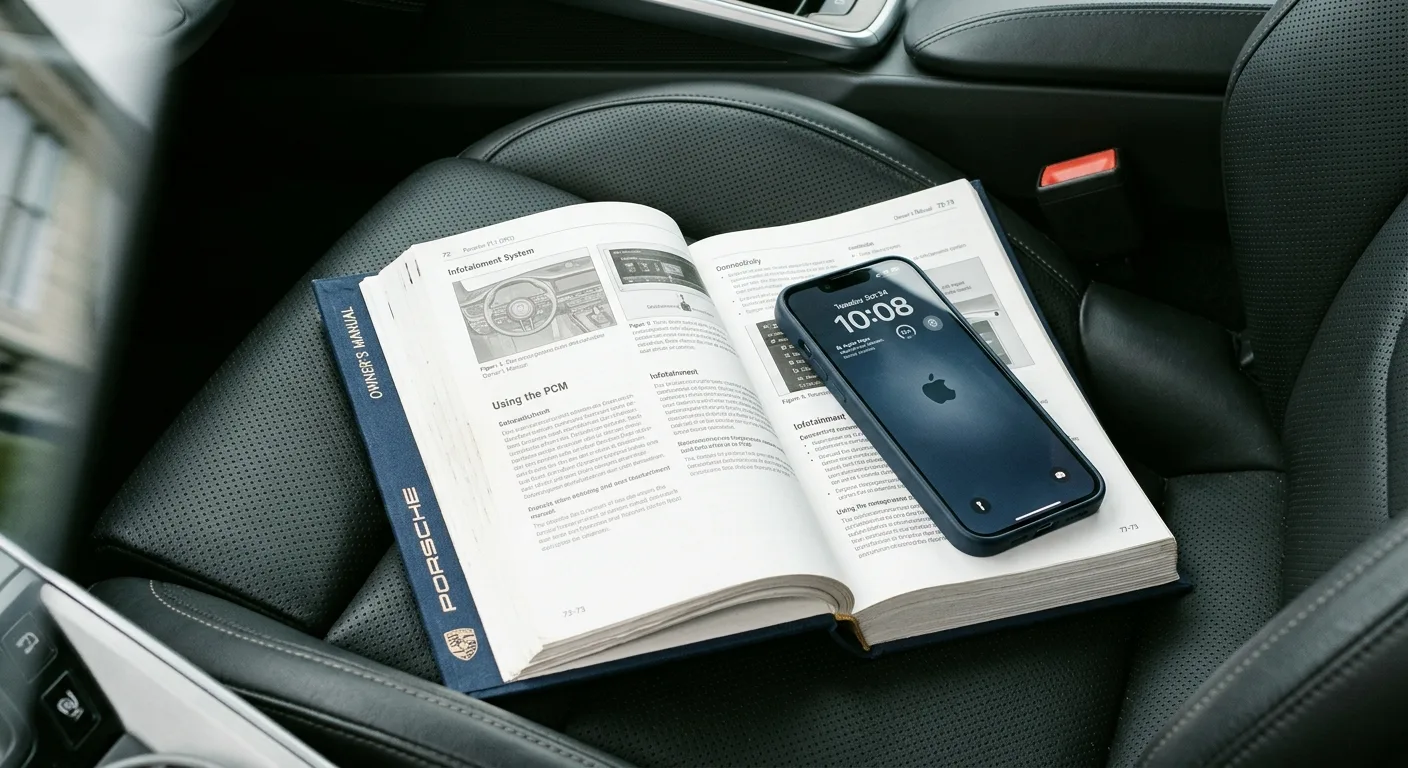
- Your owner's manual, or the infotainment section of it. Reset procedures vary wildly between brands, and the manual is the only source that's guaranteed correct for your car.
- Your phone, if you plan a factory reset. You'll need to re-pair Bluetooth and possibly reinstall a companion app.
- Any logins you use in the car's apps, like a streaming account or a navigation subscription.
- A photo of your radio presets and saved navigation addresses, taken with your phone. Cheap insurance.
- About 10 minutes with the car parked. Some resets want the engine running or the ignition in a specific state.
- A small microfiber cloth. If you're touching the screen, don't do it with greasy fingers.
No special tools required. Some systems have a tiny recessed reset button that needs a paperclip or SIM-ejector tool. Check your manual before hunting for it.
Step 1: Confirm it's actually a software problem
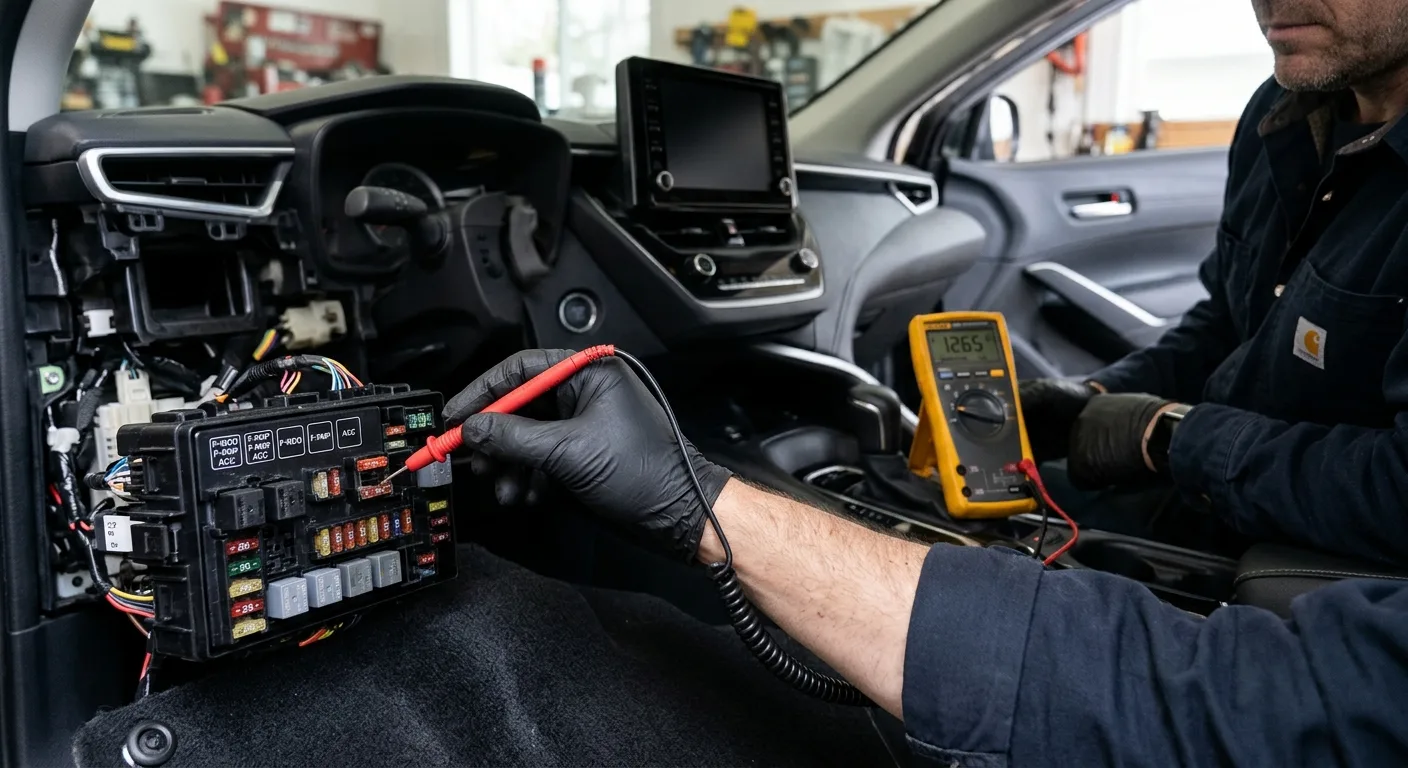
Before you reset anything, rule out the obvious. A dead screen can be a blown fuse, a loose connector, or a battery that's on its way out. A reset won't touch any of those.
Ask yourself: did this start after an update, after you paired a new phone, or after the car sat in cold weather? Those point to software. Did it start after a jump start, a battery change, or a weird electrical smell? Those point to hardware, and you should stop and get it checked.
If the car is throwing warning lights alongside the screen trouble, pull the codes with the free OBD code lookup before you go further. It takes a minute and tells you whether the infotainment issue is part of a bigger electrical story.
Time: 2 minutes. Cost: nothing.
Step 2: Try the soft reset first
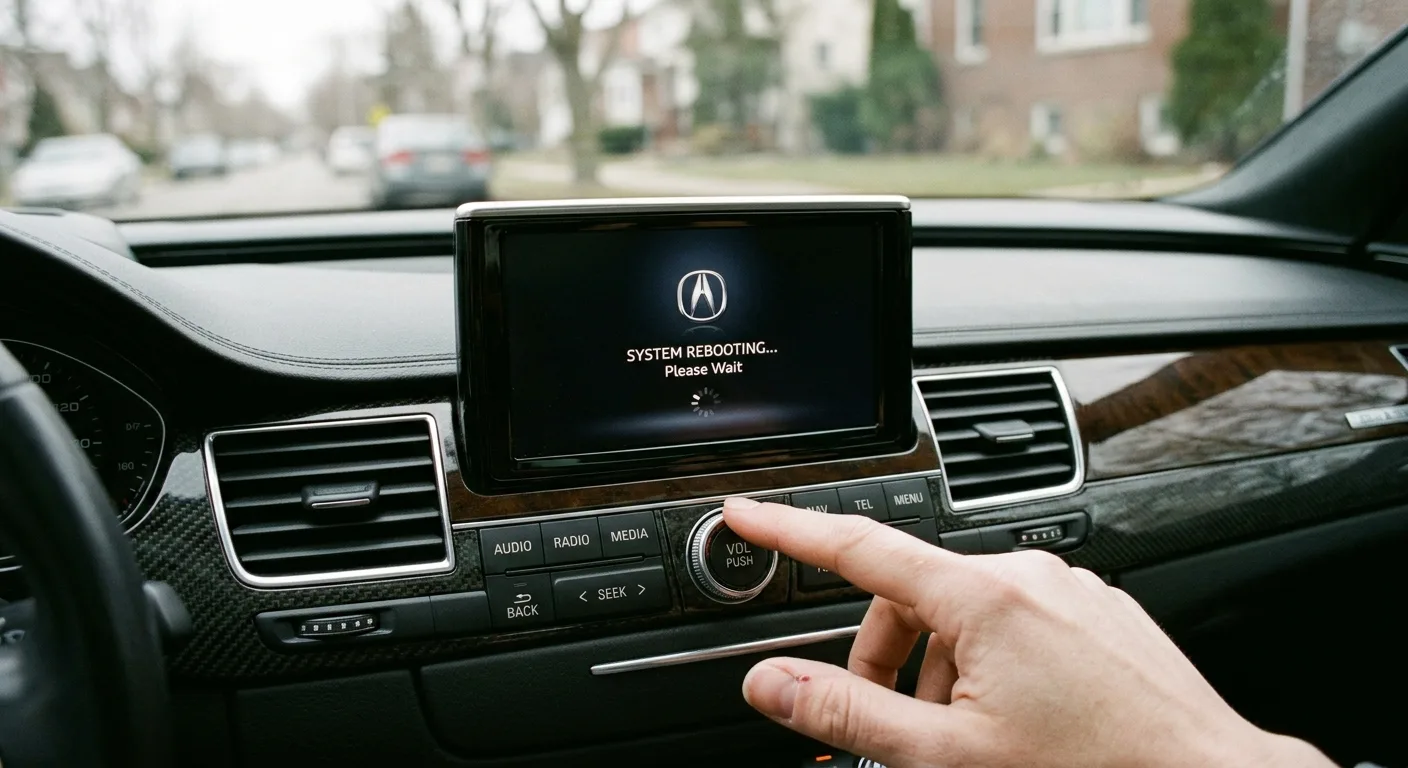
This is the one to start with. A soft reset reboots the unit without erasing anything: no lost presets, no re-pairing your phone.
The exact method depends on your system, but it's almost always one of these:
- Hold the power or volume knob for 10 to 15 seconds until the screen goes dark and comes back. Very common on many modern head units.
- Press a recessed reset button with a paperclip. Usually a small pinhole marked "RESET" near the screen or on the bezel.
- Use a menu option labeled something like "Restart system" or "Reboot" in the settings.
- Pull the infotainment fuse for 30 seconds, then put it back. This is the last resort for a soft reset and works on almost anything. Find the fuse number in your manual, never guess.
Why it matters: a soft reset clears the temporary memory the system uses while running. Frozen screens and dropped Bluetooth connections are usually stuck there.
Safety note: if you're pulling a fuse, do it with the ignition off and the key out (or the fob well away from the car). Don't yank fuses with the car running.
Tip: after the reboot, give it a minute before you judge. Some systems take 30 to 60 seconds to fully wake up, and hammering the screen during that window just makes it worse.
Time: 2 to 5 minutes. Cost: nothing.
Step 3: Check for updates before you go nuclear
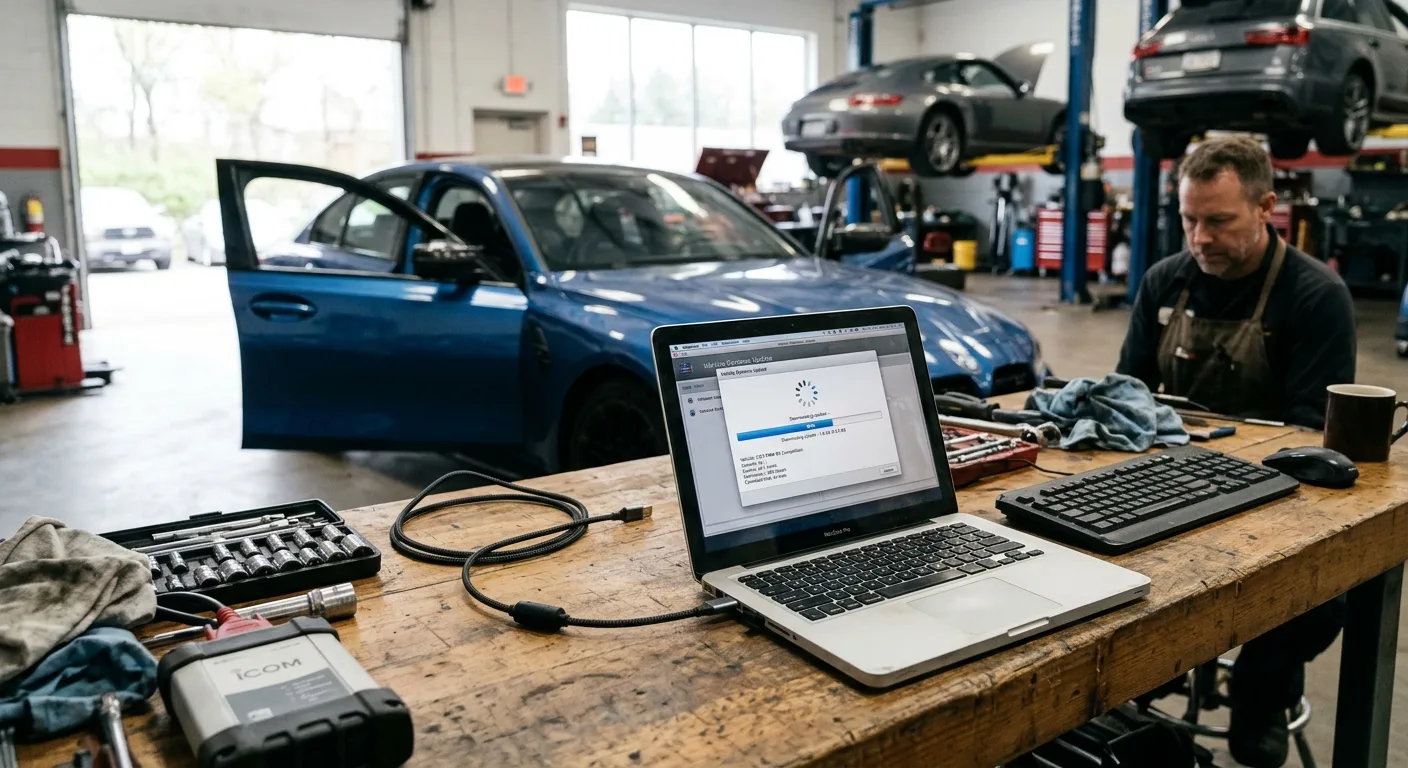
A factory reset wipes your settings. An update often fixes the same bug without the hassle. If your car supports over-the-air updates, look for a software update option in the settings menu. If it doesn't, the dealer or a USB update from the manufacturer's website (check your manual for the process) may be the route.
This step is optional if you're in a hurry. But if your glitch started right after a known buggy release, updating is smarter than resetting.
Time: 10 to 40 minutes depending on the update. Cost: usually free, dealer time may not be.
Step 4: Back up what you can
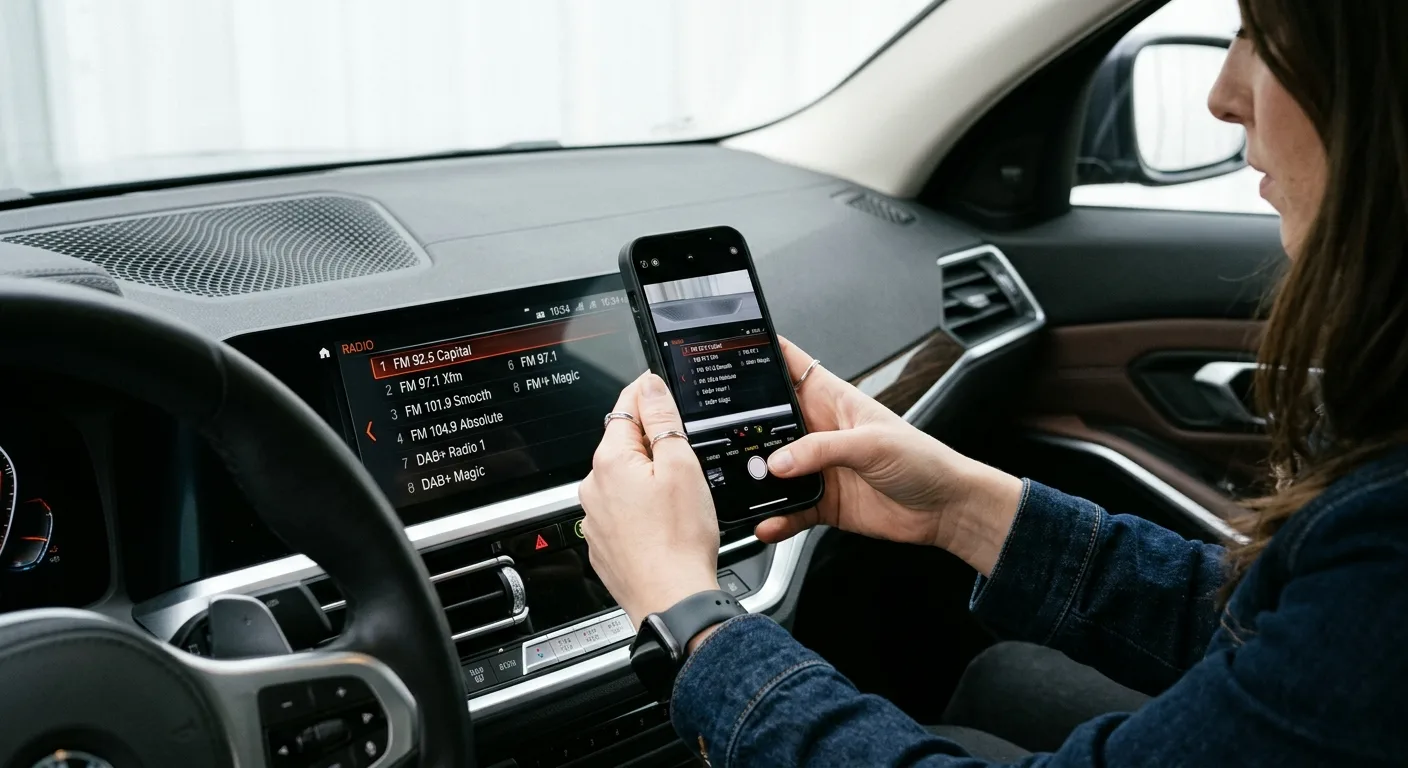
Before a factory reset, save the things you'll hate re-entering: radio presets, home and work addresses, paired phones, saved seat and mirror profiles if they live in the infotainment system, and any downloaded map regions.
Take photos of the screens. It sounds silly until you're staring at a blank preset list trying to remember which station you actually listen to.
Tip: if your car stores driver profiles in the cloud through a manufacturer account, make sure you're signed in so the settings sync back after the reset. Check your manual for whether your model does this.
Time: 5 minutes. Cost: nothing.
Step 5: Do the factory reset
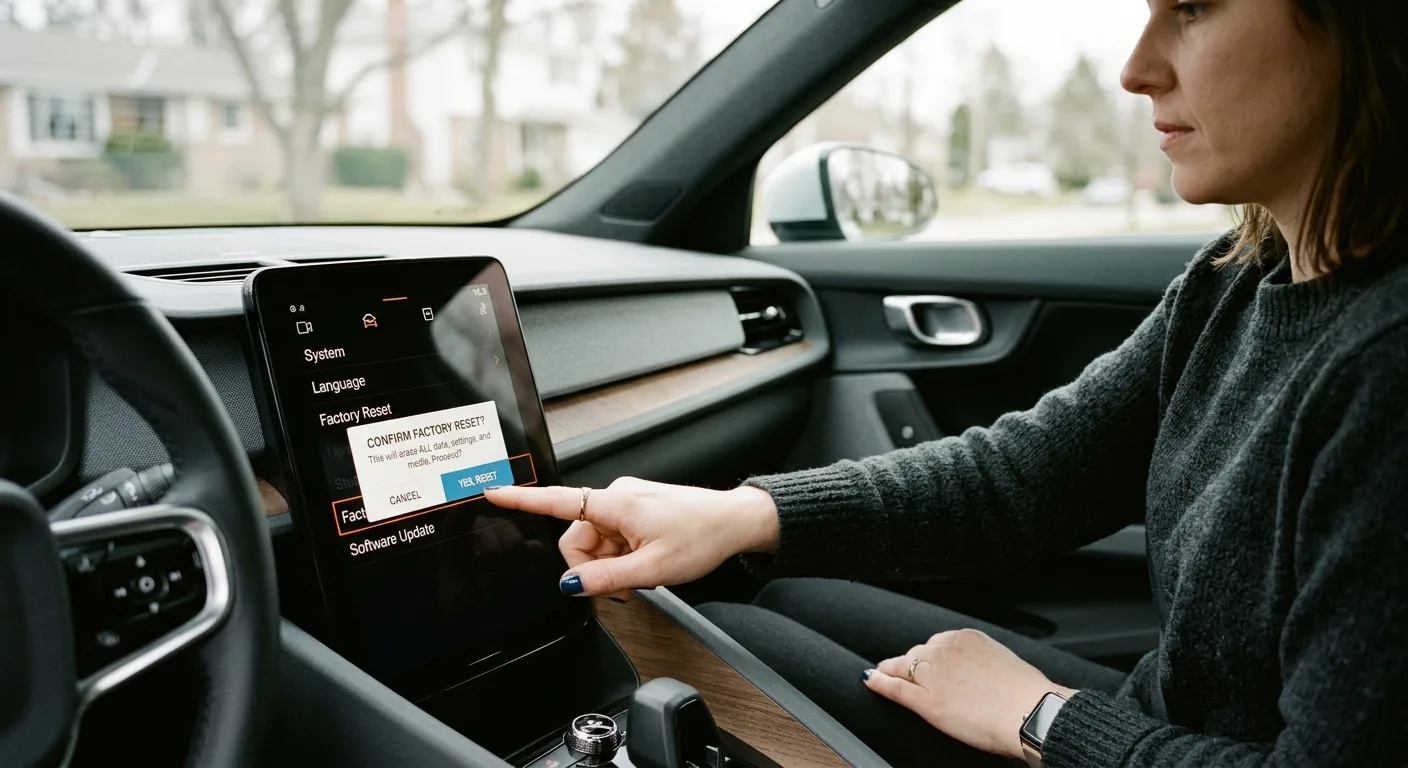
Now the big one. This wipes the system back to how it left the factory: all personal data, pairings, presets, and logins gone.
The path is usually Settings > System > Reset, or Settings > General > Factory Data Reset. Wording varies. Some systems ask for a confirmation code, sometimes printed in the manual, sometimes a simple "yes" prompt.
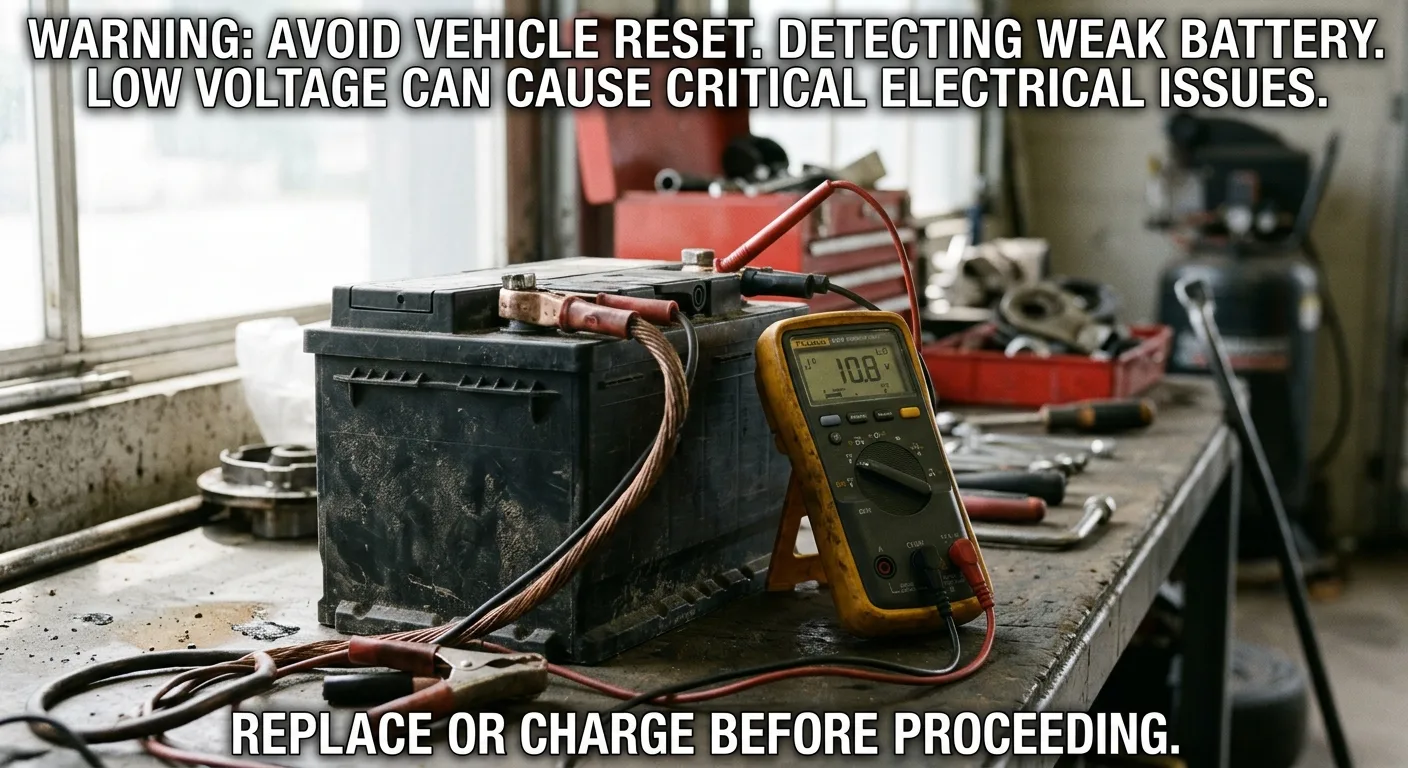
Safety note: do this parked, with the engine running or the ignition in accessory mode and a charger connected if you have one. If the battery dies mid-reset, you can end up with a system that won't boot. Don't attempt a factory reset on a battery you already suspect is weak.
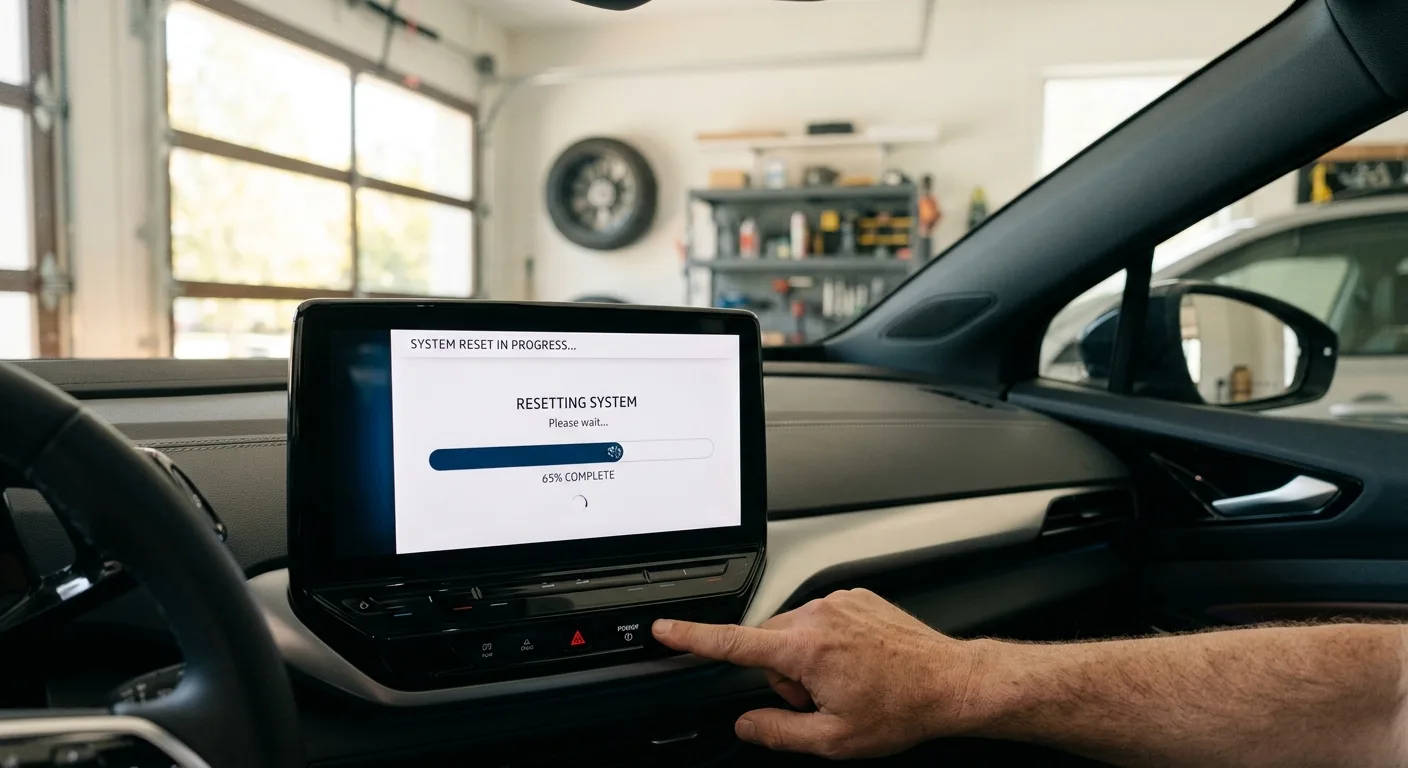
Let it finish completely. Don't poke the screen, don't turn the car off, don't open the door and kill accessory power. Some units take several minutes and reboot more than once.
Time: 5 to 15 minutes for the reset itself. Cost: nothing.
Step 6: Set it back up and test
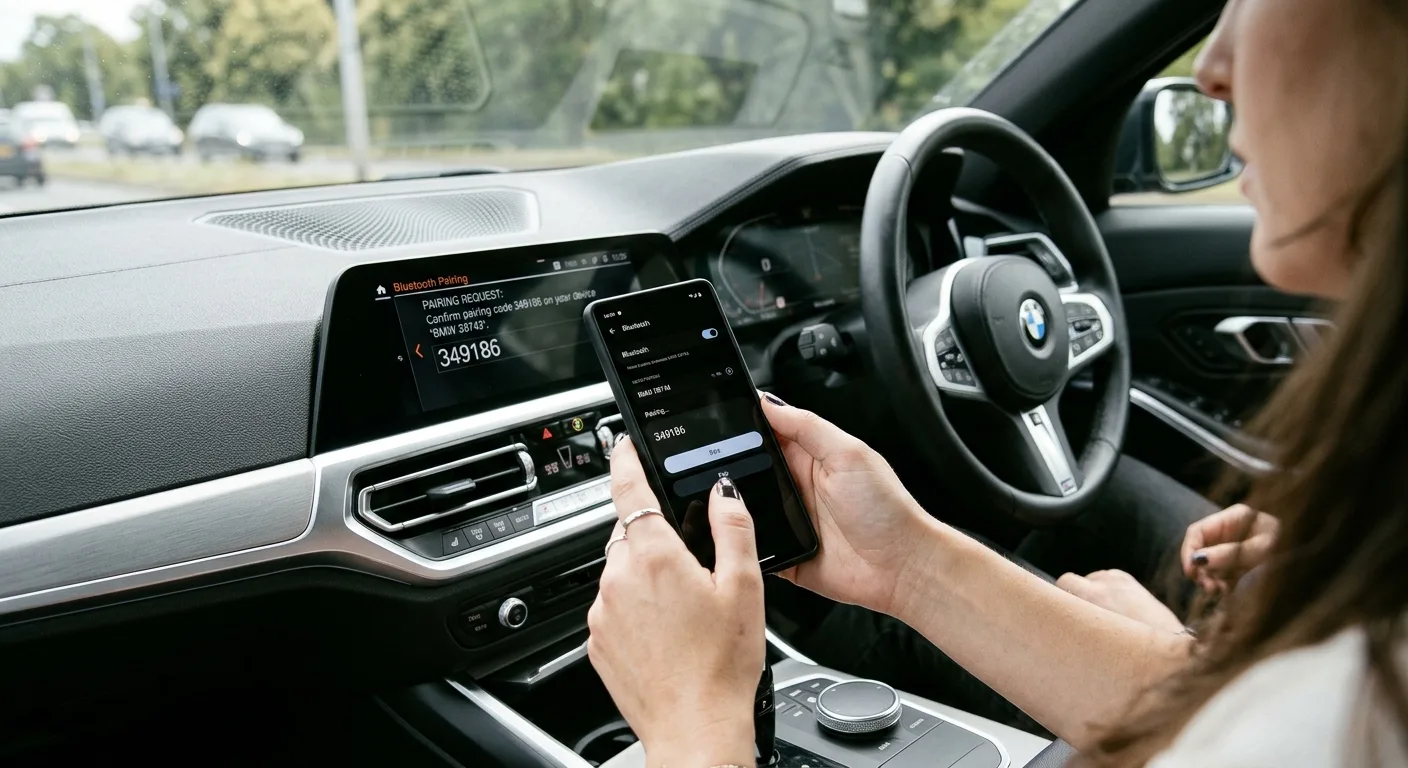
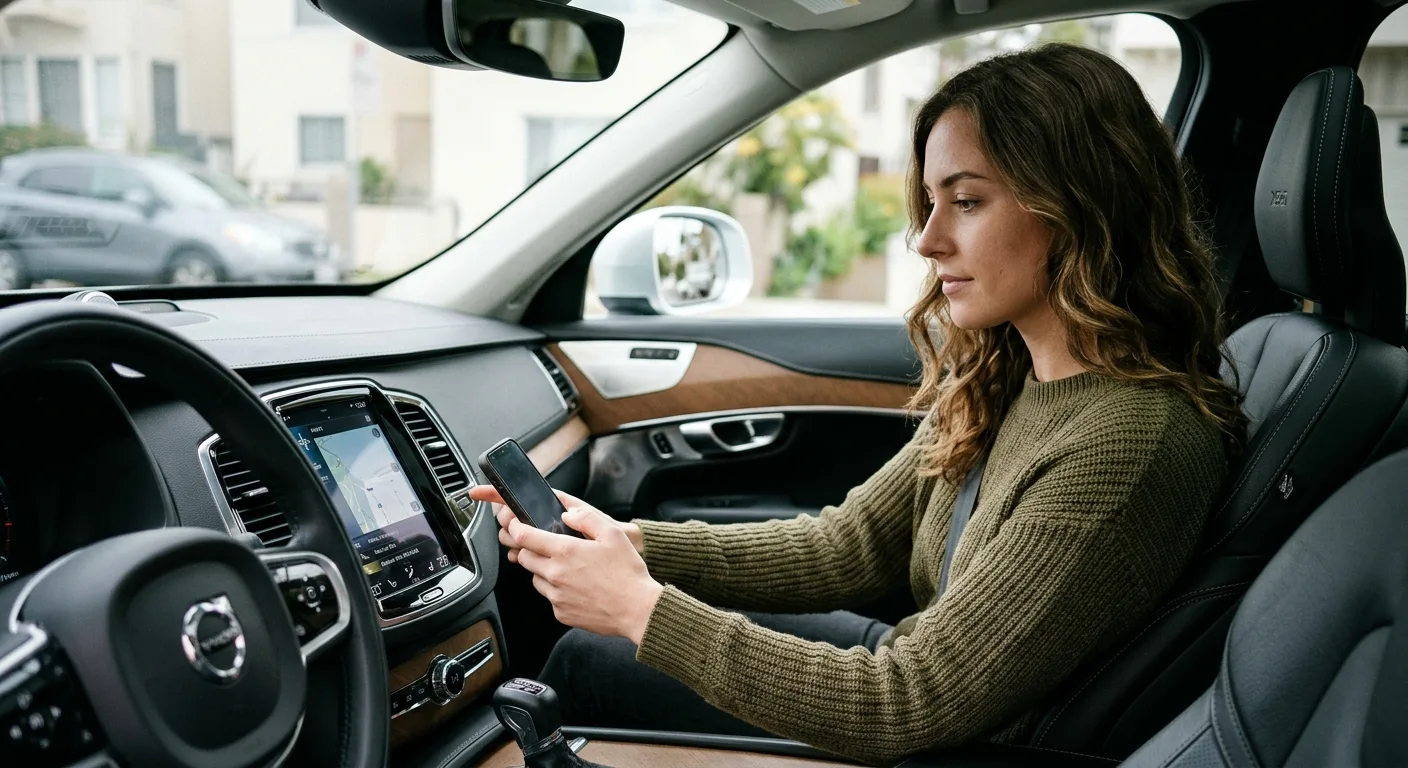
Re-pair your phone, re-enter presets, sign back into your apps, and reconnect any services like navigation traffic or remote start. Then test the things that were broken: Bluetooth calls, the backup camera, voice commands, streaming audio.
If it's all working now, you're done. If the same glitch comes back within a day or two, that's a strong signal the problem isn't a software hiccup. It's likely a failing module, a wiring issue, or a hardware fault, and it's time for a shop to look at it.
Tip: if the screen is fine but the car feels off in other ways, the car symptom finder can help you sort out whether you're chasing one problem or two.
Step 7: What if the reset didn't work?
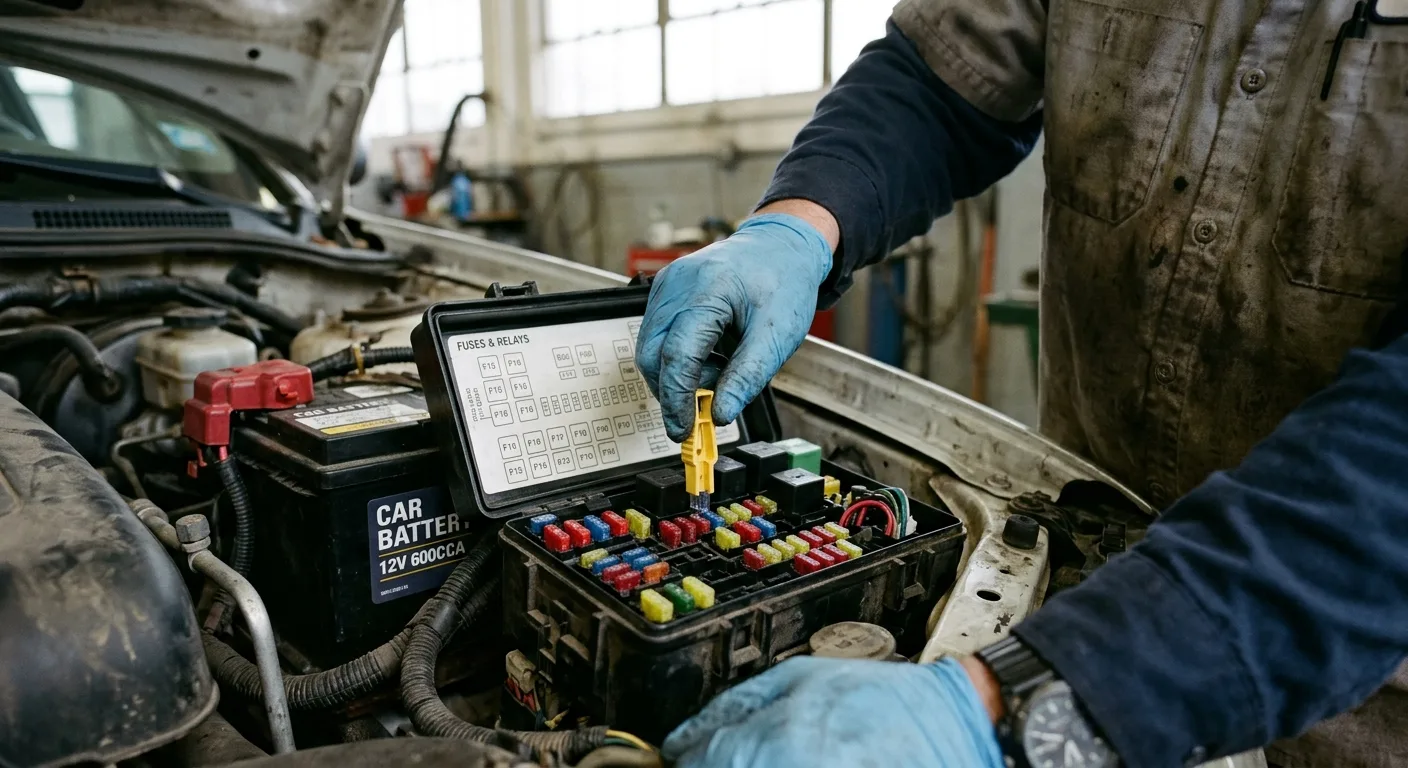
Work through this in order. It saves you from throwing parts at a problem.
- Check the fuse. A partially blown or loose fuse can cause intermittent behavior that looks like software.
- Check the battery. A weak battery causes all kinds of electrical gremlins on modern cars. Have it load-tested at any auto parts store, usually free.
- Look for a recall or service bulletin. Some infotainment faults get fixed by the manufacturer at no cost. Ask the dealer to check your VIN.
- Pull codes with the OBD live-data tool if you have a scanner. Communication errors between modules can point to a specific failing part.
- Get a diagnosis. If you've done the above and the screen still acts up, a shop with the right scan tool is the honest move.
Time: 20 to 60 minutes of your own checking. Cost: free to a diagnostic fee at a shop, often $100 to $200 depending on where you go. Ask before you book.
Pro tips
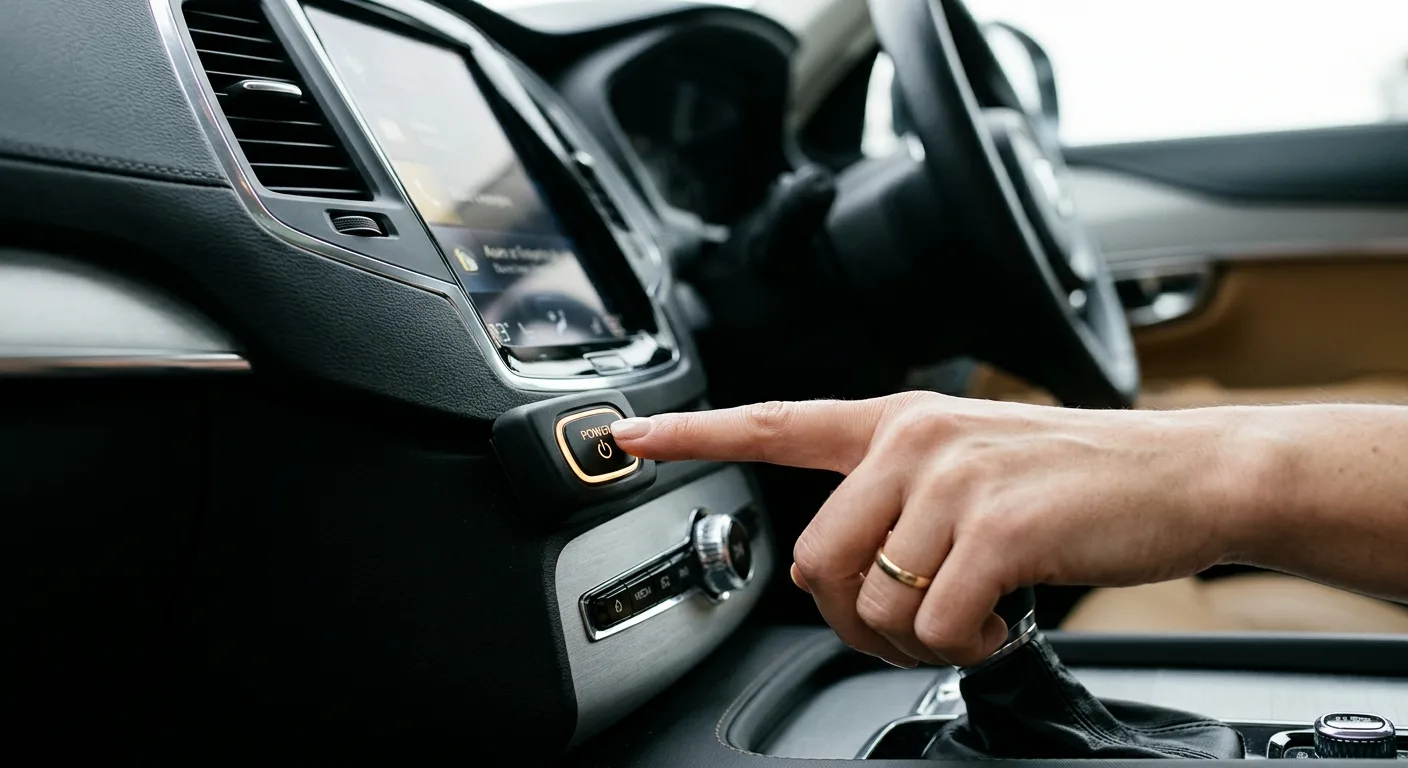
- Do the soft reset first, every time. It fixes the majority of frozen screens and won't cost you your presets. Save the factory reset for when the soft reset fails twice.
- Reset right after a bad update, not before. If your system updated recently and started acting up, the reset is more likely to stick once the buggy version is already installed.
- Learn your fuse map now. Knowing which fuse runs the infotainment system before you need it turns a roadside panic into a two-minute fix. Tape the fuse number inside the manual.
- Watch the temperature. Some screens act up in extreme heat or cold and settle down once the cabin normalizes. Don't reset in a freezing car and assume it's broken.
- Keep a note of what you changed. If a reset fixes things, jot down what you did and when. If the problem returns, that log saves a mechanic hours of guessing.
Common pitfalls
- Factory resetting before trying a soft reset. You'll lose all your settings for a problem a simple reboot would have solved. Start small.
- Resetting with a weak battery. This is how you turn a glitch into a no-start situation. Test the battery first if it's more than a few years old.
- Pulling random fuses. Guessing can disable safety systems or trigger warning lights. Use the fuse diagram in your manual, full stop.
- Assuming a reset is a repair. If the same fault returns quickly, the hardware is telling you something. Don't keep resetting in a loop and calling it fixed.
- Forgetting to back up. Presets, addresses, and logins are your time. Photograph them before you wipe anything.
Useful resources

- Your owner's manual, first and always. It's the only source that matches your exact model and software version.
- The manufacturer's website or owner portal, for software updates and recall checks by VIN.
- The step-by-step car guides here for related jobs like fuse checks and battery testing.
- The free car tools page for quick calculators and checklists.
- The mechanical encyclopedia if you want to understand what the infotainment module actually does and how it talks to the rest of the car.
- The AutoTools blog and expert car tips for more DIY fixes that don't need a dealer.
FAQ
Will resetting my infotainment system erase my phone pairing? A soft reset won't. A factory reset will, along with presets and logins. That's why you back things up first.
How long does a reset take? A soft reset is two to five minutes. A factory reset plus setup is usually 15 to 30 minutes, depending on how many devices and apps you reconnect.
Can I reset while driving? No. Do it parked. A factory reset can kill the screen, the backup camera, and other functions mid-drive, and the engine state matters for the process.
My screen is still frozen after a reset. What now? Check the fuse and the battery, then look for recalls or service bulletins. If those are clean, it's likely a hardware fault and a shop should diagnose it.
Does a reset fix slow performance? Sometimes. Clearing stuck memory can help a sluggish system. If it's slow again within days, the unit may be aging or the software version is the problem. Check for an update.
Final word
You just learned a skill the dealer charges real money for, and you can do it in your driveway with a paperclip and a little patience. Start with the soft reset, back up before the big one, and don't be shy about calling it a hardware problem if the glitch keeps coming back. A little curiosity beats a loaner car any day. If you're the type who likes to know how things work, the mechanic quiz is a fun five-minute check of where you stand.